Built around how O3DE actually works.
OPAL is a purpose-built launcher that carries the whole pipeline — create, build, run, debug, and export.
All from one starting point.
You make the calls; OPAL does the legwork. Everything you see is in the app today!
Engines
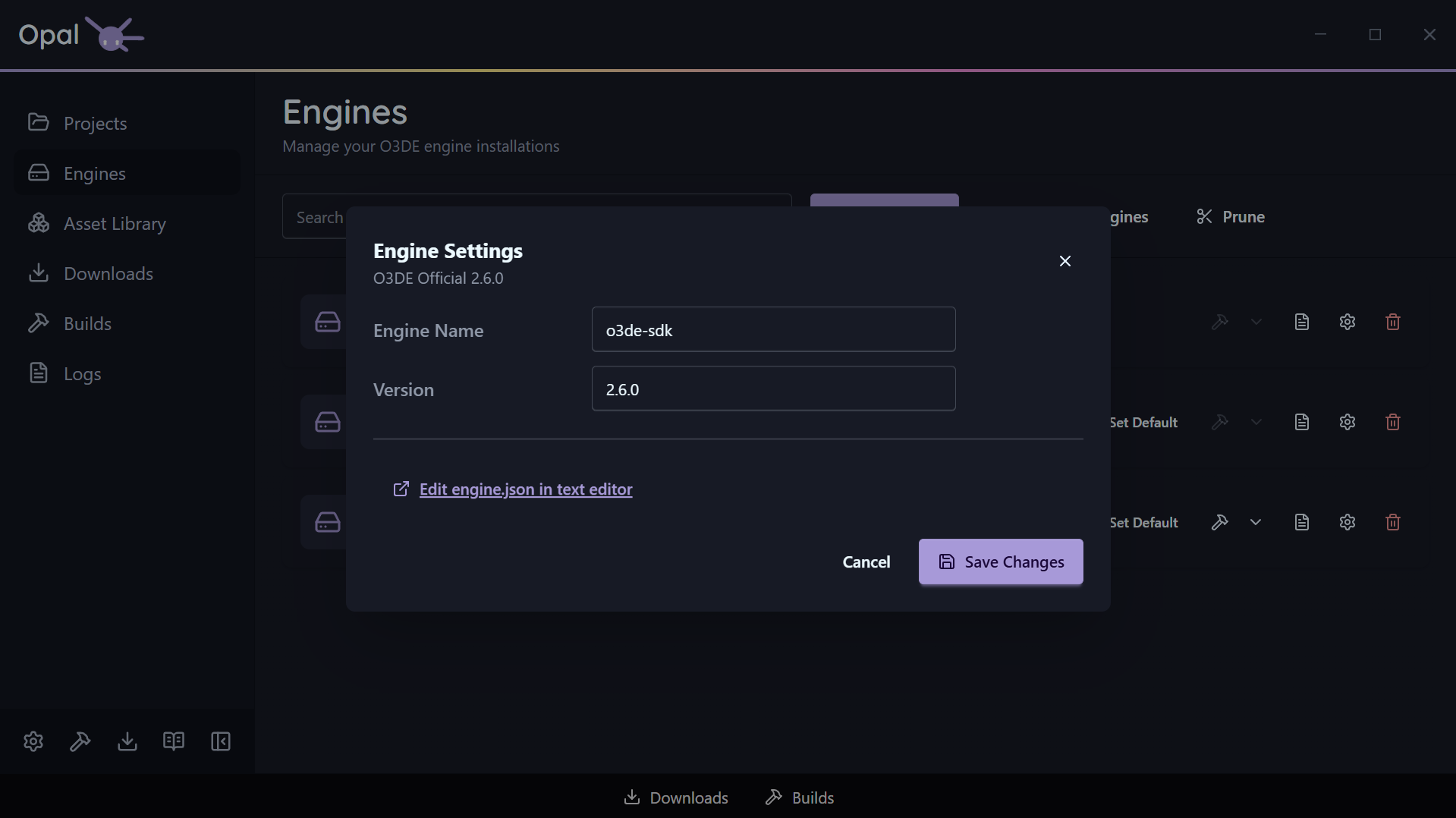
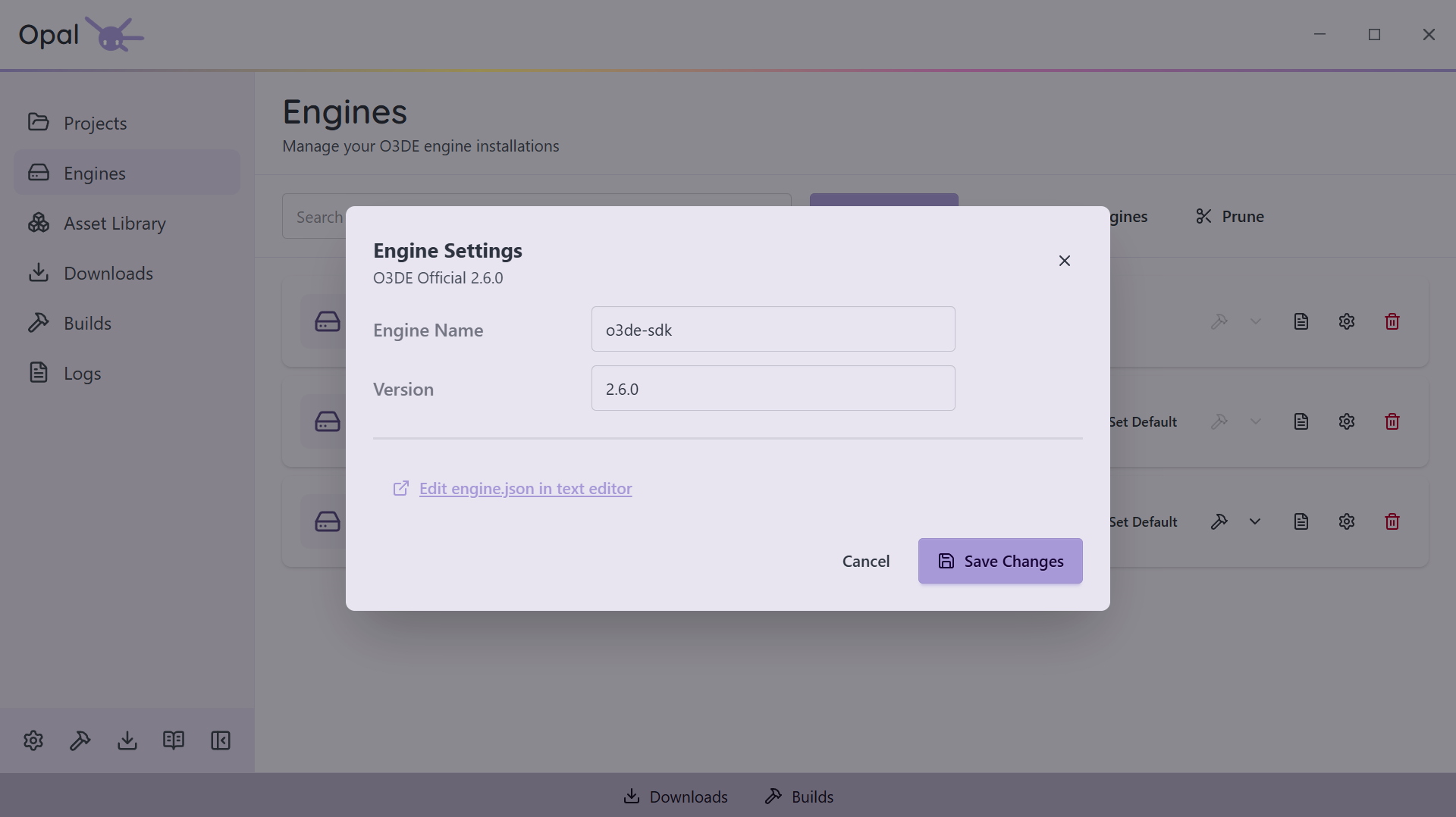
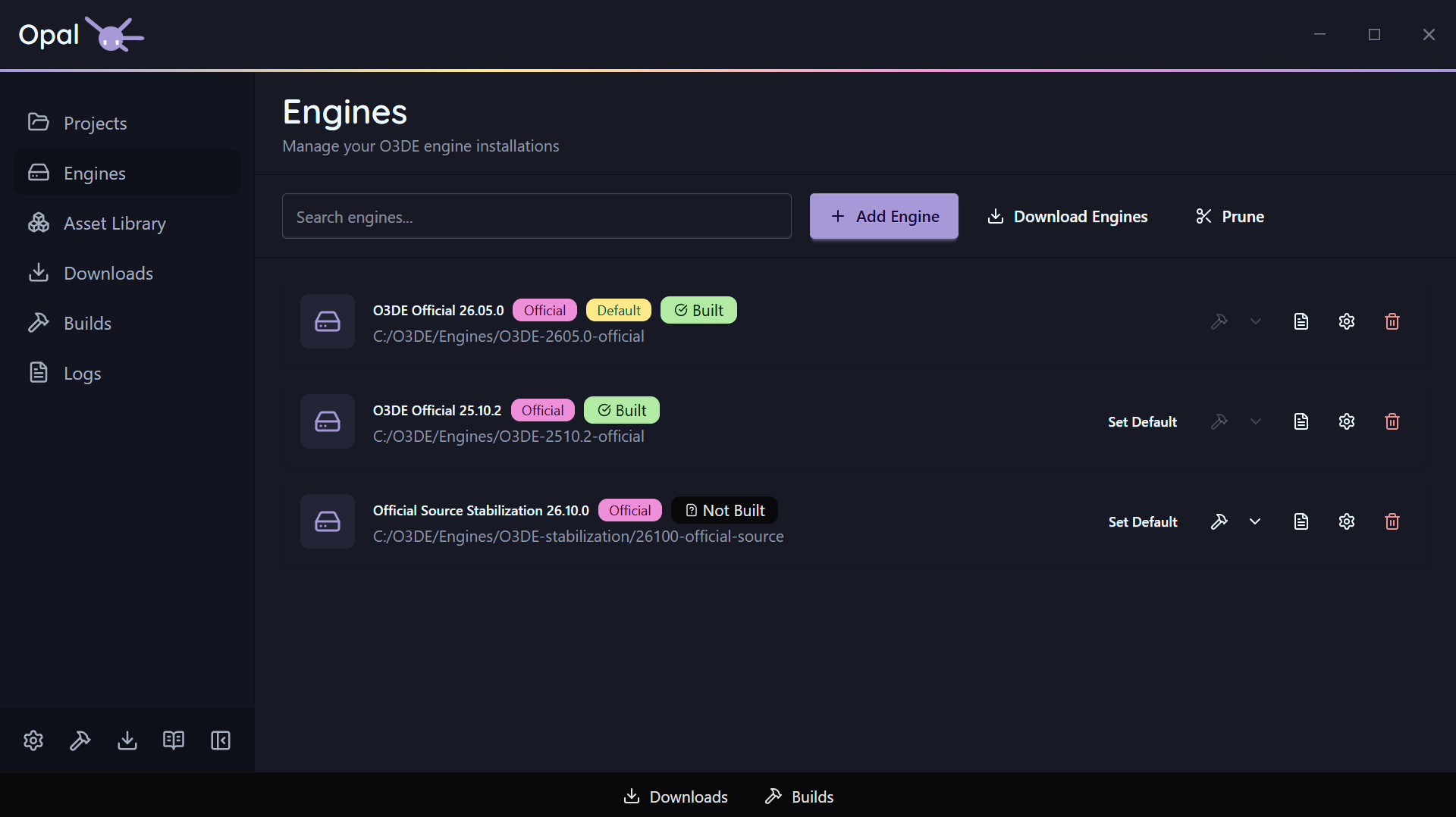
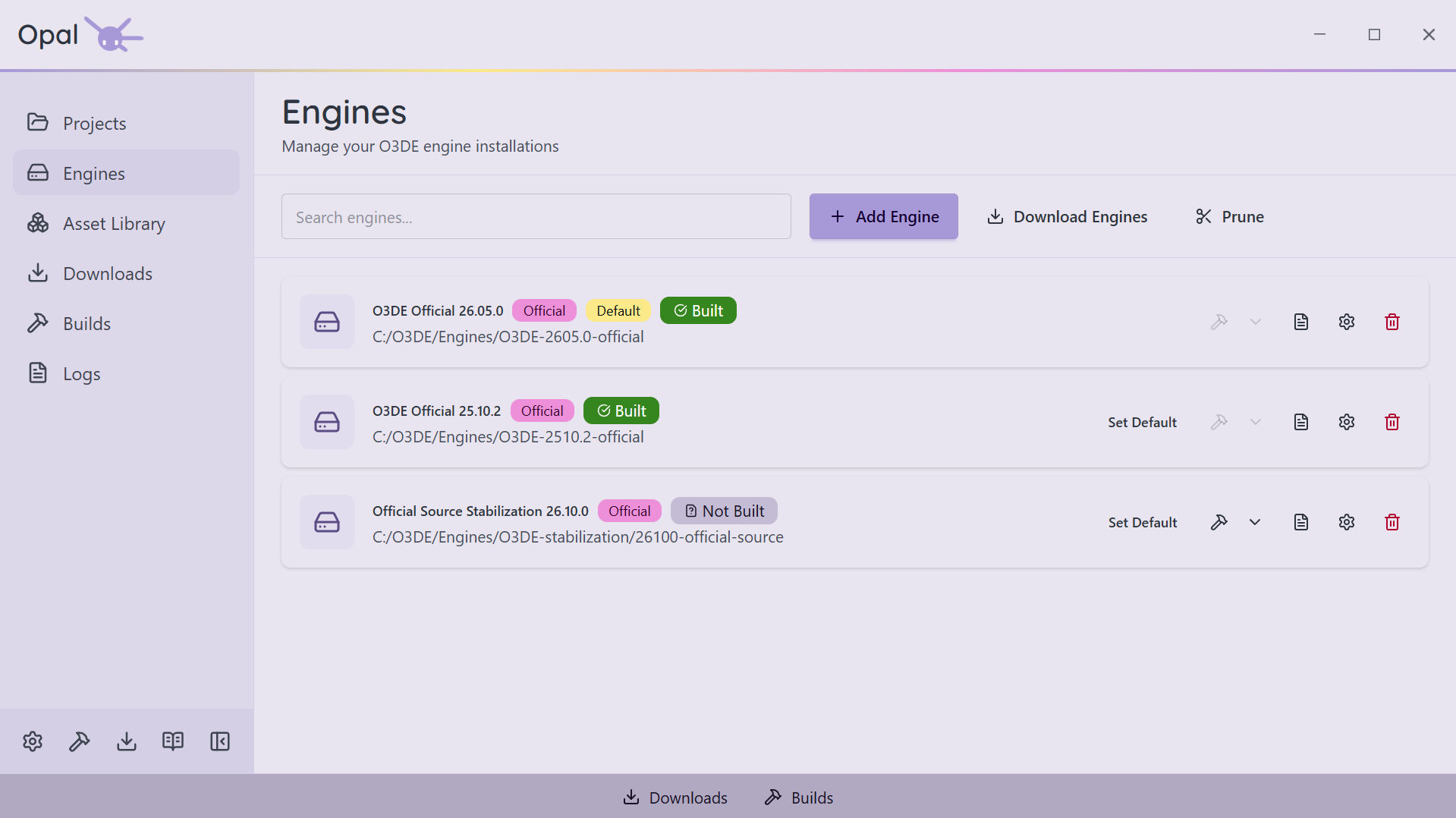
Every O3DE version, installed from one place
Install straight from the launcher
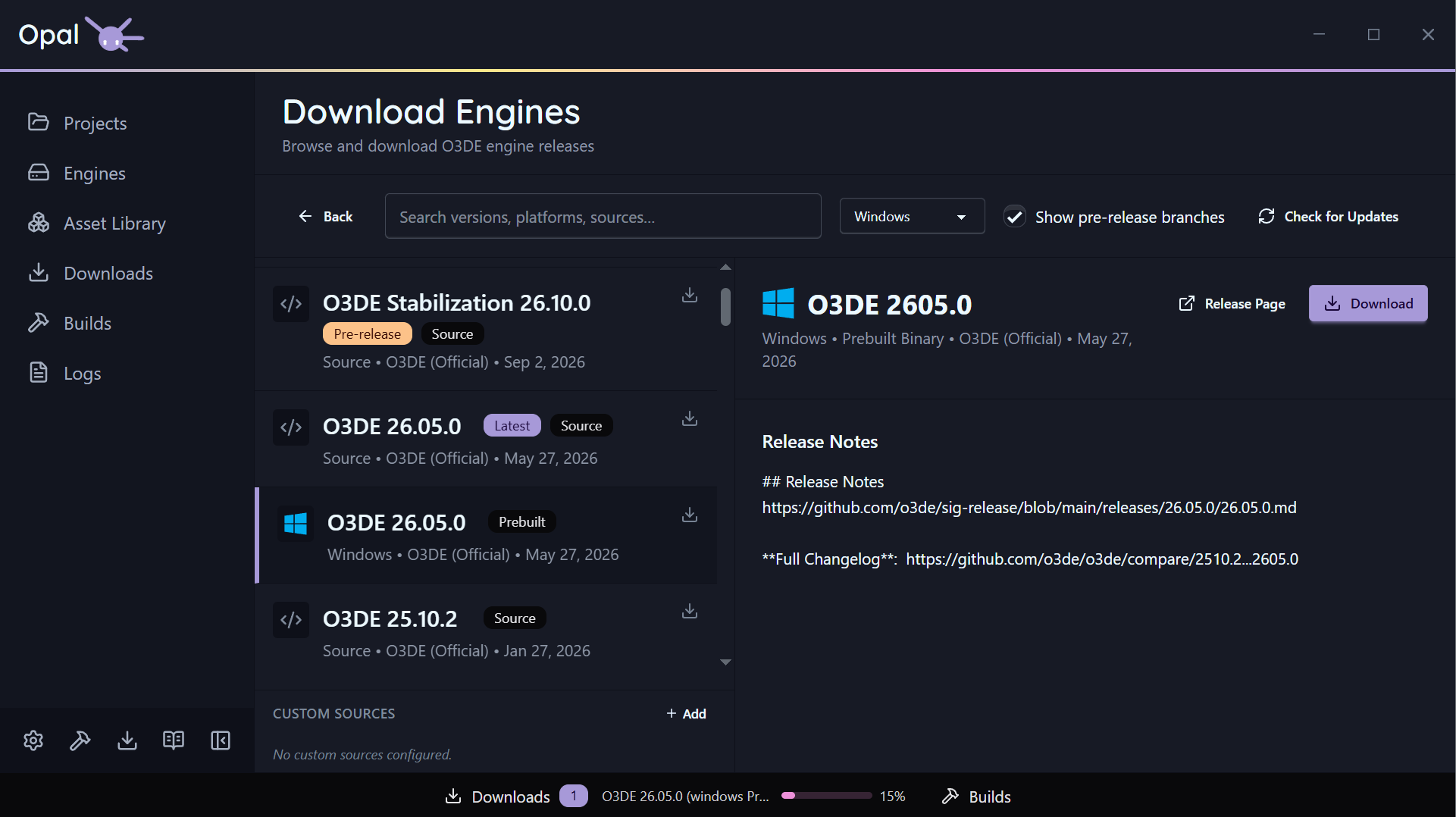
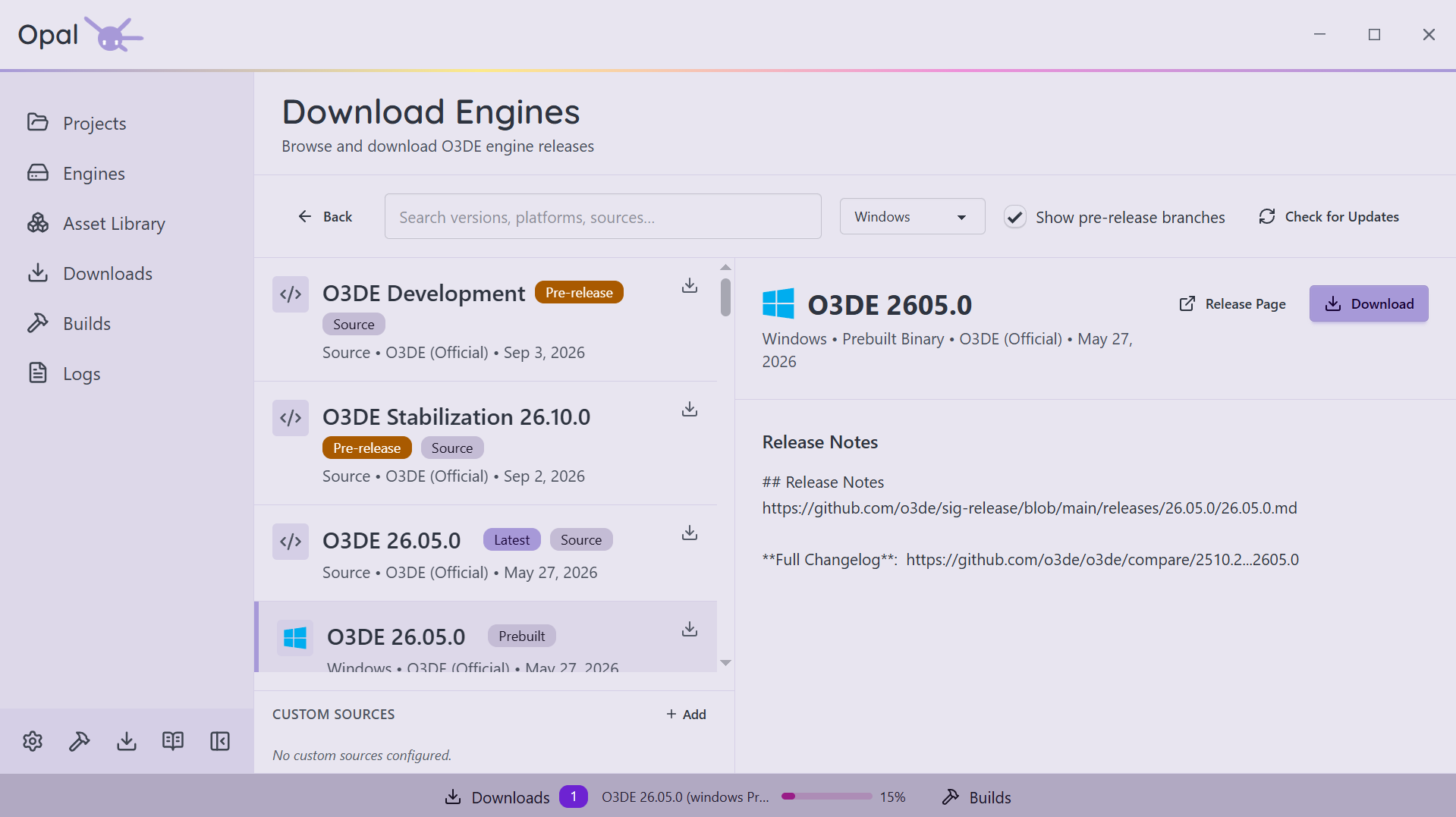
The Engine Downloads page reads O3DE's release metadata and lists official builds by platform — Windows, Linux, and macOS. A "Latest" badge marks the newest release. Pick one and OPAL downloads and registers it. You never have to visit the O3DE website.
Older versions and pre-releases
Need a specific prior release? It's in the list. Want to ride the edge? Flip on "Show pre-releases" to surface development and stabilization branch builds. Every version installs and registers independently.
Installer or source — your call
Prefer the prebuilt binary for speed? One click. Want to build the engine from source so you can patch it? OPAL handles the download and queues the build. Prebuilt and source engines are tracked distinctly, with build actions offered only where they apply.
Bring your own sources
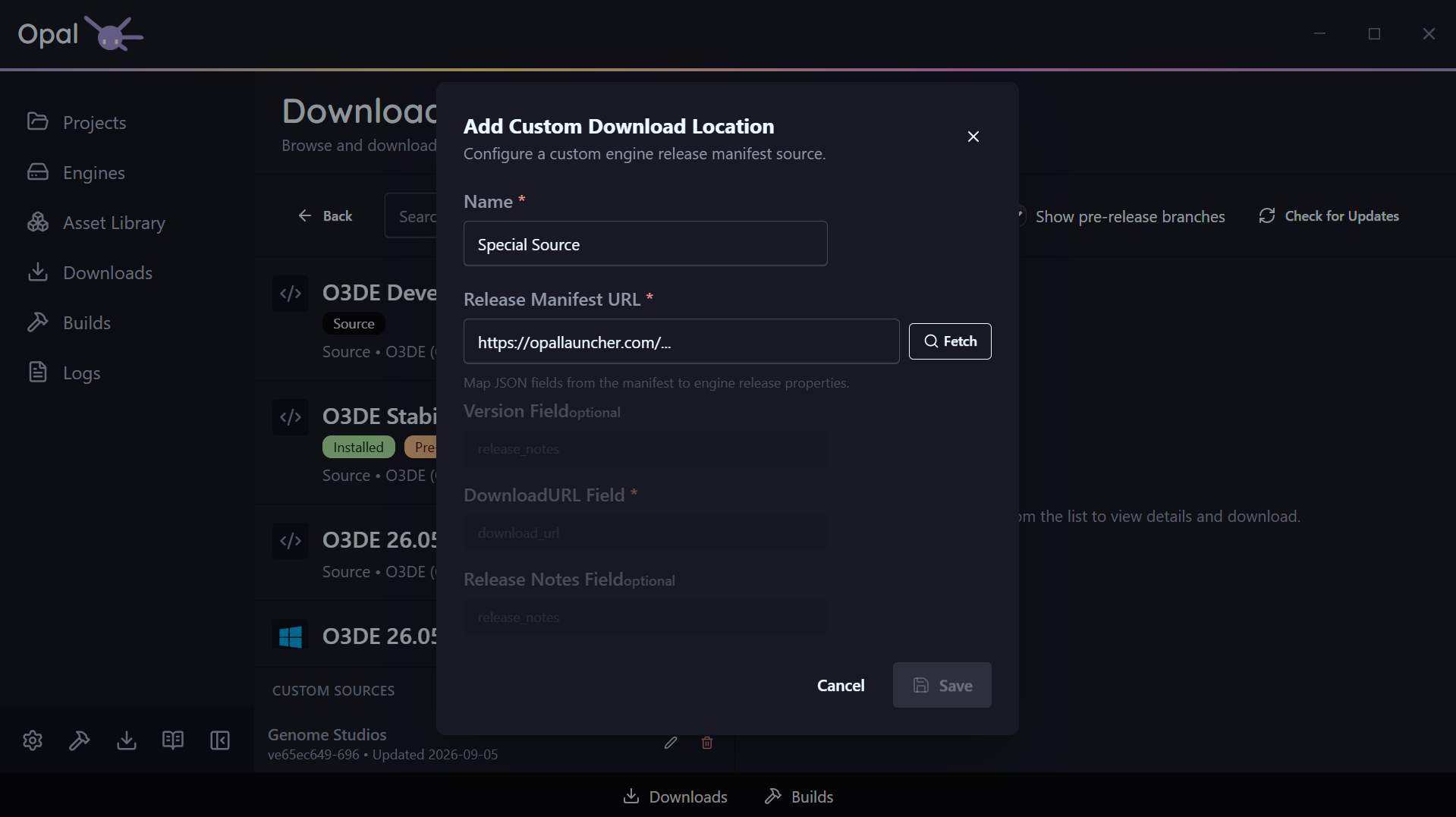
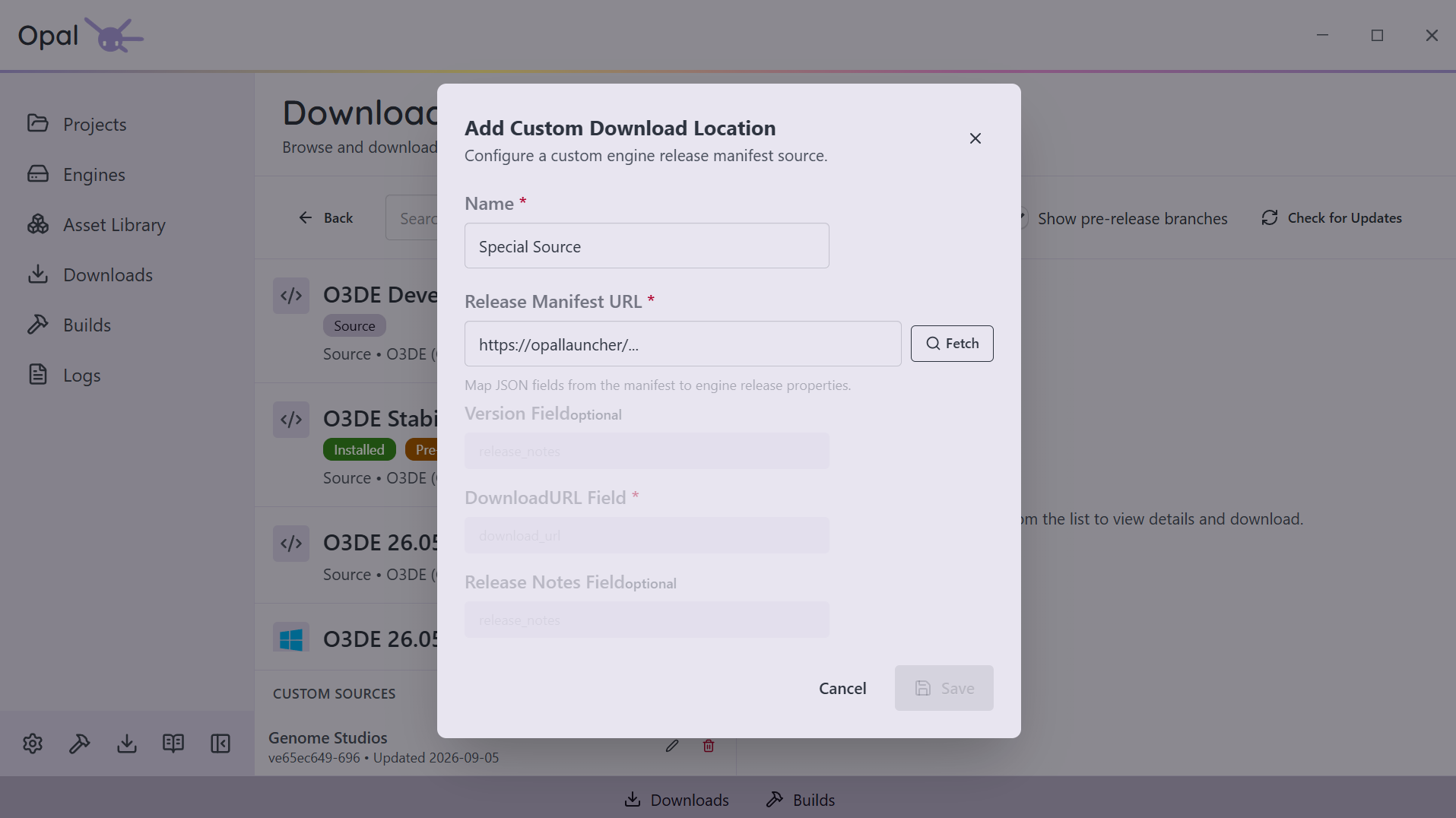
Add custom engine download hosts by pointing OPAL at a JSON release manifest and mapping its fields. Your studio's internal engine builds show up right alongside the official releases, with latest-version and last-updated tracking.
Prune what nothing is using
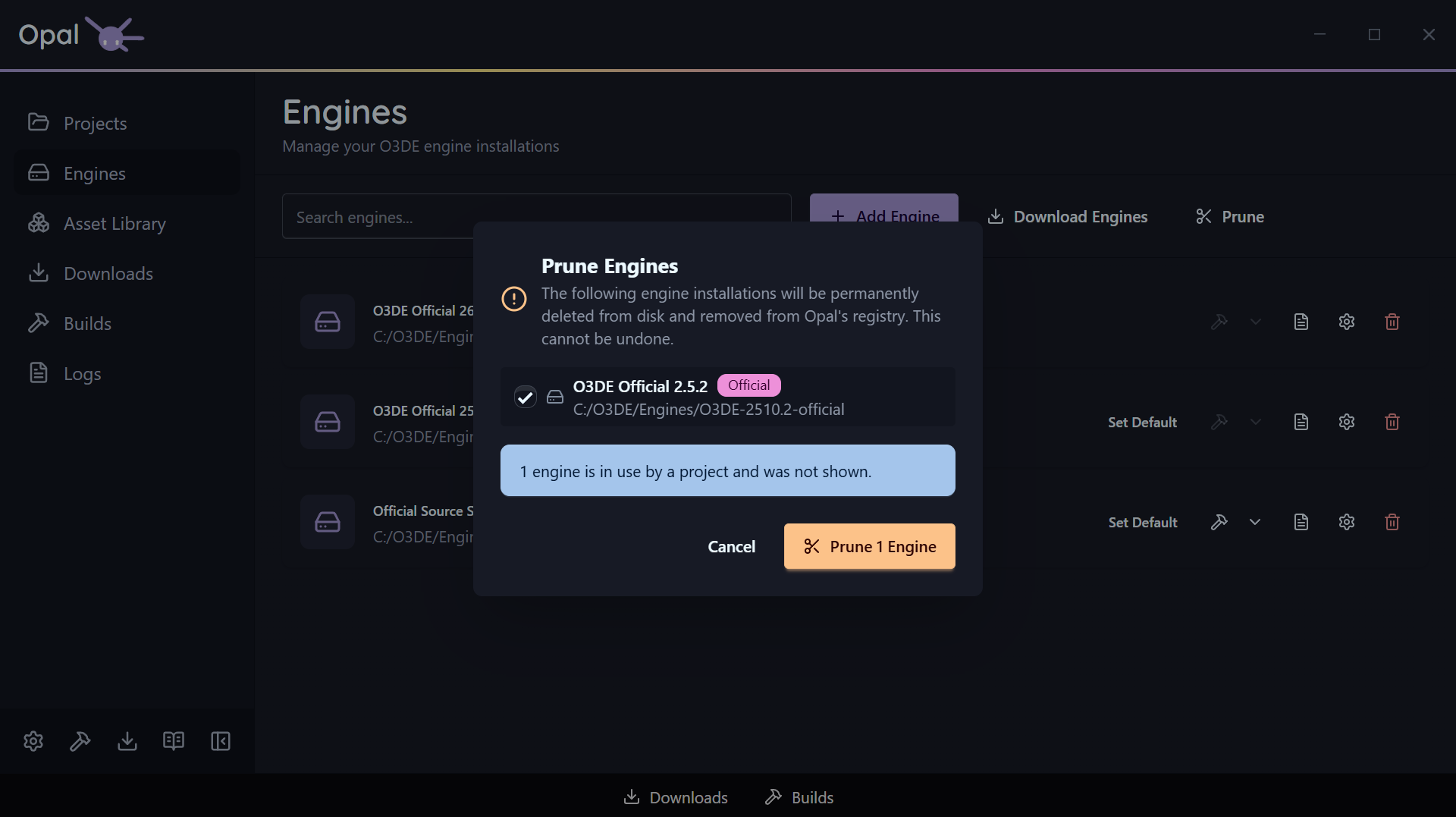
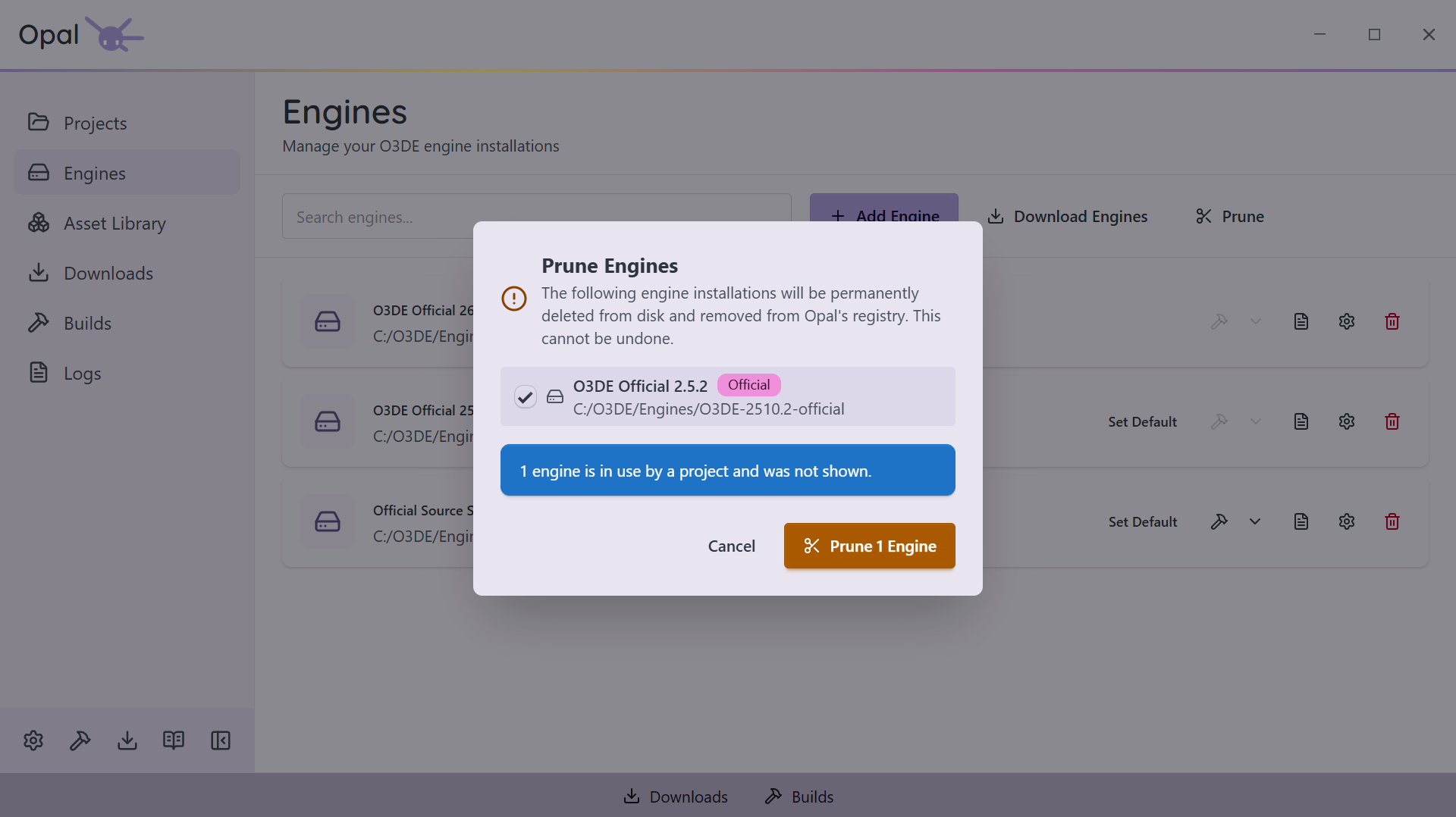
Engines pile up. Prune clears them out — and it only ever offers you the ones nothing needs.
Your default engine is never listed, and any engine a project still resolves to is held back automatically, with a note saying how many were spared.
Everything else arrives pre-ticked with a checkbox each, so you can untick the one you're keeping and scrub the rest. Confirm, and they leave the O3DE manifest.
Projects
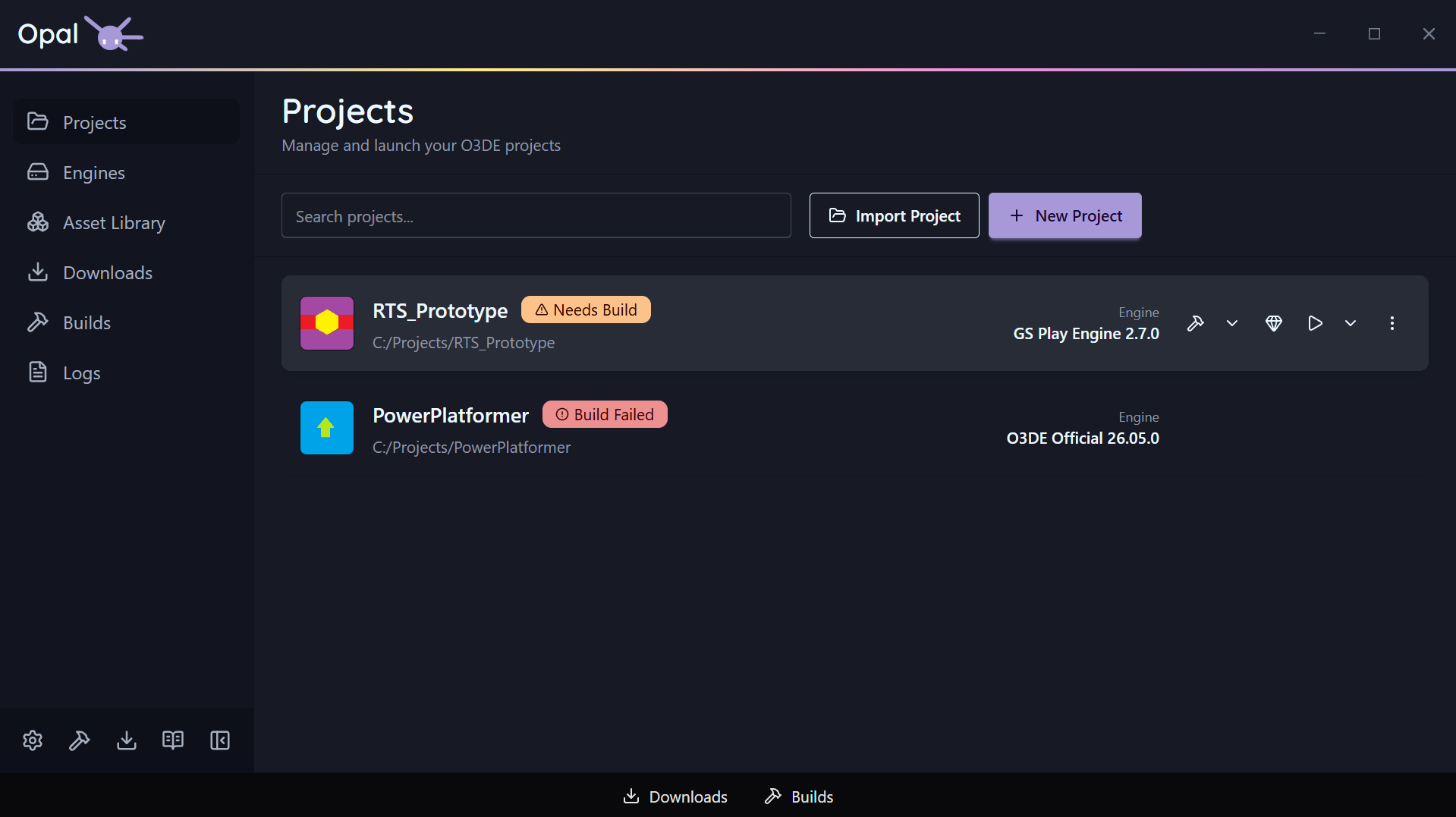
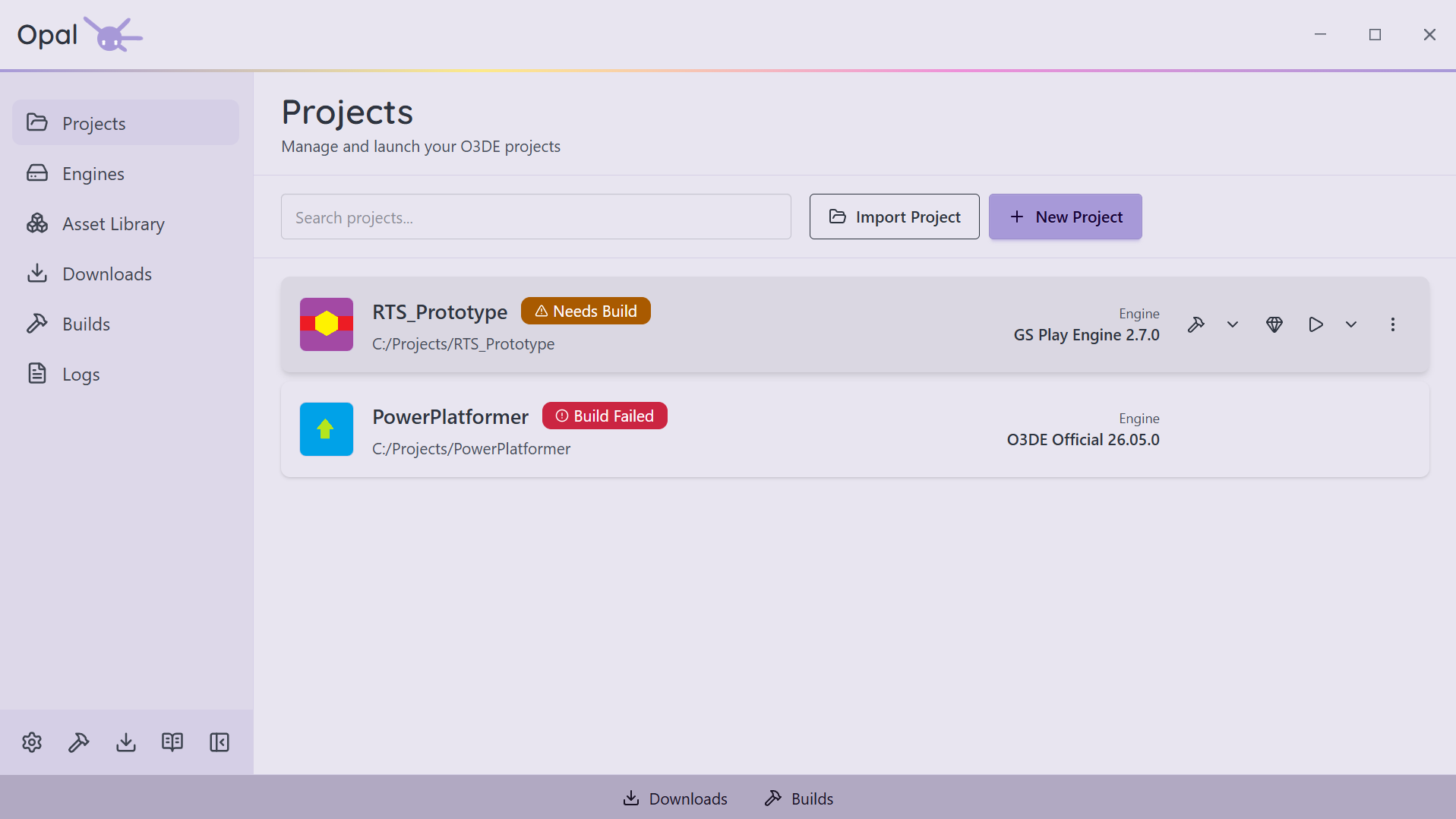
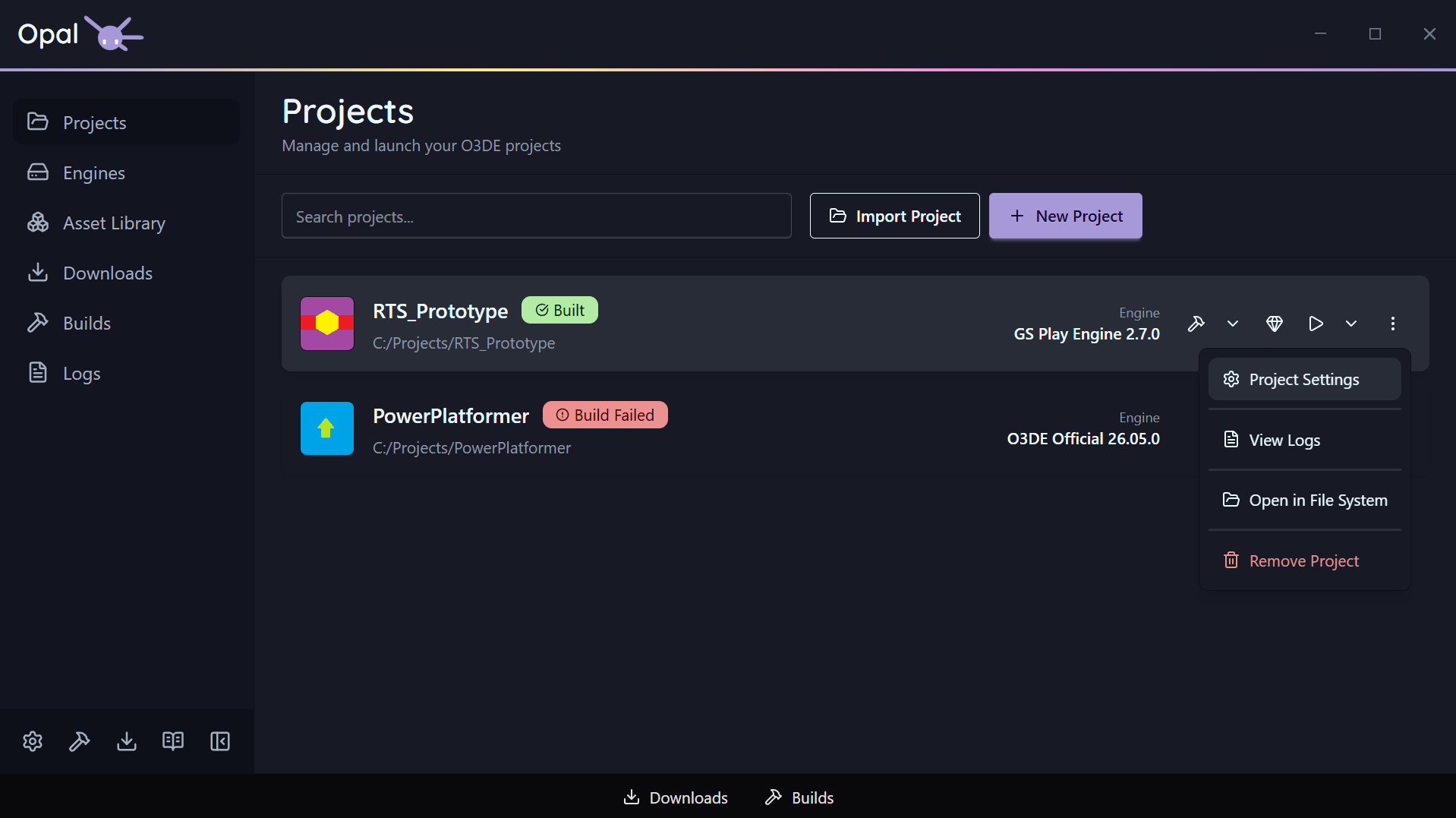
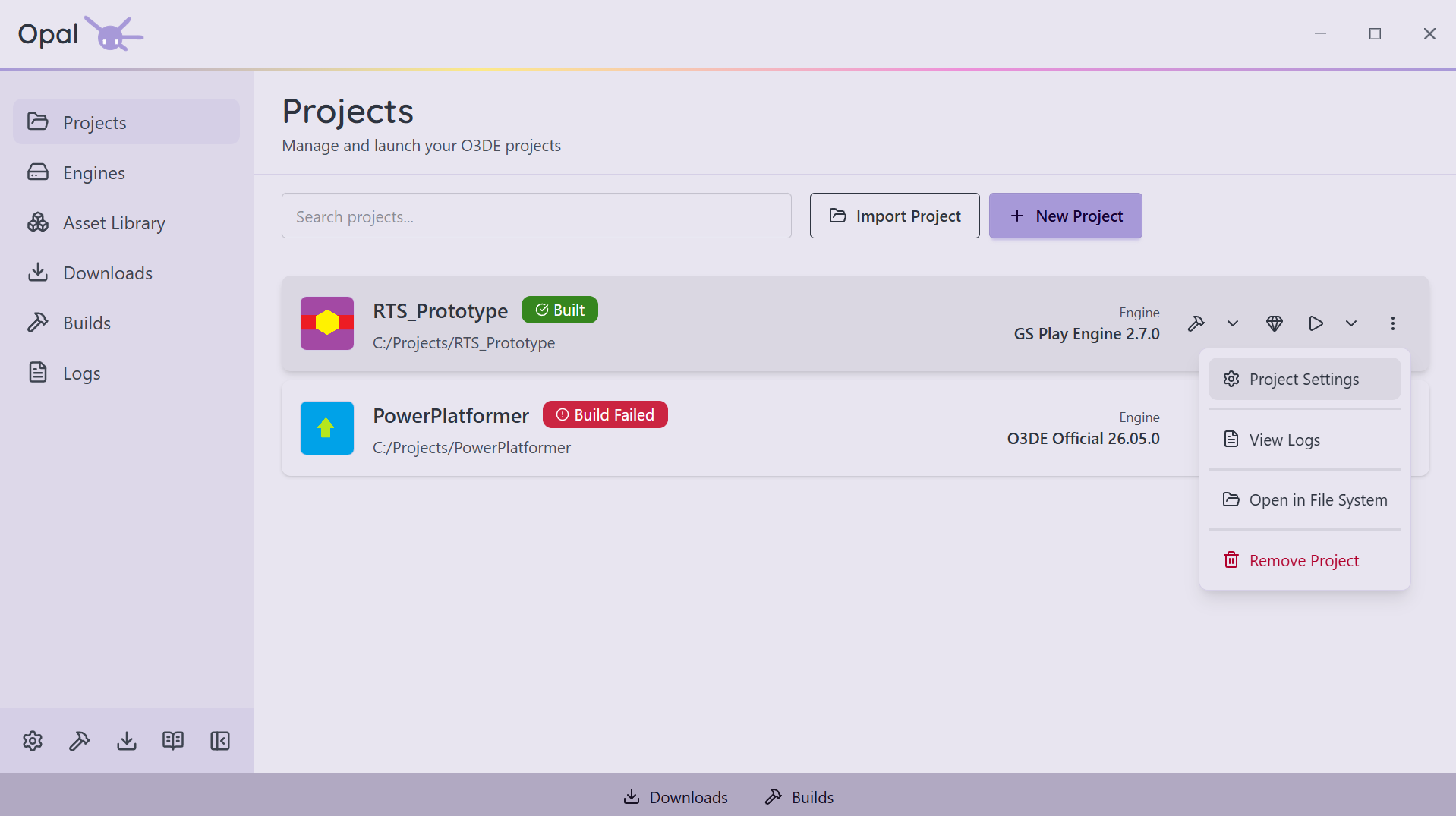
Command centre for every game you're working on
New projects in a dialog, not a CLI
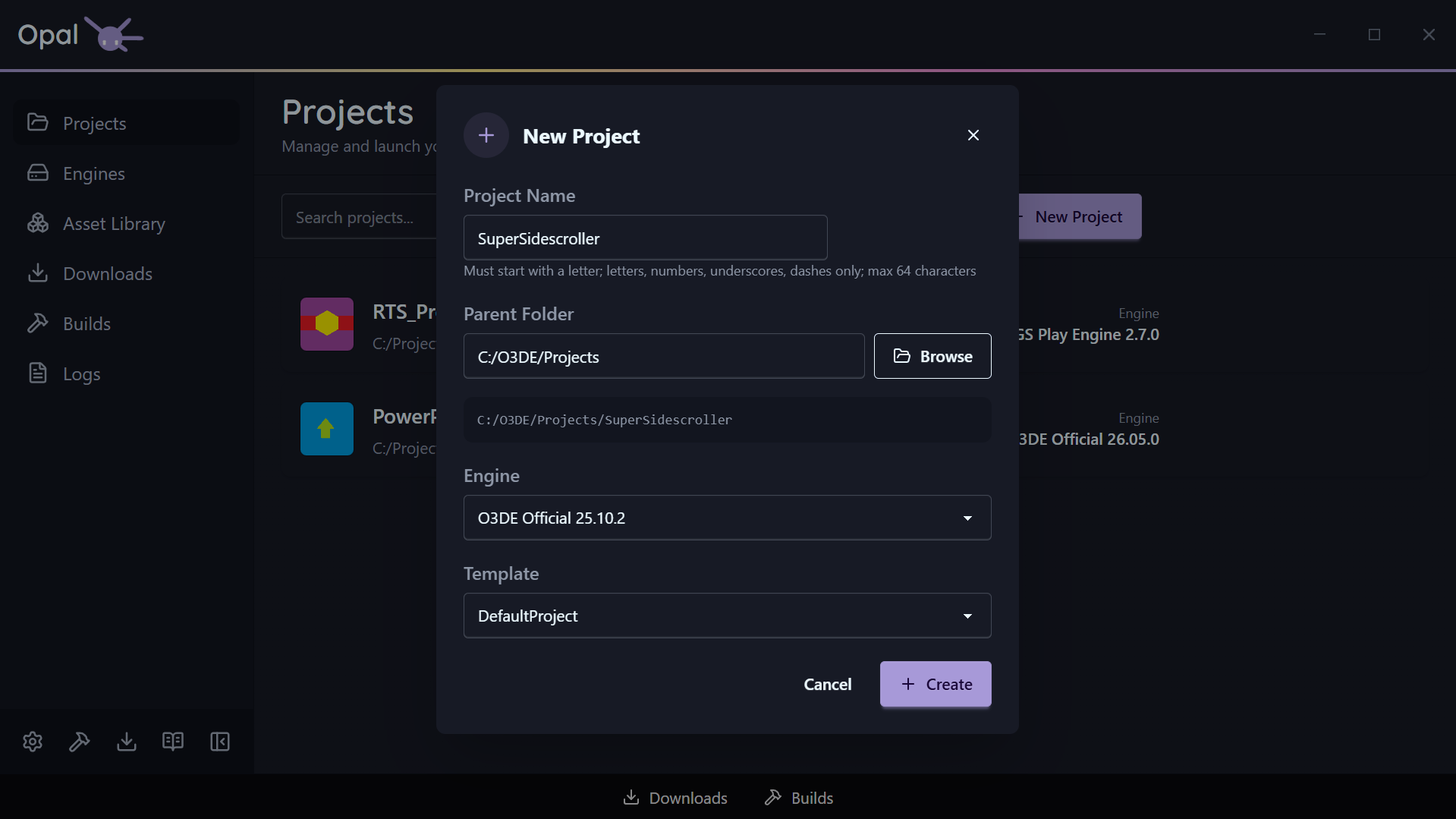
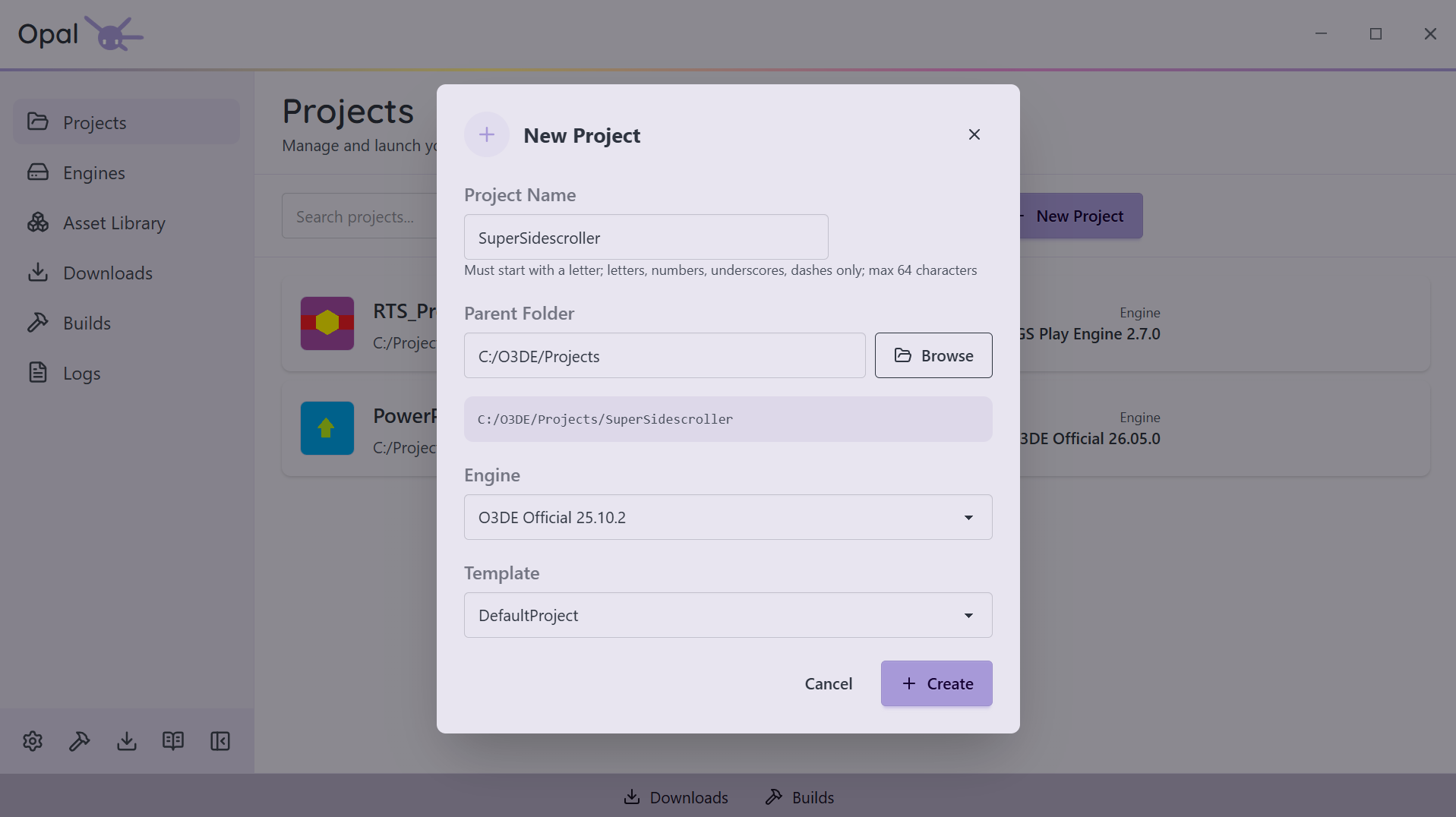
Name it (validated as you type), pick a parent folder, choose an engine, and select a template — DefaultProject is picked for you. OPAL writes project.json correctly, registers the project, and drops it into your list.
Import what you've already got
Point OPAL at any existing O3DE project folder. It reads the manifest, resolves the engine, and adds it to your list — including projects made in the stock Project Manager.
Build, configure, or start over
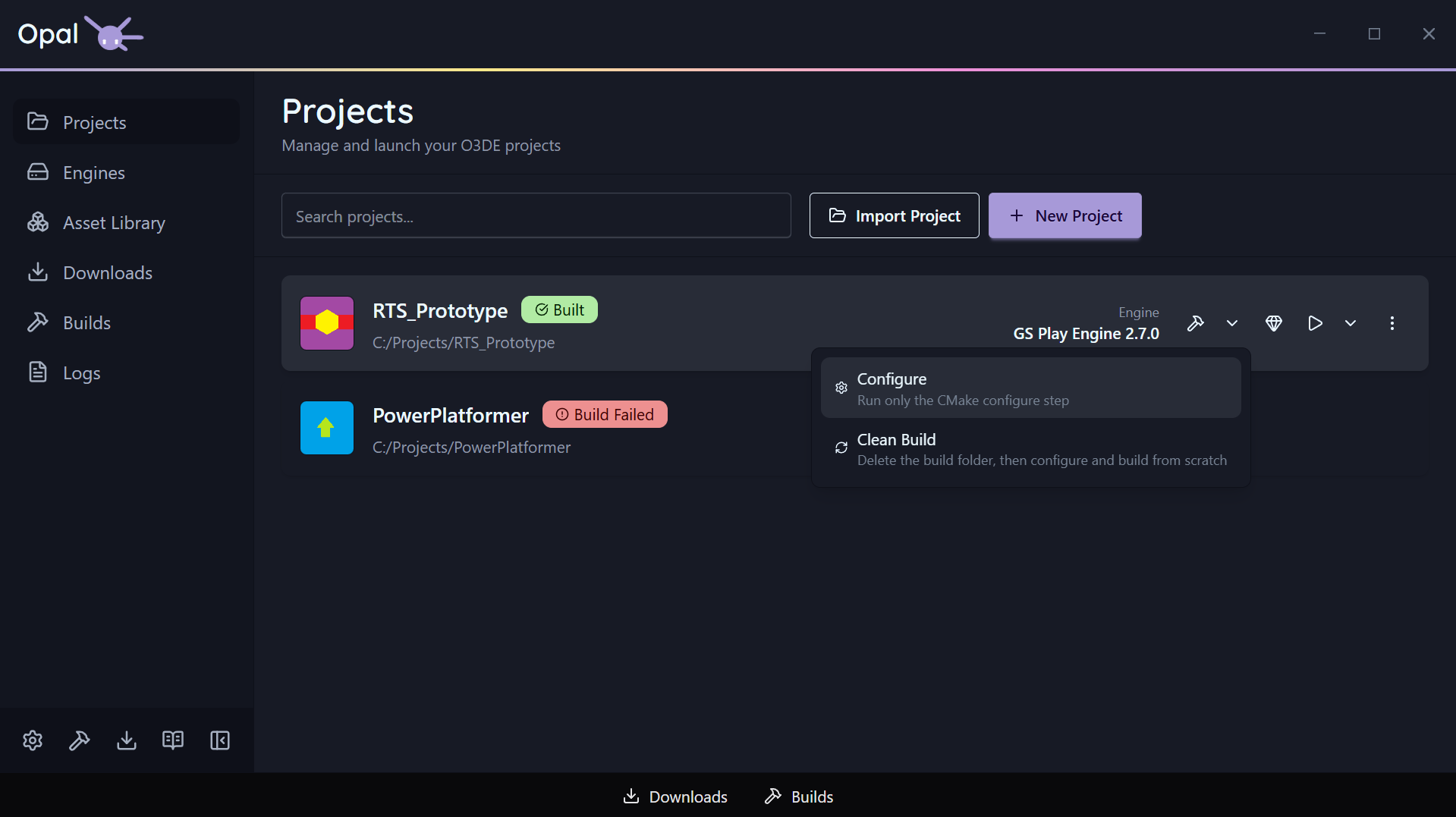
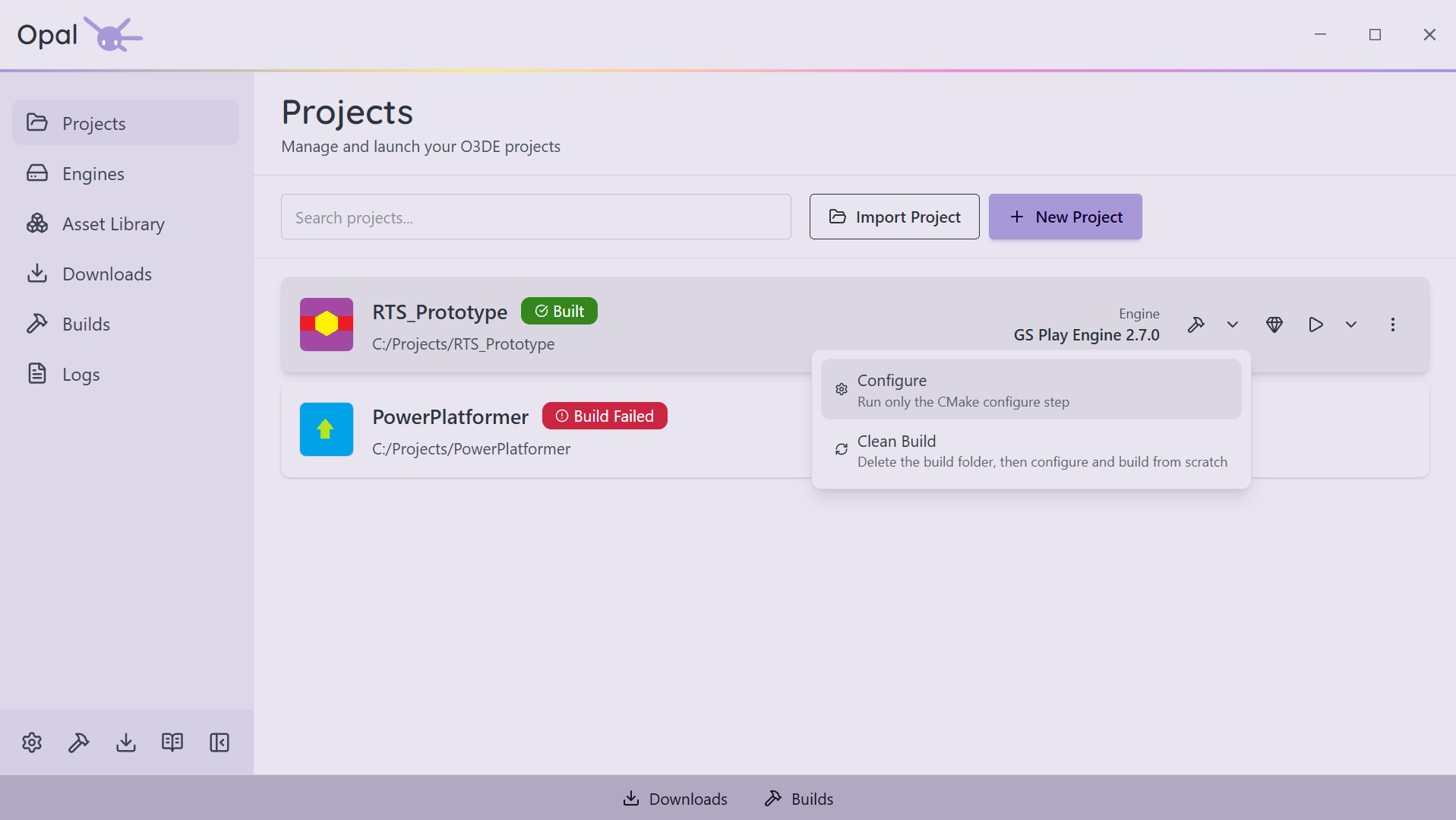
The build button is a split button. Click it for the usual thing — configure, then compile.
Open the dropdown for the other two. Configure regenerates the project through CMake and stops there, so a gem or target change costs you seconds instead of a full compile. Clean Build deletes the build folder outright and rebuilds from nothing, for when the cache has gone bad.
Run the Asset Processor on demand alongside them. Every one of them streams into the Logs view.
Per-project, when global isn't enough
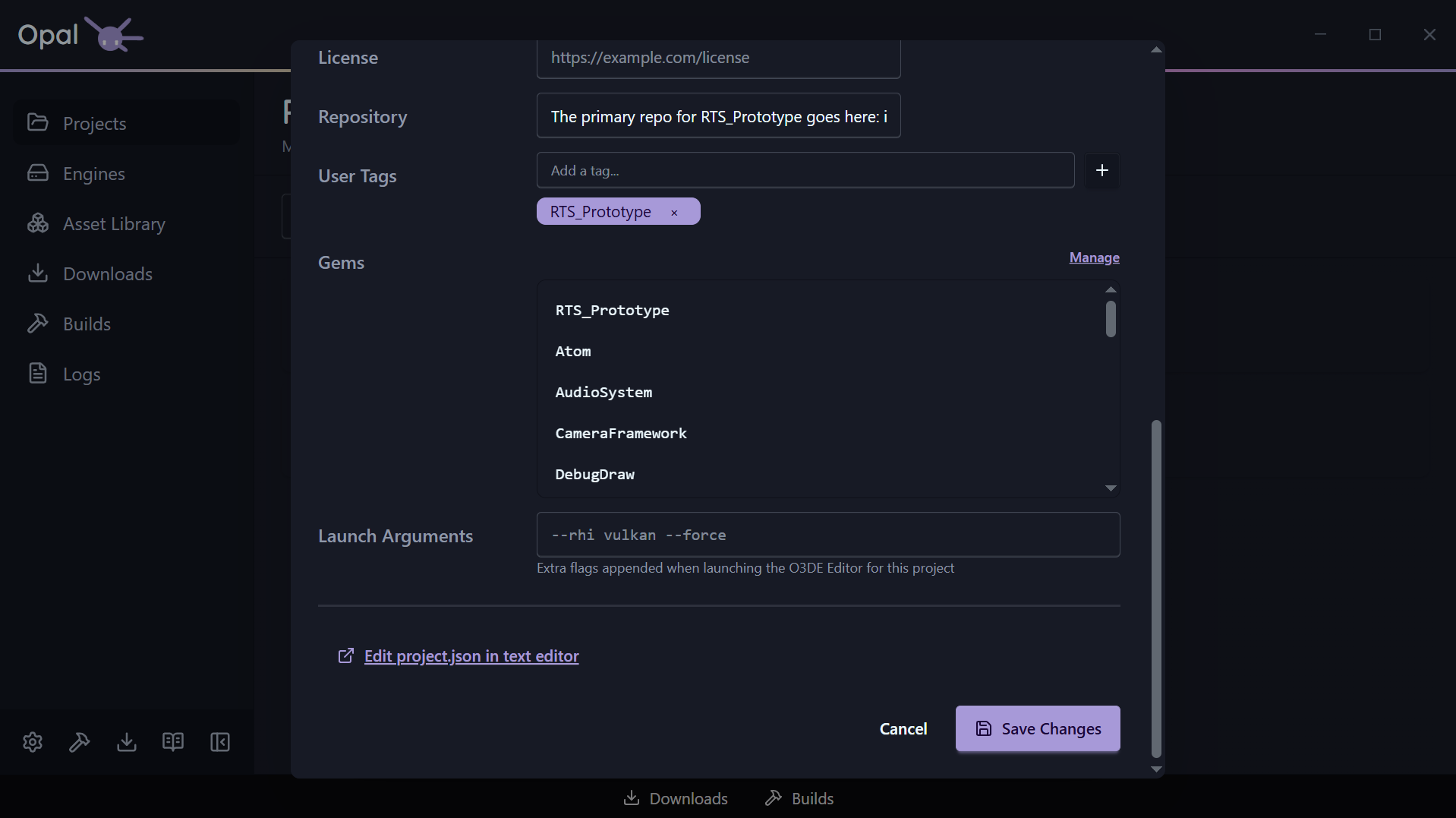
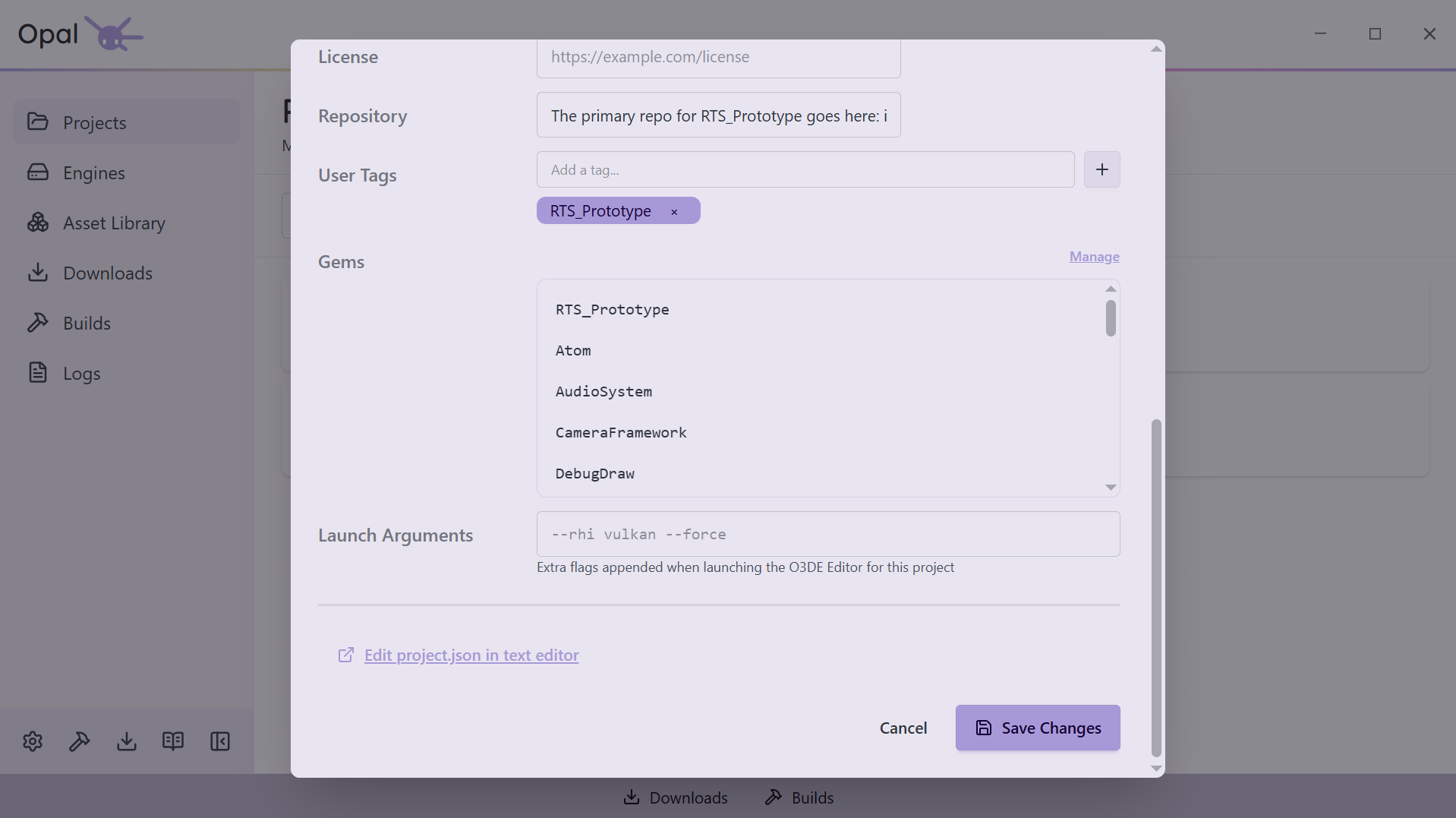
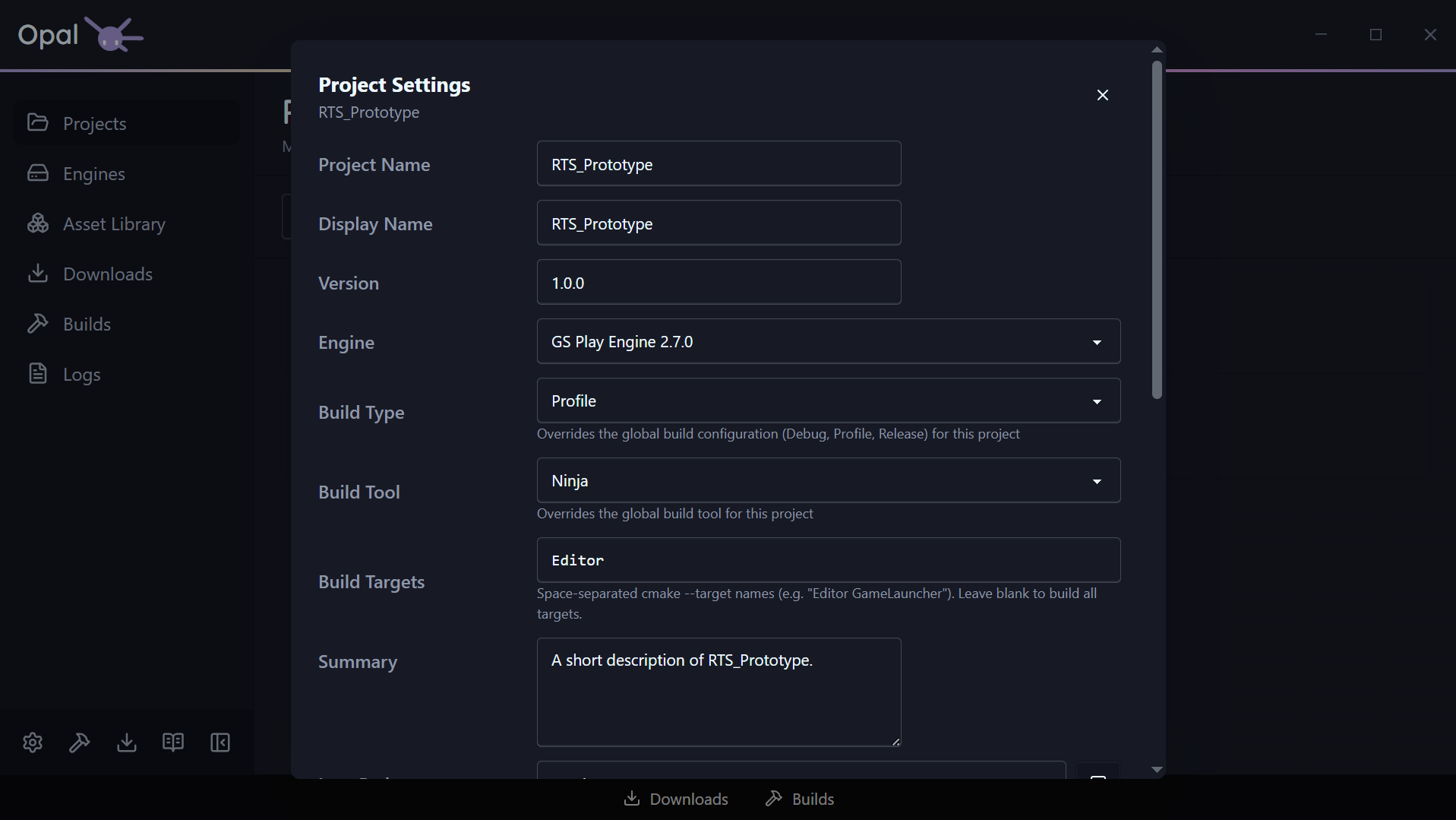
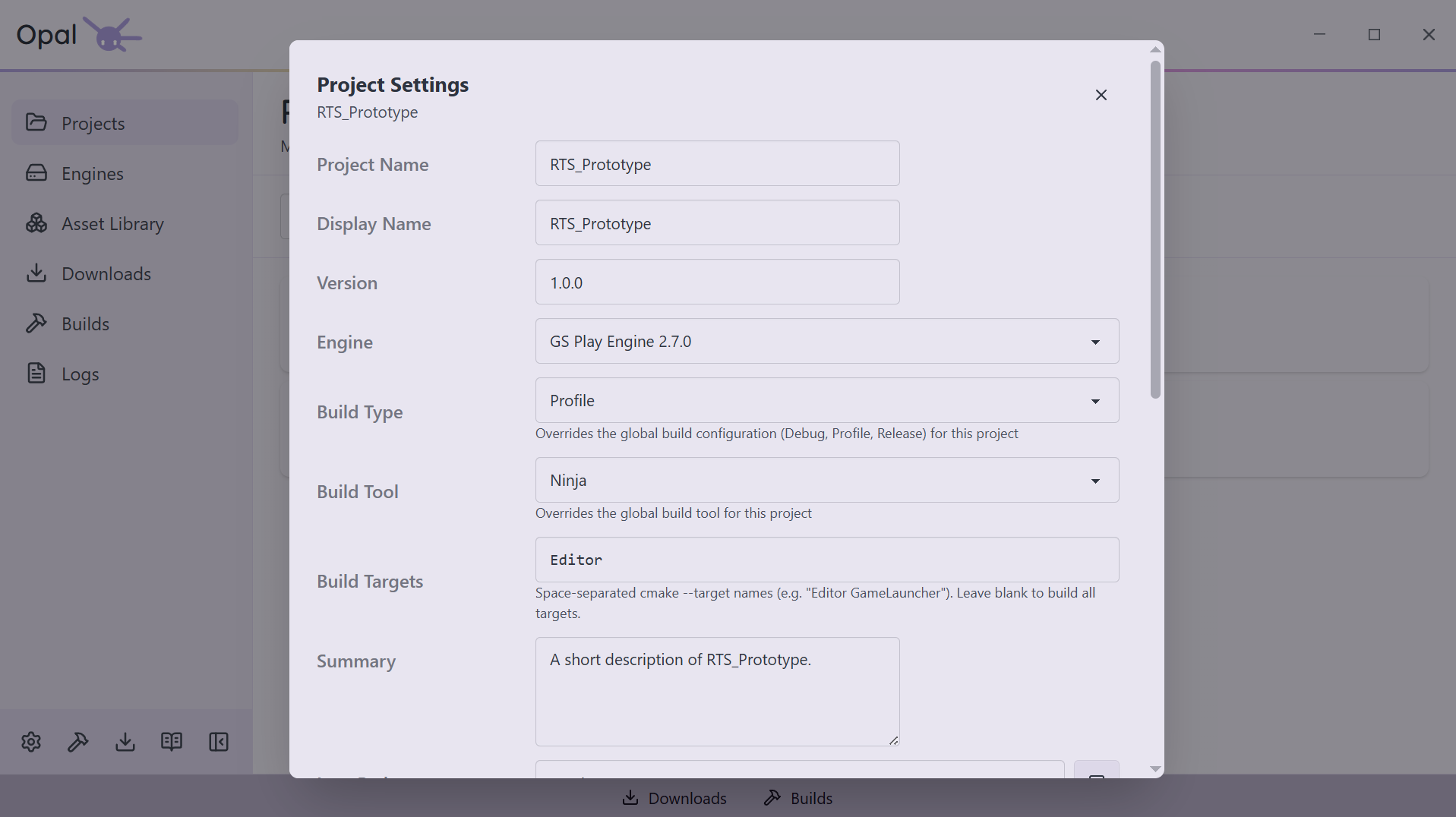
Global settings cover most days. When one project needs to differ, its settings dialog takes over.
Give it a Build Type of Debug, Profile, or Release, or a Build Targets list so a build compiles Editor alone rather than everything. Override the build tool, and OPAL warns you when your build folder's generator no longer matches.
Launch Options add extra Editor flags like --rhi vulkan, checked as you type. Anything you leave alone keeps following the global setting.
Launch, and know it's live
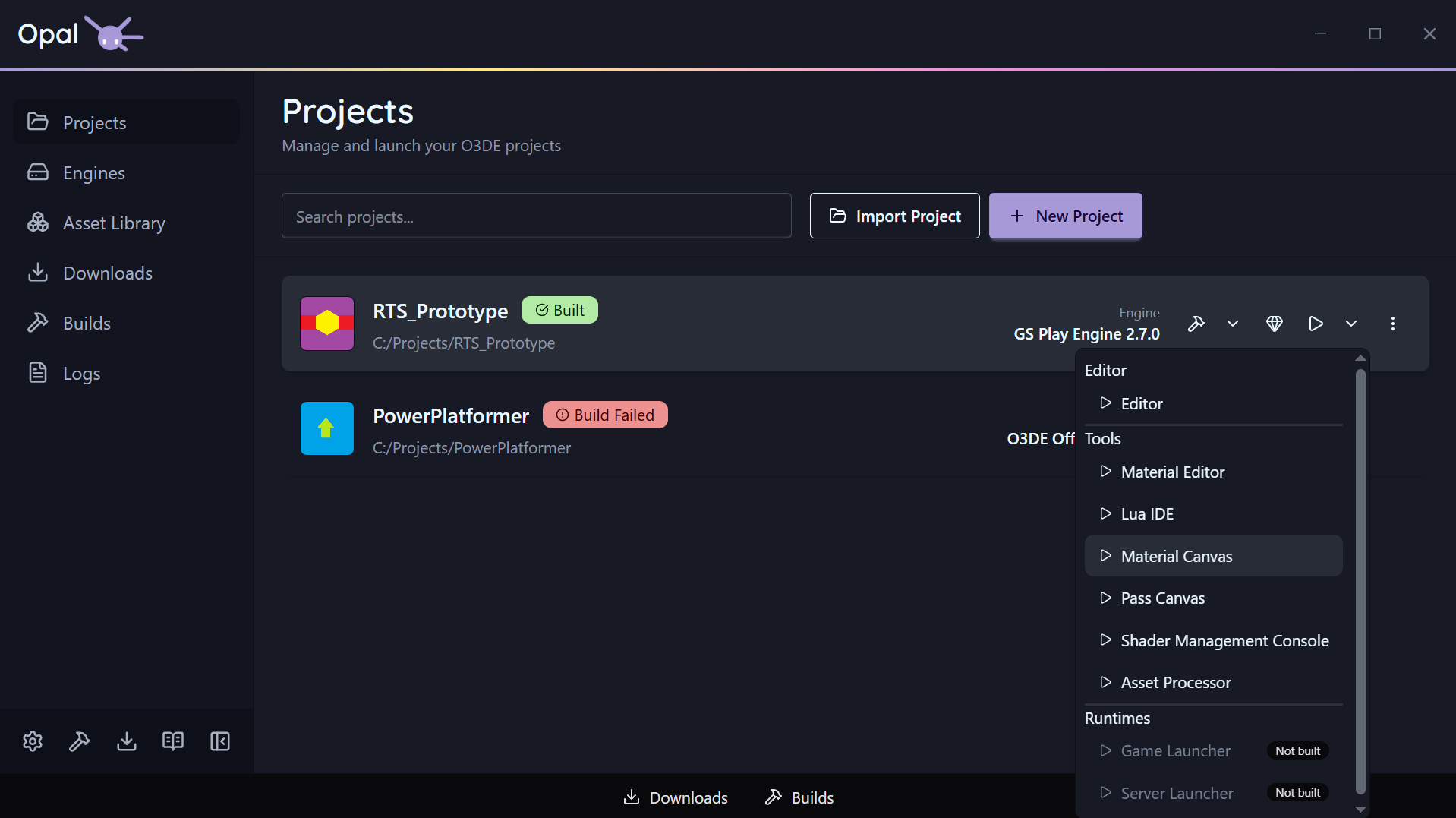
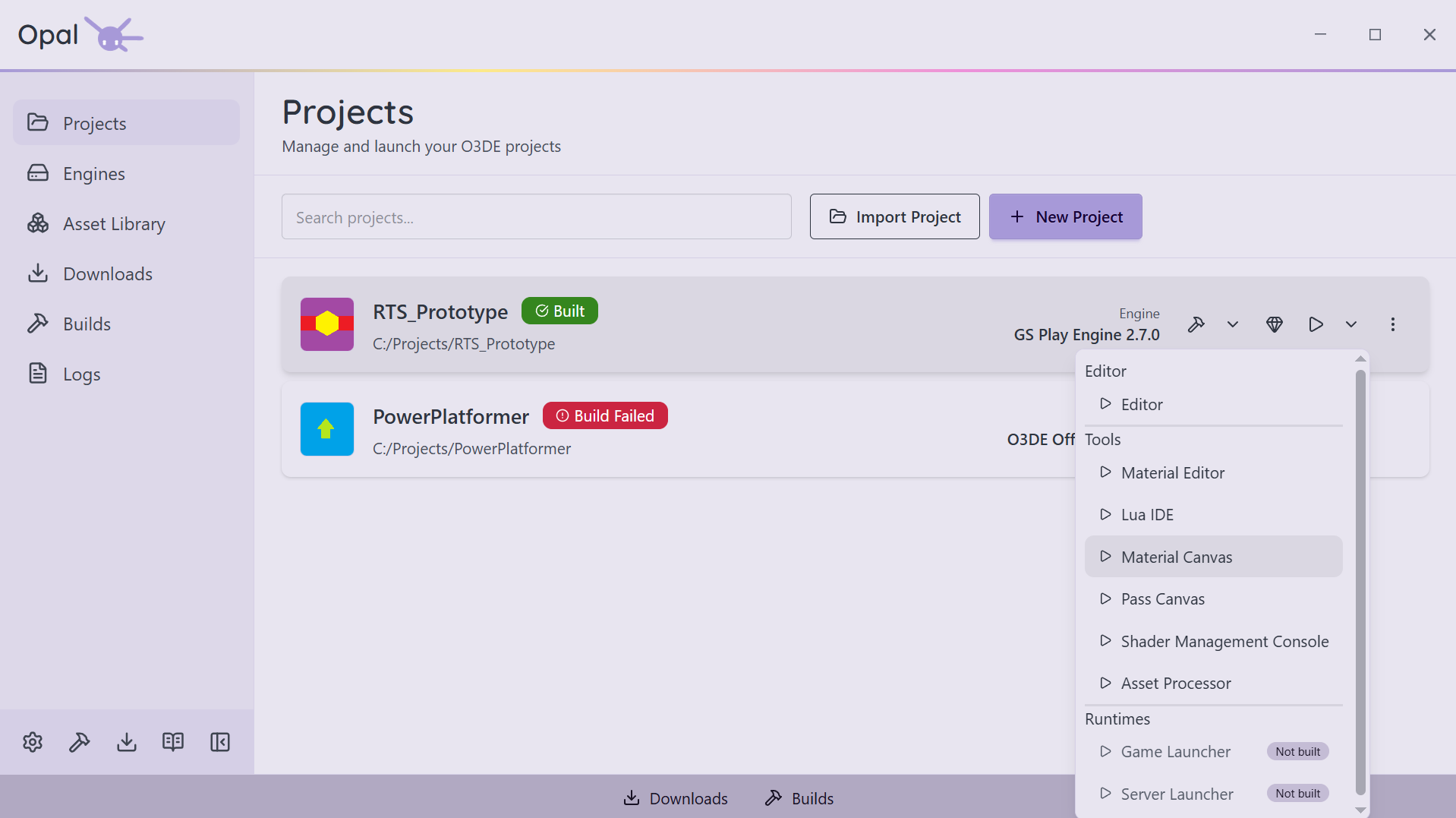
Hit Launch and the card walks through real run states — Launching, Processing Assets, Running — with a Stop control while the Editor is open. The dropdown lists every application OPAL found for the project, grouped into Editor, Tools, and Runtimes. No guessing whether it actually started.
You always know the state
Project cards show build status at a glance: Not Built · Needs Build · Configuring · Configured · Building · Built · Build Failed. A configure-only run rests on Configured, so it's never mistaken for something you can launch. Logs are one click away.
Missing-engine guards
OPAL distinguishes three cases and offers the right fix inline: the engine isn't on disk (Add Engine), it's on disk but unregistered (Register Engine), or it resolved only by a loose name/version match (Pin Engine).
Assets & Gems
A real asset browser, and per-project control
Find gems fast
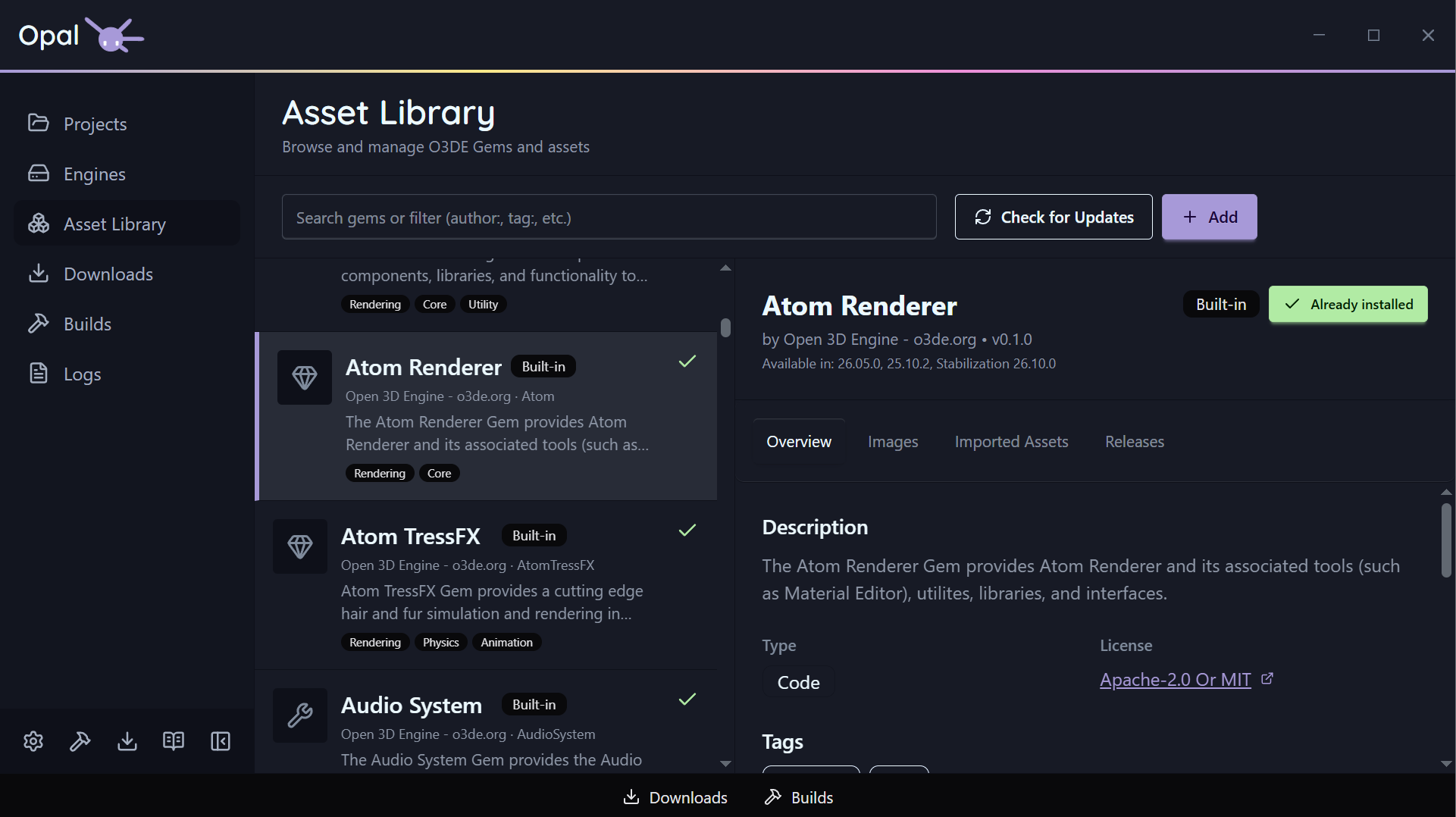
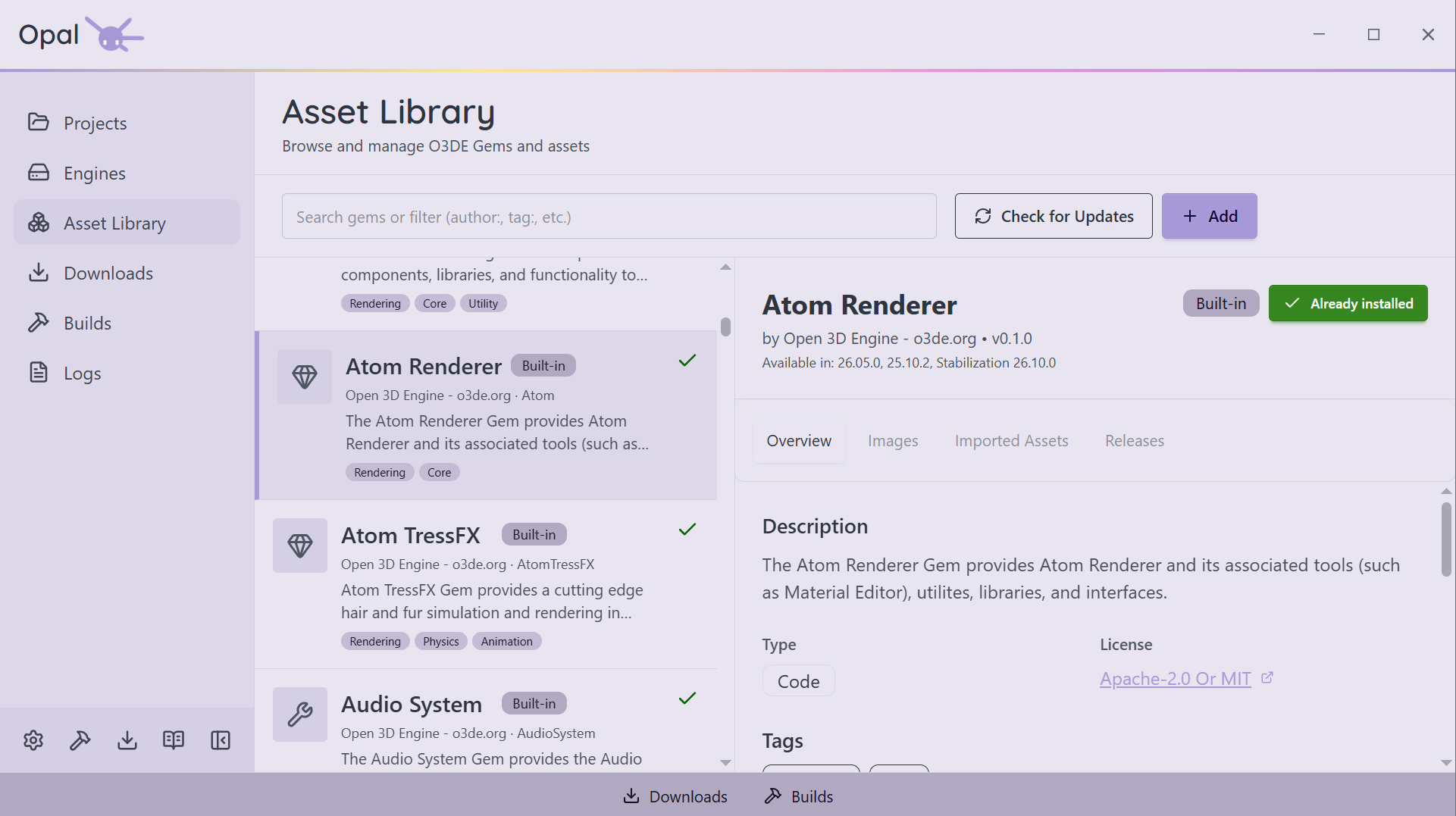
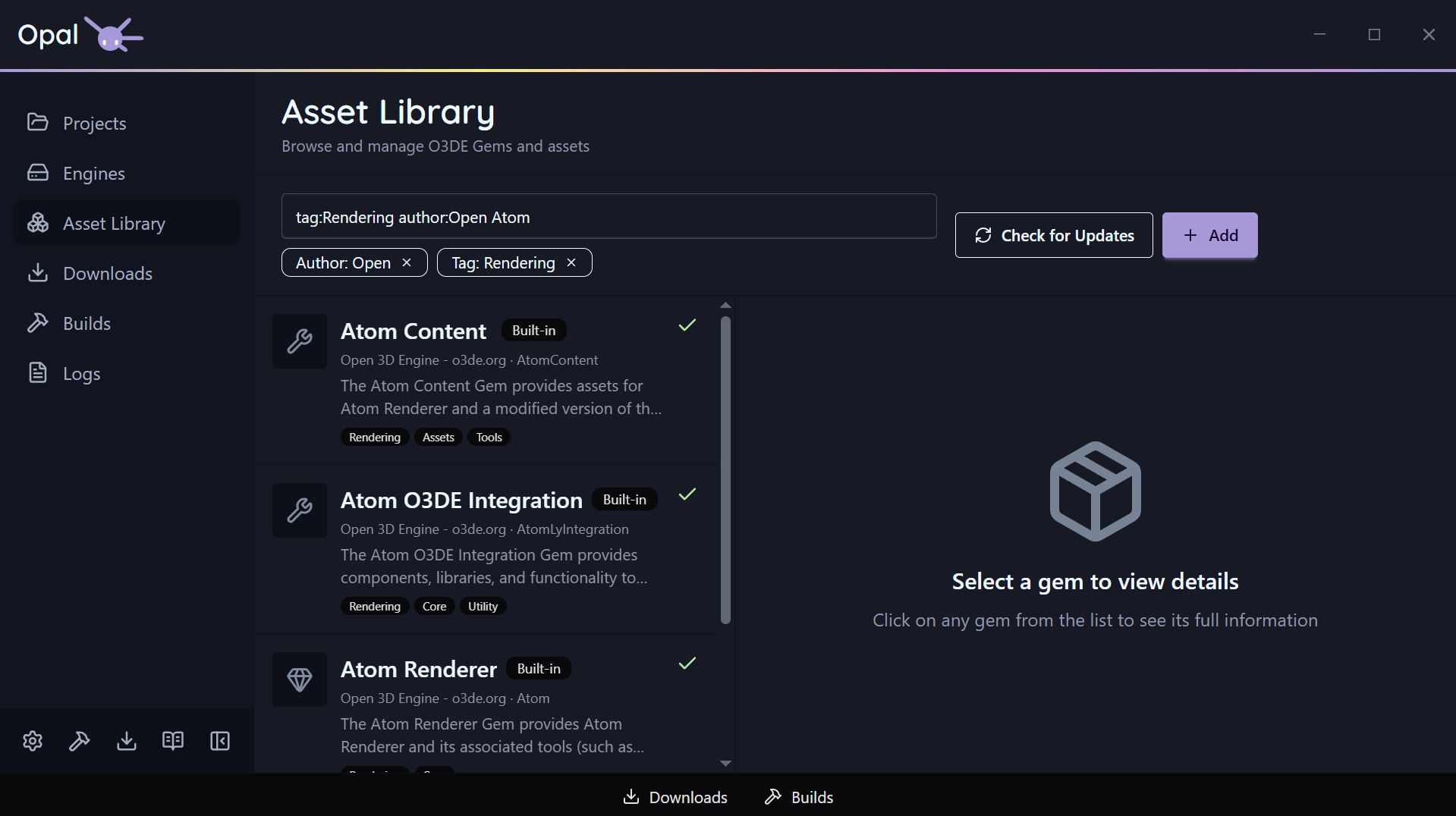
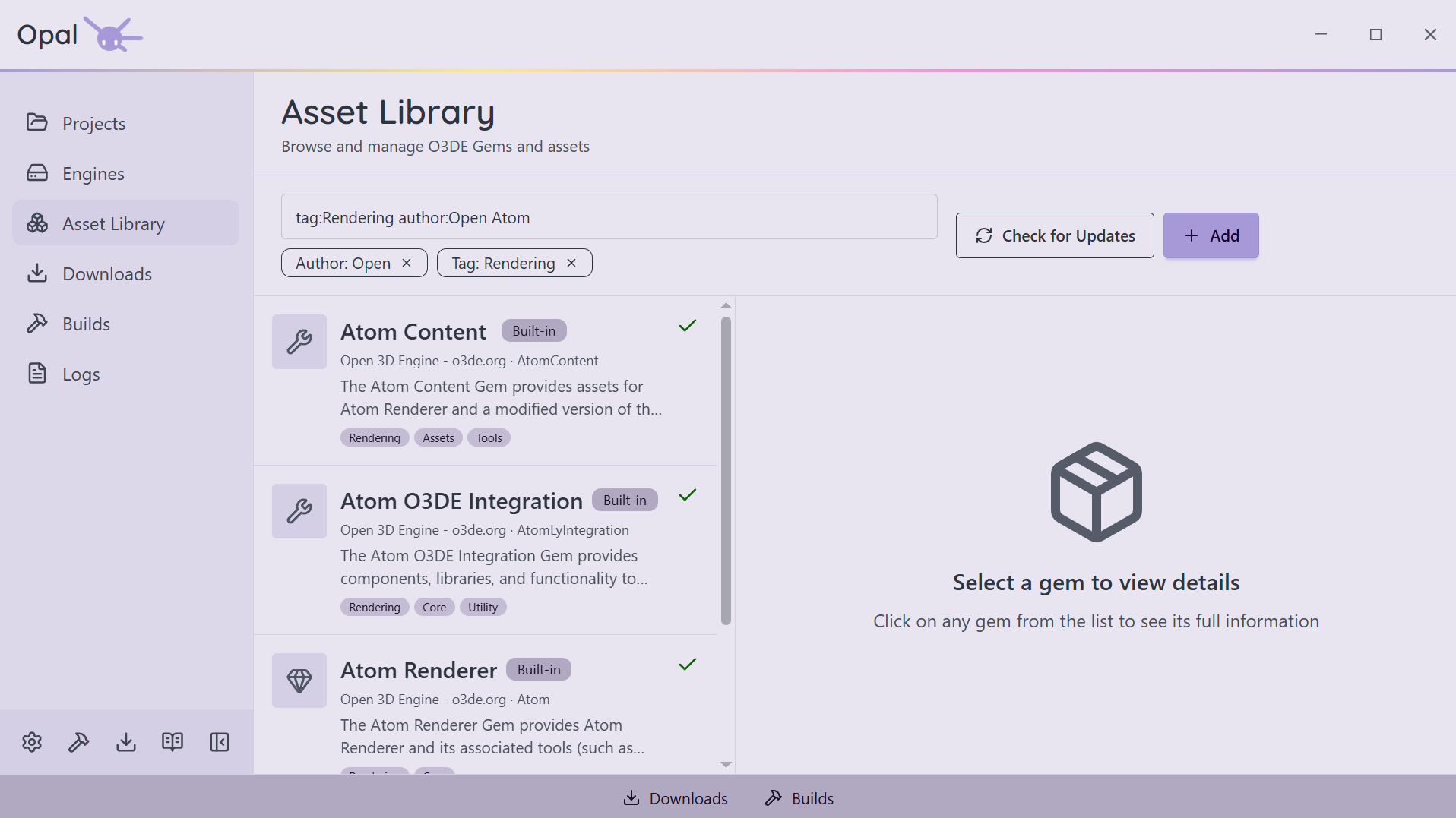
The Asset Library searches across name, summary, and origin, with precise filter prefixes you can combine: author:, tag:, gemType: (Asset / Code / Tool), compatibleEngines:, downloaded:, hasUpdate:, and updatedBefore: / updatedAfter:.
Inspect before you install
The Gem Inspector has five tabs — Overview, Images, Imported Assets, Releases, and Instances. Release notes are pulled automatically from GitHub, GitLab, and Bitbucket. Know what you're adding before you add it.
Toggle gems per project
Open a project's gem configuration, flip gems on or off, and OPAL keeps project.json and the CMake gem list in sync. Required dependencies are marked and can't be disabled by accident. Sort by name or by active state.
Repositories, local gems, watch folders
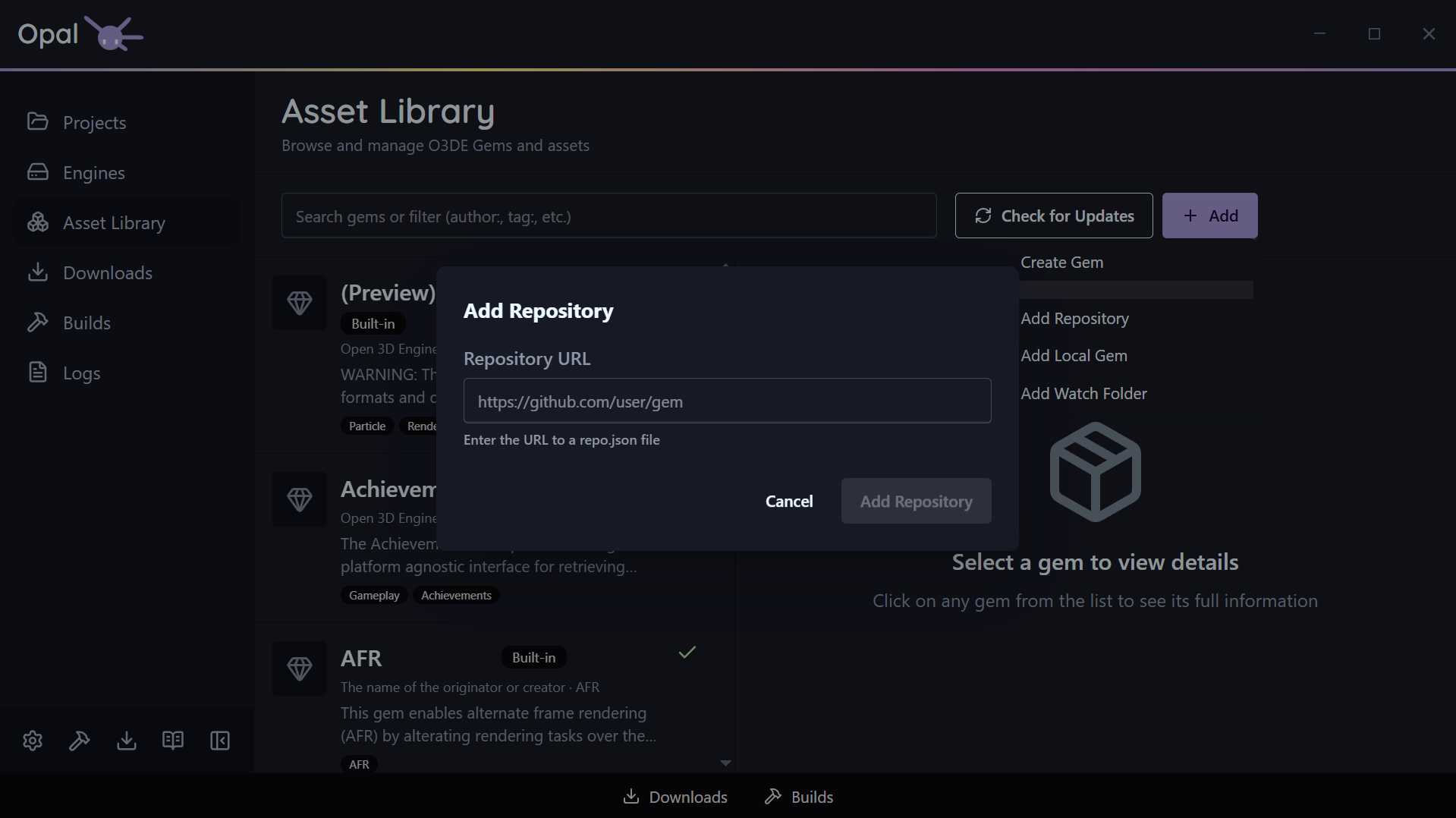
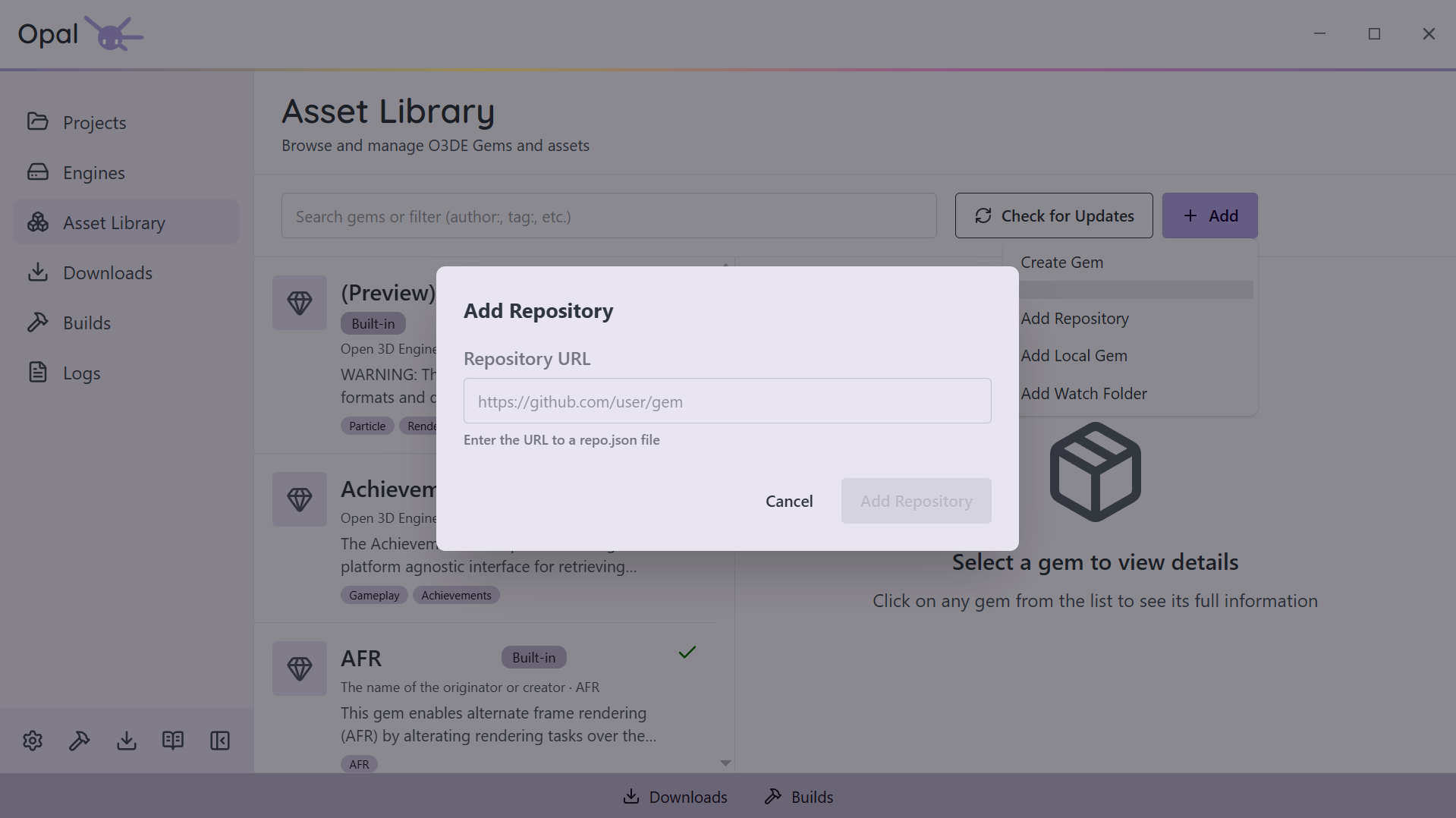
Add any gem repository by URL, drop in a local gem folder, or set a watch folder that auto-syncs gems as they appear. Create a brand-new gem from OPAL. Everything is cached so you can browse offline.
Source when you need it
Download a gem's source via git clone or archive — OPAL picks the right method. When a private source needs credentials, a secure prompt handles the clone or LFS fetch.
Export
Time to Ship it!
A build you can hand over
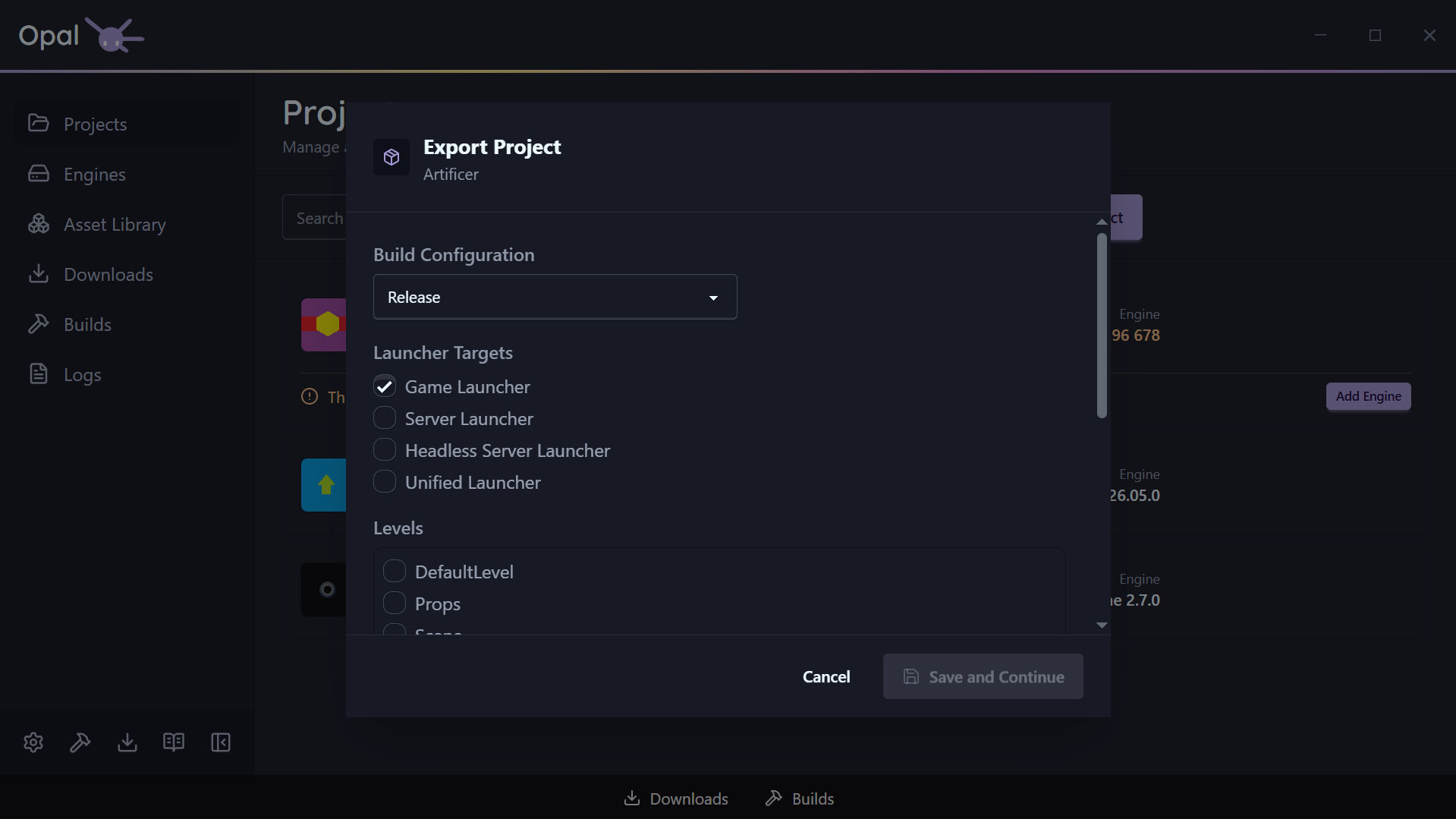
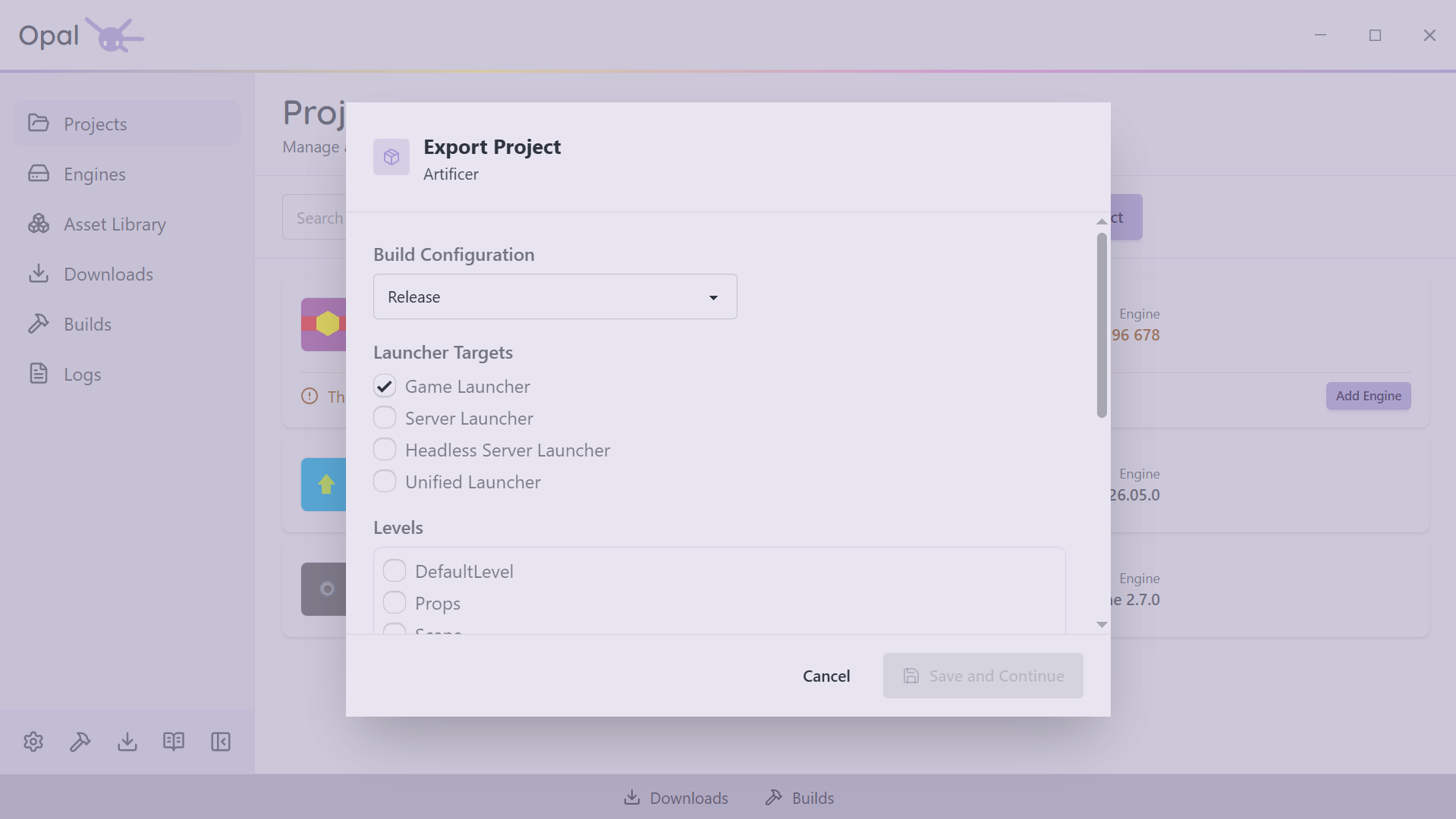
A build gets you something you can open in the Editor. An export gets you something you can hand to a player — a standalone release build that does not need O3DE installed to run. OPAL drives O3DE's own export pipeline from a single dialog, so what comes out is a normal O3DE export.
Pick your launchers, pick your levels
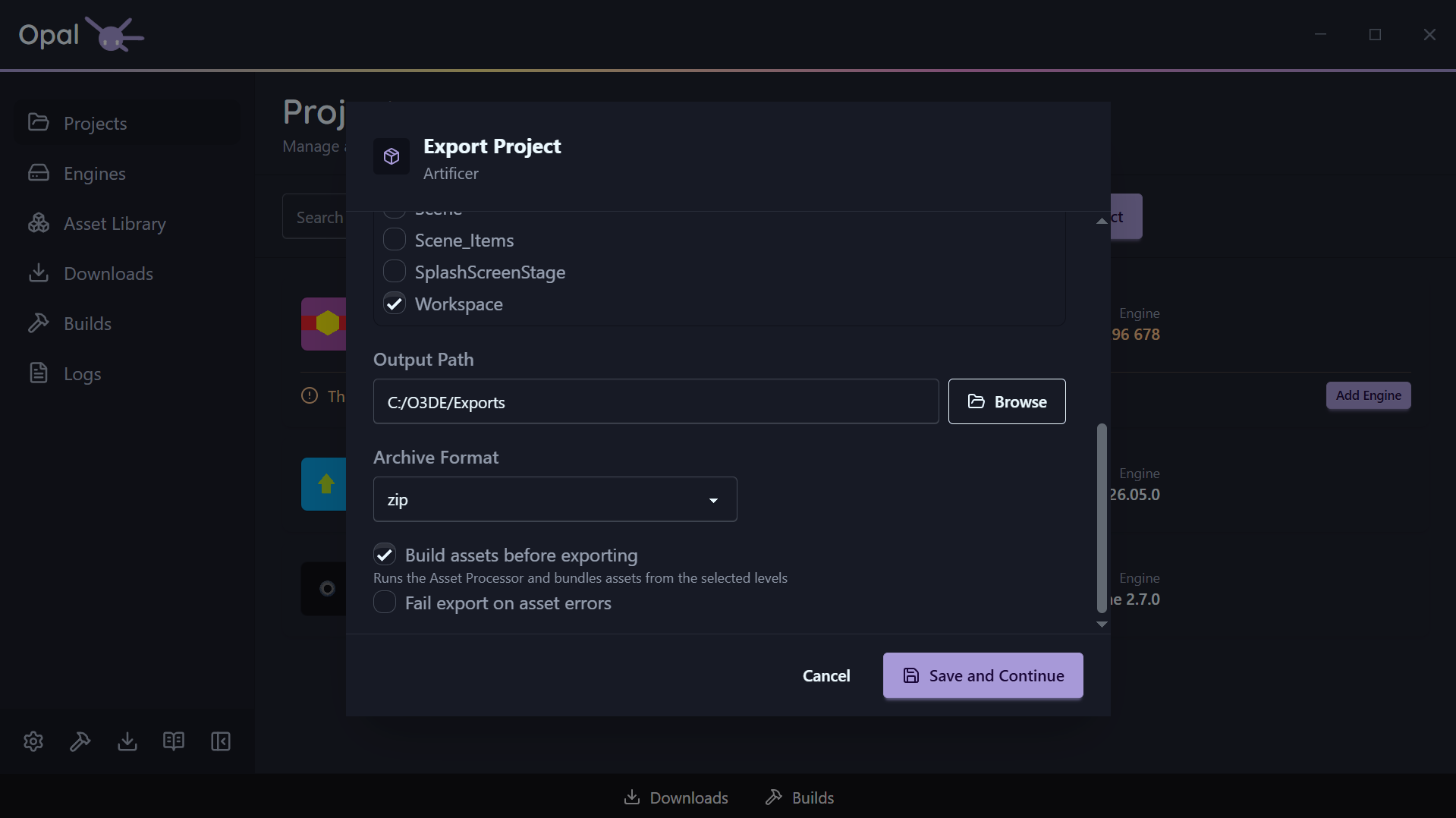
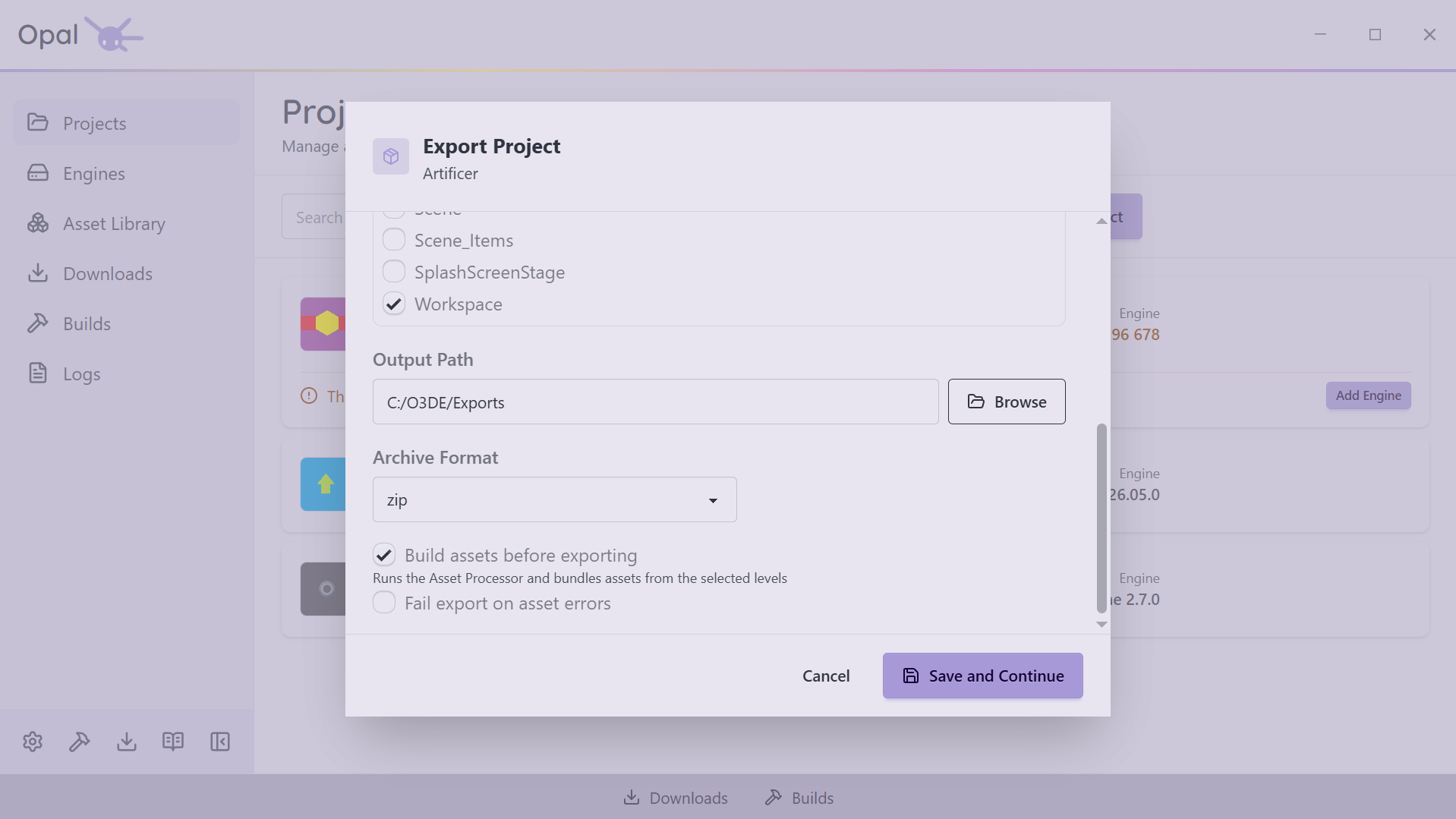
Tick the launcher targets you need — Game, Server, Headless Server, or Unified — and choose your build configuration. OPAL reads the levels out of your project and lists them; tick the ones you're shipping. Everything those levels reference is gathered into the asset bundles for you. There is no seed list to hand-assemble.
Your settings, in O3DE's own format
Your choices are written into the project's own .command_settings file using O3DE's export-project-configure — the standard, versionable export configuration, not a private OPAL format. Your team can read it, source control can track it, and the command line can still run it without OPAL.
Package it, and know it fits
Ship it as a plain folder, or package it as zip, gzip, bz2, or xz. Choose a destination and OPAL checks there is room before it starts — doubling the estimate when you're archiving, because the export needs the unpacked folder and the archive on disk at the same time.
Every stage, in the open
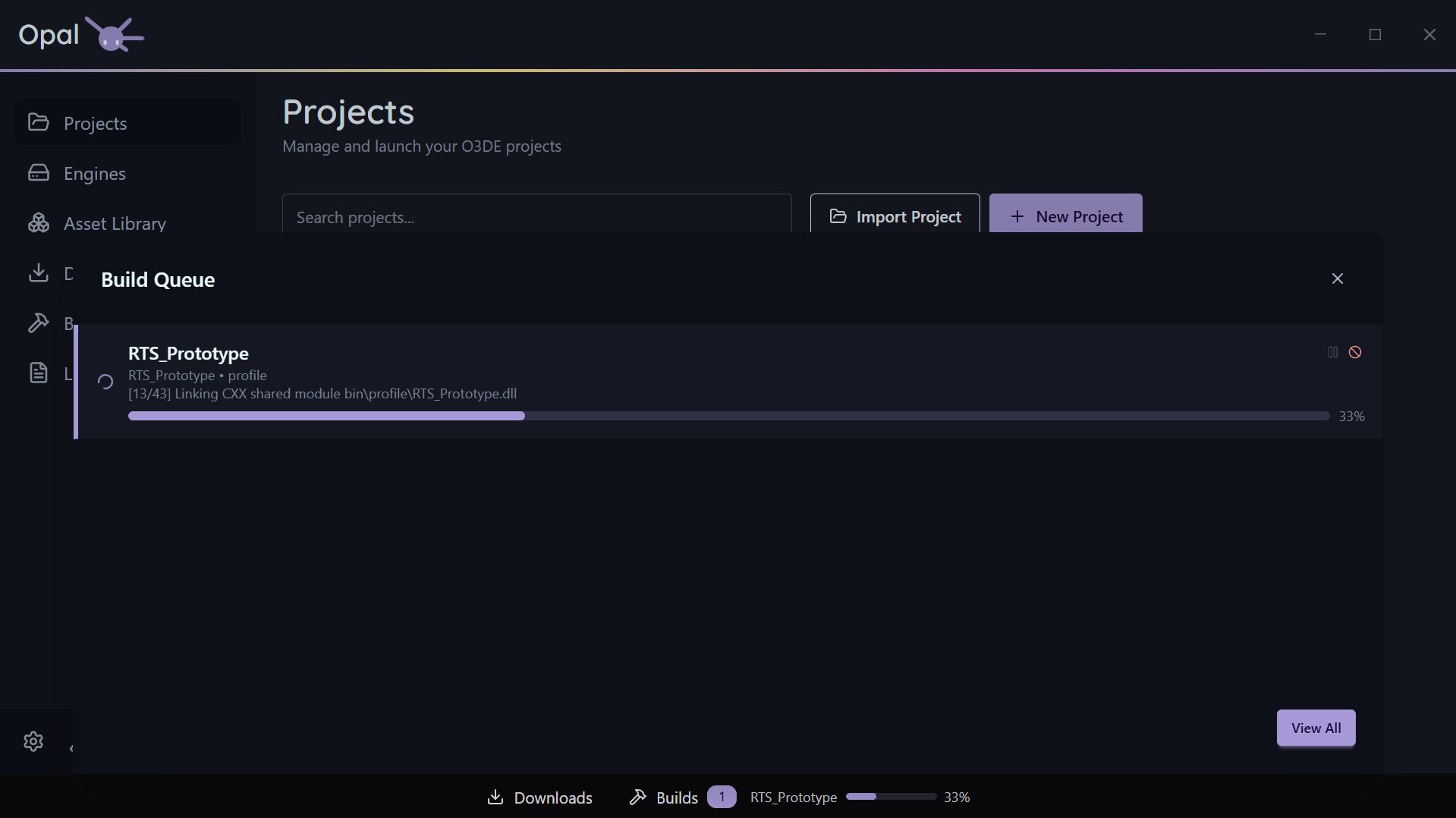
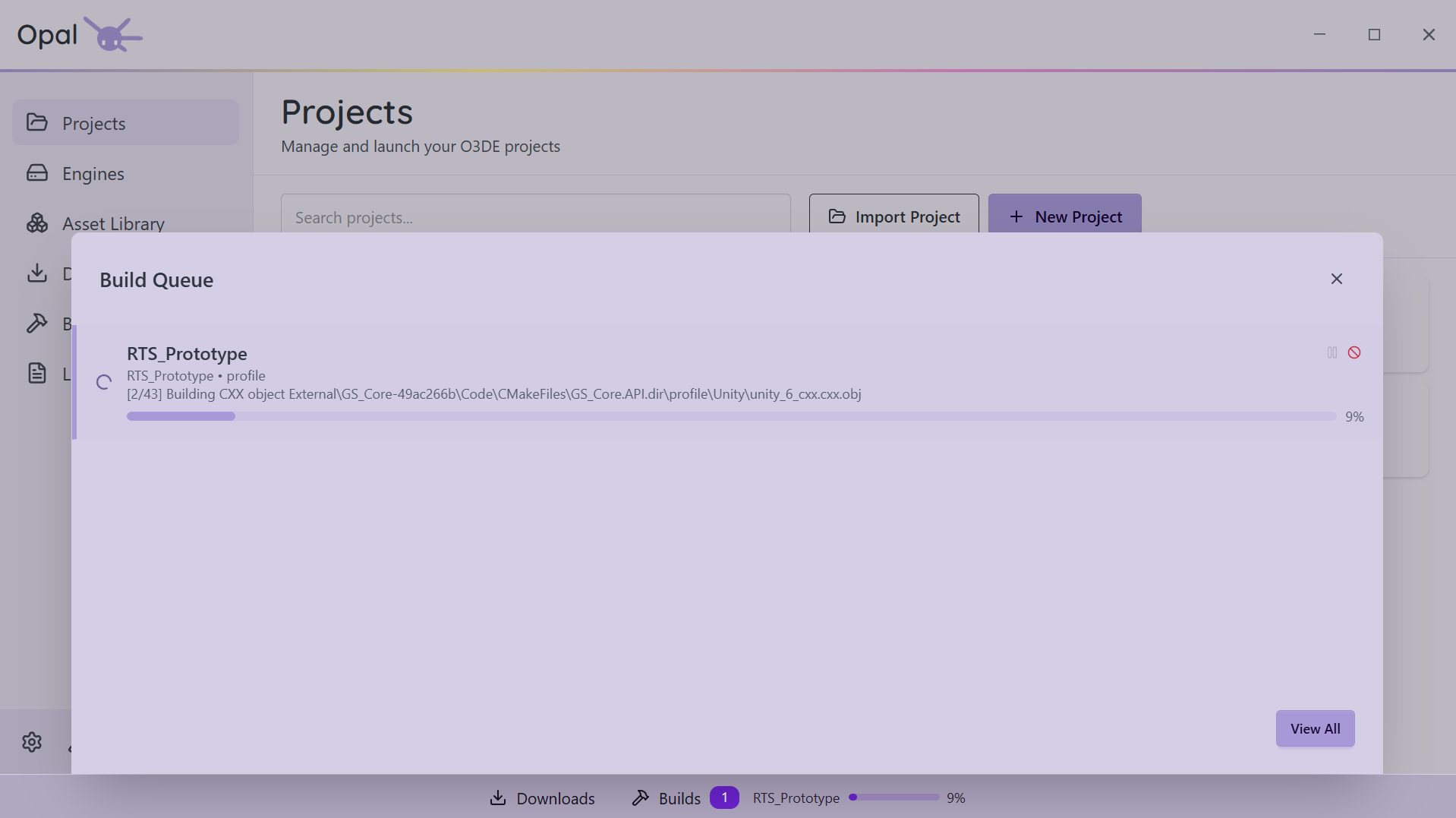
The export joins the same queue as your builds and reports each stage as it goes — Building tools, Building assets, Bundling assets, Compiling launcher, Archiving. Pause it, cancel it, reorder it, and read the log while it runs, exactly like a build.
Queues
Interrupt-safe downloads & builds
Pause anything, any time
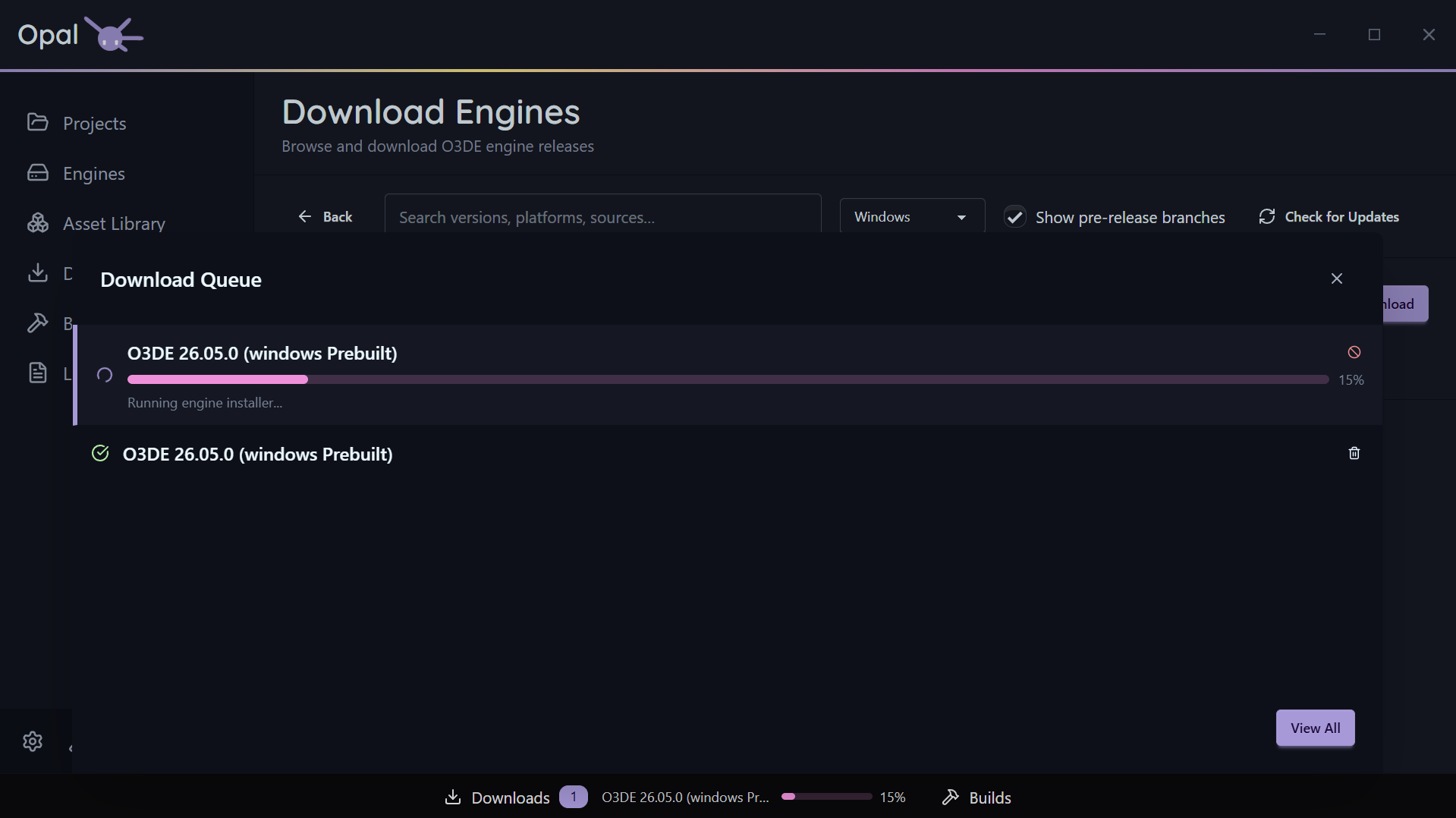
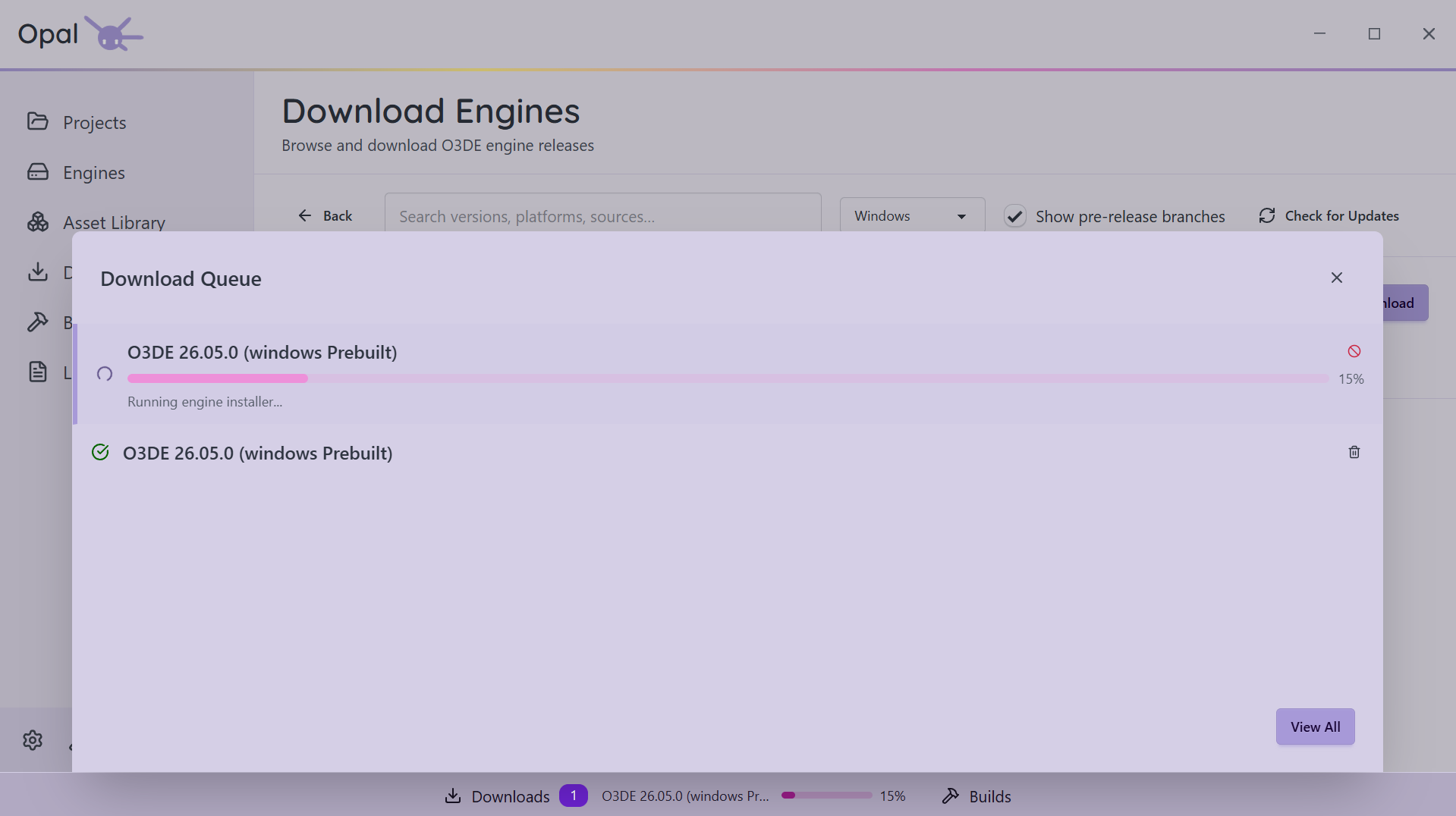
Downloads and builds can each be paused and resumed individually. Downloads add a Pause All / Resume All toggle for the whole queue. Paused, not cancelled — the bytes and build progress you already have stay put.
Survives everything
Close OPAL. Reboot. Lose Wi-Fi. Downloads pick up from the last committed byte; the queue rebuilds itself intact on next launch. The Rust-backed download manager is built for exactly this.
Move to top in one click
Drag items to reorder, or hit Move to Top. OPAL is smart about it — when a non-pausable item can't be demoted, it tells you rather than silently ignoring you.
How many at once? You choose
Set max concurrent downloads and max connections per download (up to 16), and cap simultaneous builds independently. Tune it to your machine and your internet.
Throttle when you need to
Put a global speed cap on downloads in Mb/s or Kb/s so OPAL doesn't saturate your connection during a call. Backed by a proper rate limiter, not a crude on/off.
Let it run overnight
Restrict downloads to a time window — say 22:00 to 07:00. OPAL pauses at the window's close and resumes at its open, and overnight windows that cross midnight are handled correctly.
Logs
Debug without the scavenger hunt
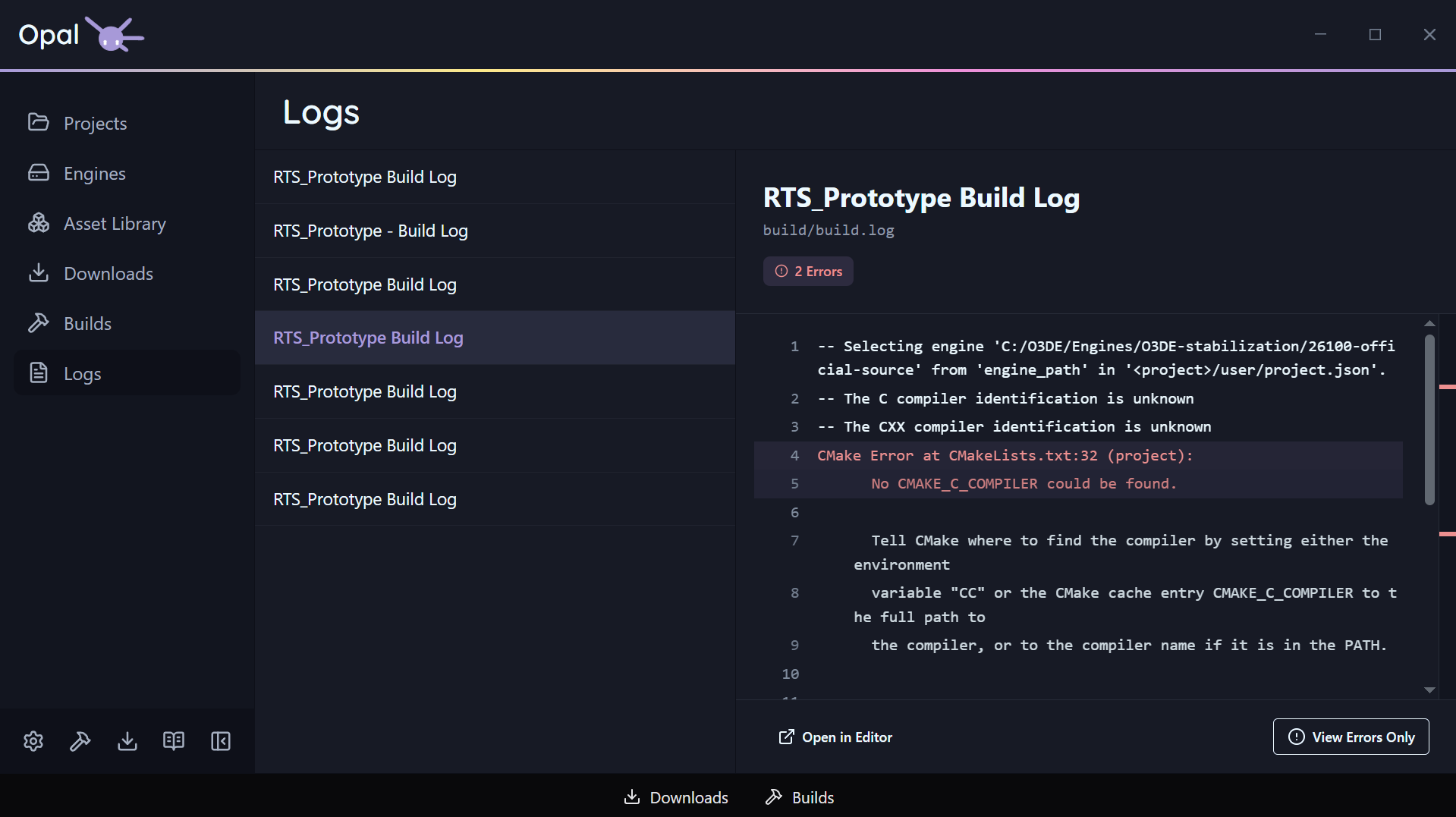
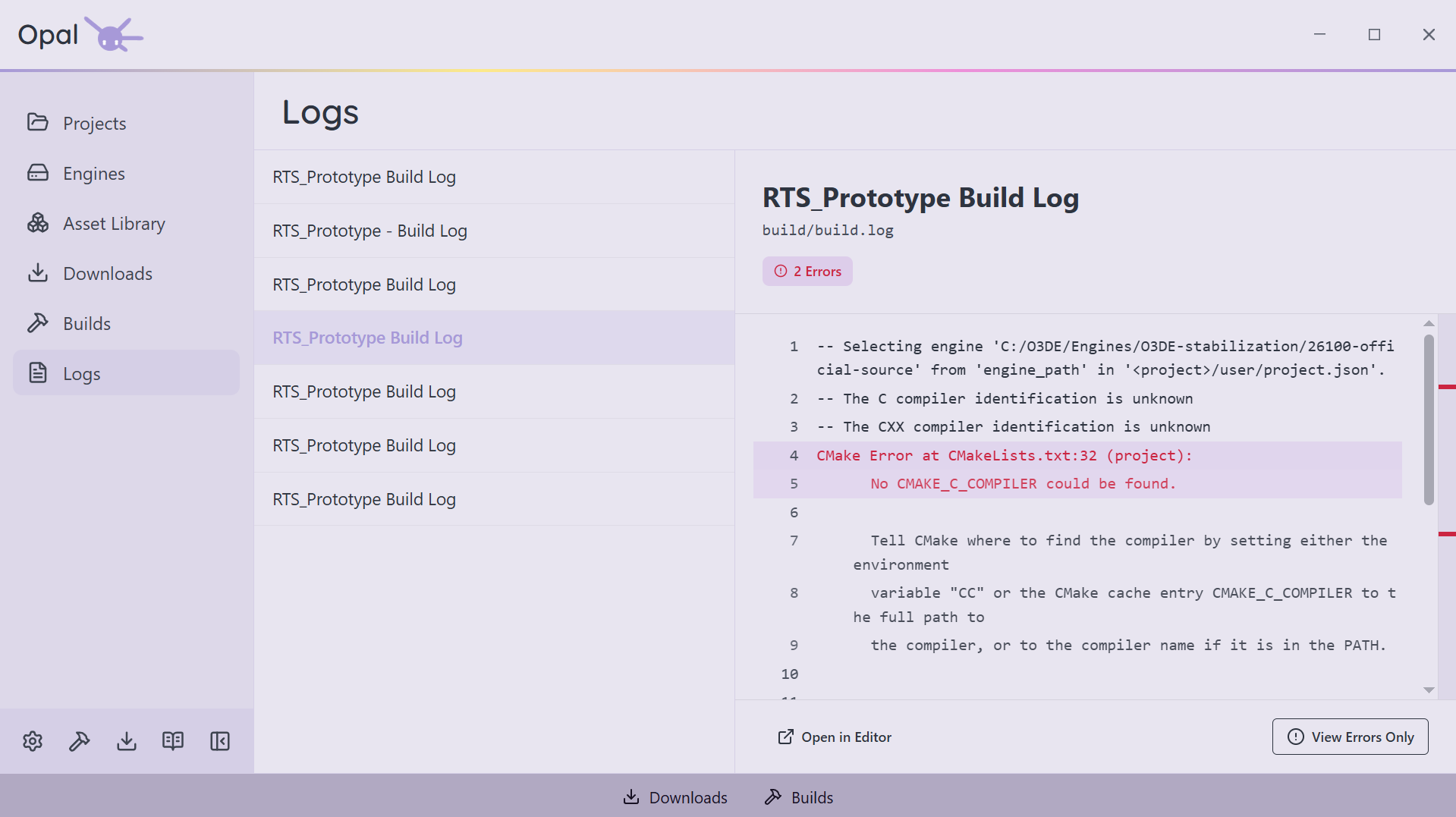
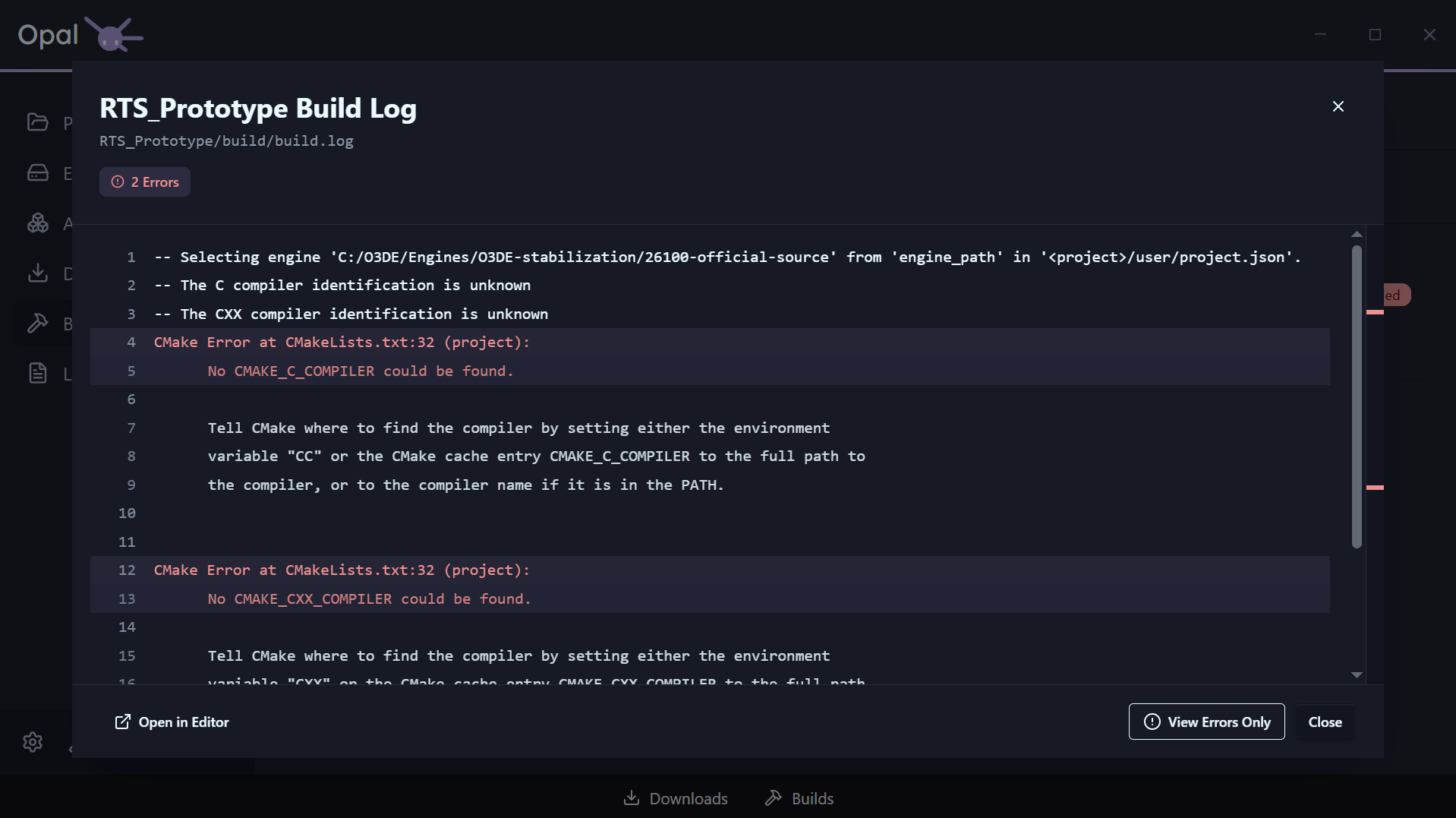
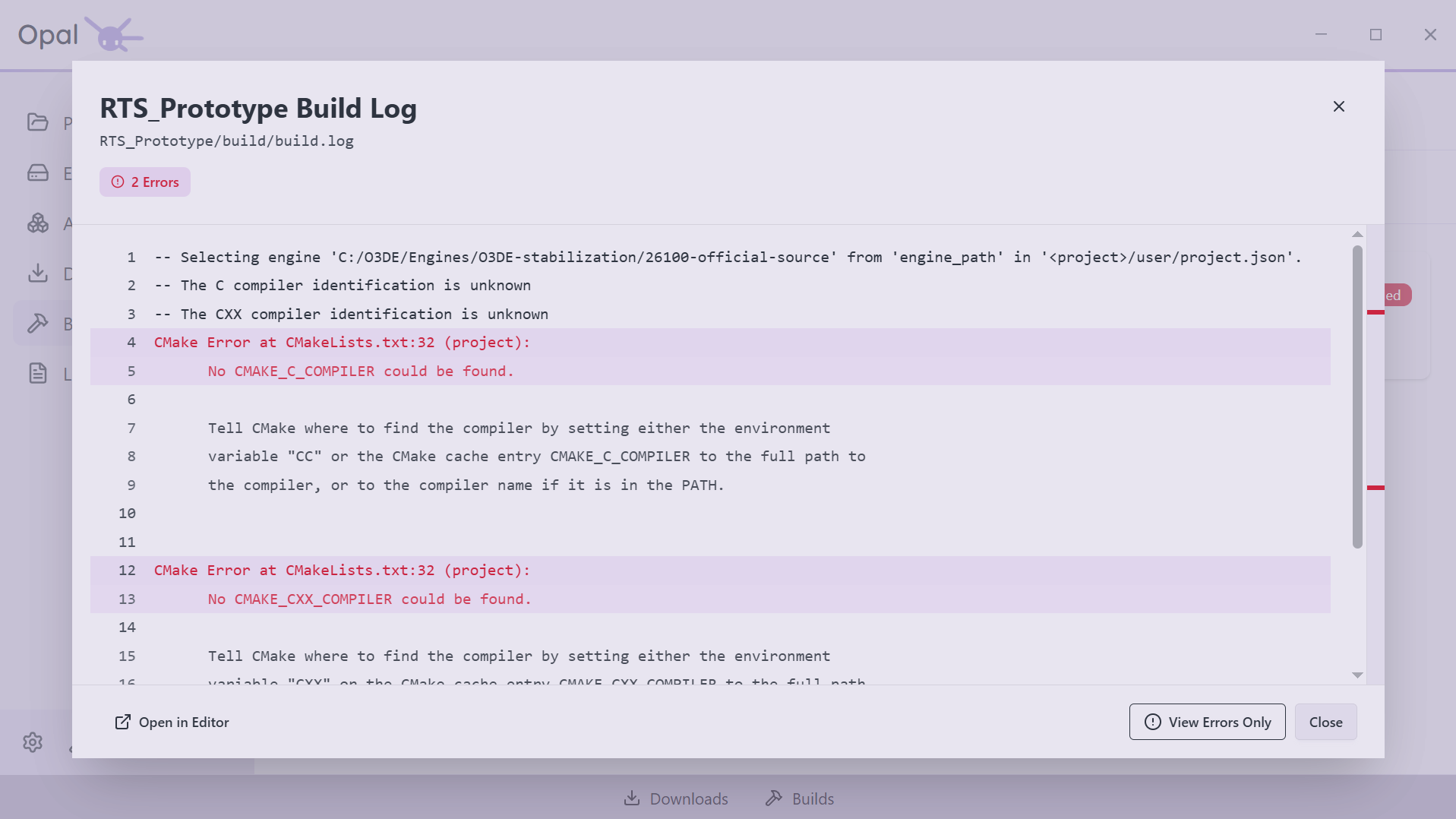
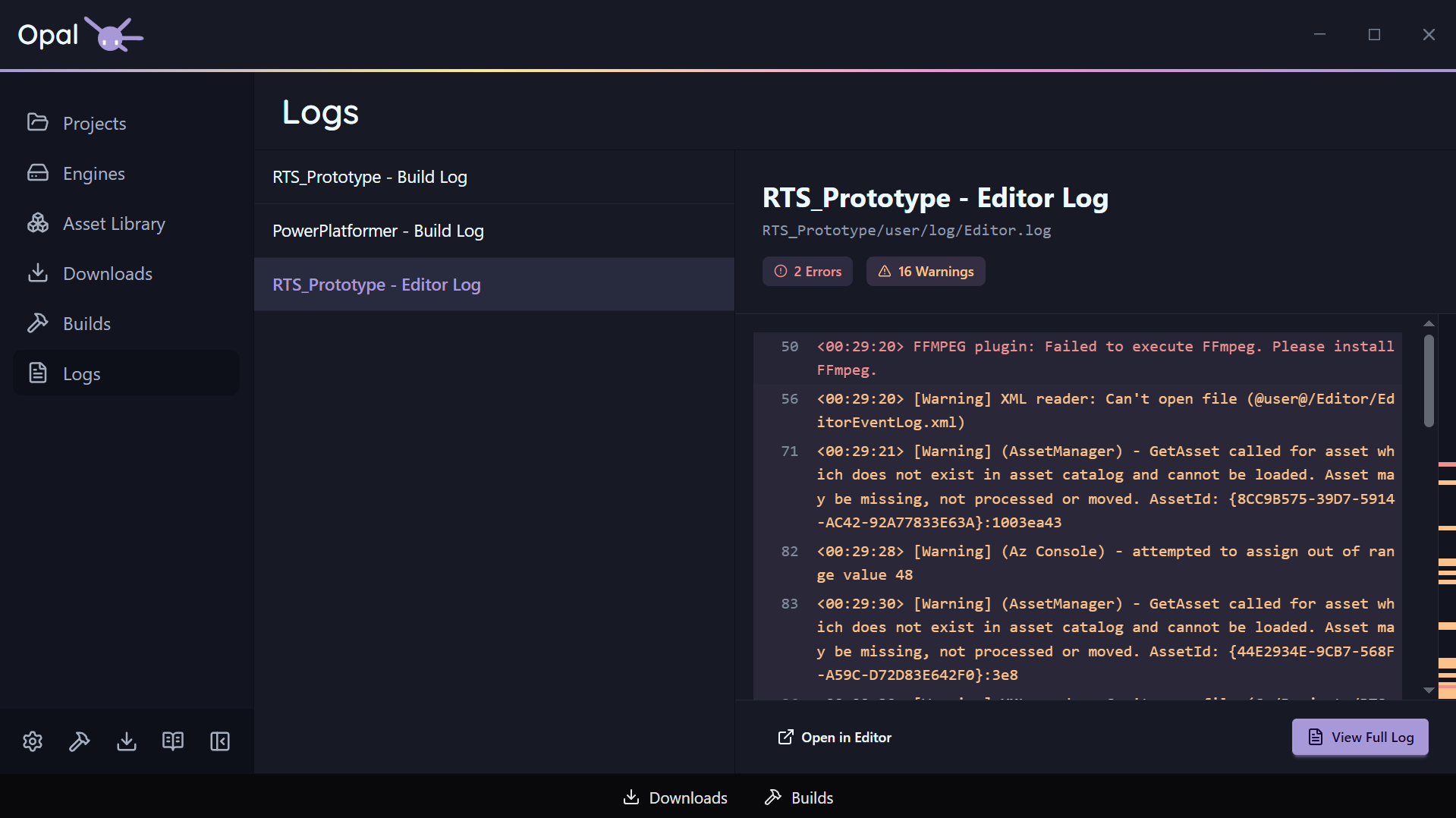
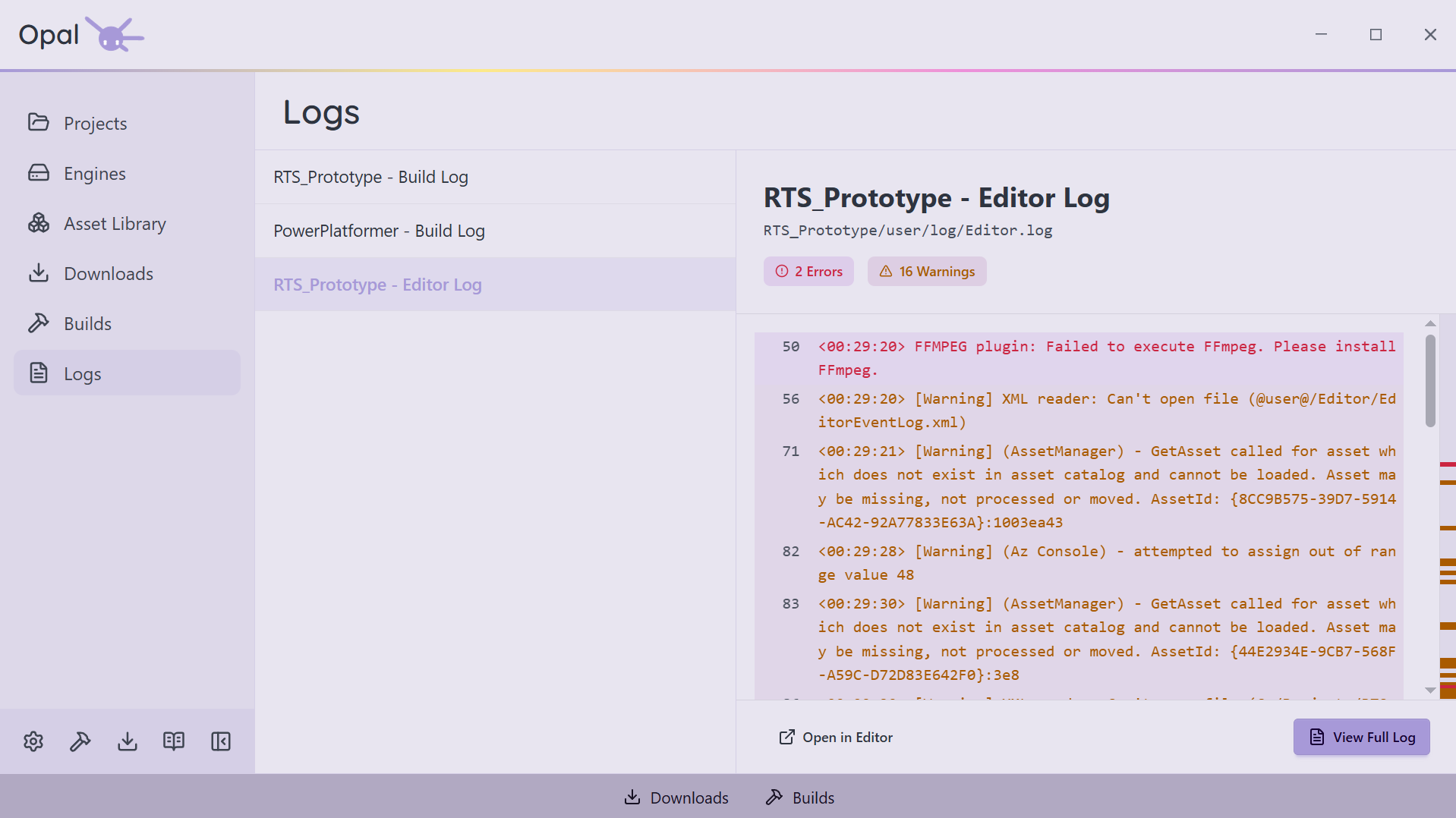
O3DE scatters its logs across build folders, editor caches, and Asset Processor directories — OPAL pulls them into one place. The Logs page scans the known locations for every registered project and engine and lists them together: build logs, CMake output, Editor.log, Game.log, AssetProcessor.log, and AssetBuilder.log among them. Build and launch actions stream straight into the same viewer, and every project, engine, and build carries a View Log shortcut. When something breaks, you read the log — you don’t go looking for it.
Settings
Set up once — sane defaults, deep control
Guided first run
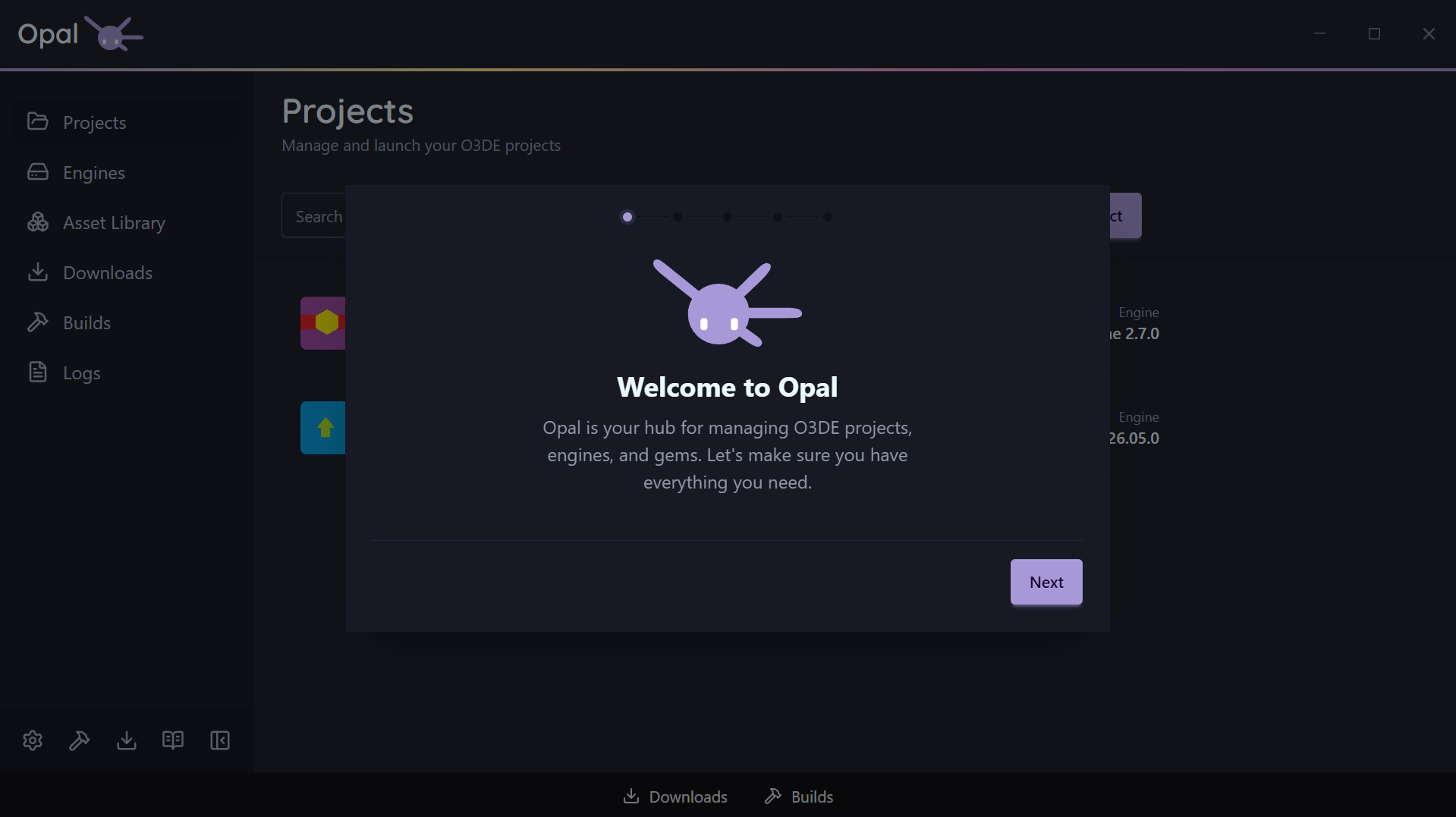
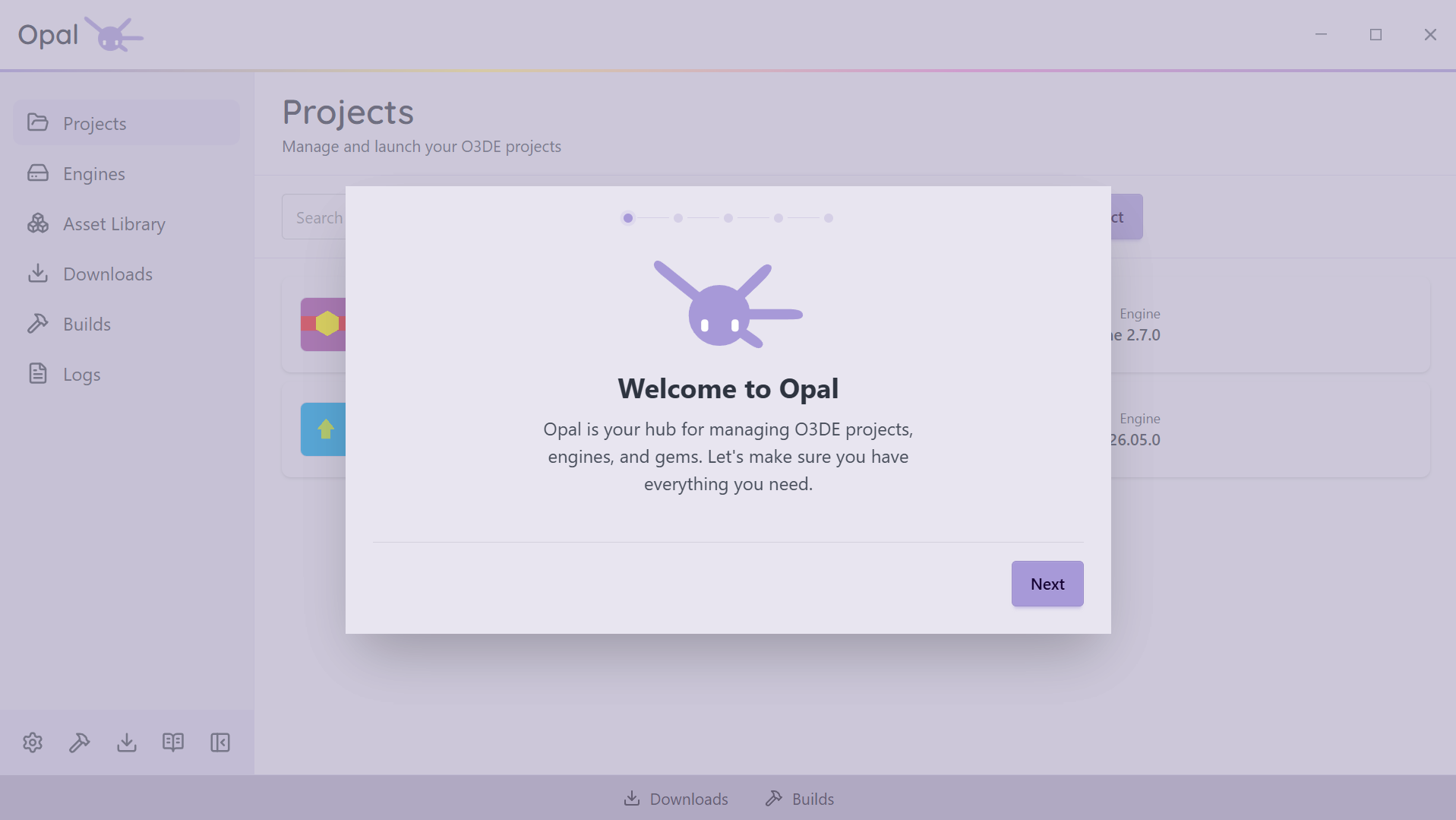
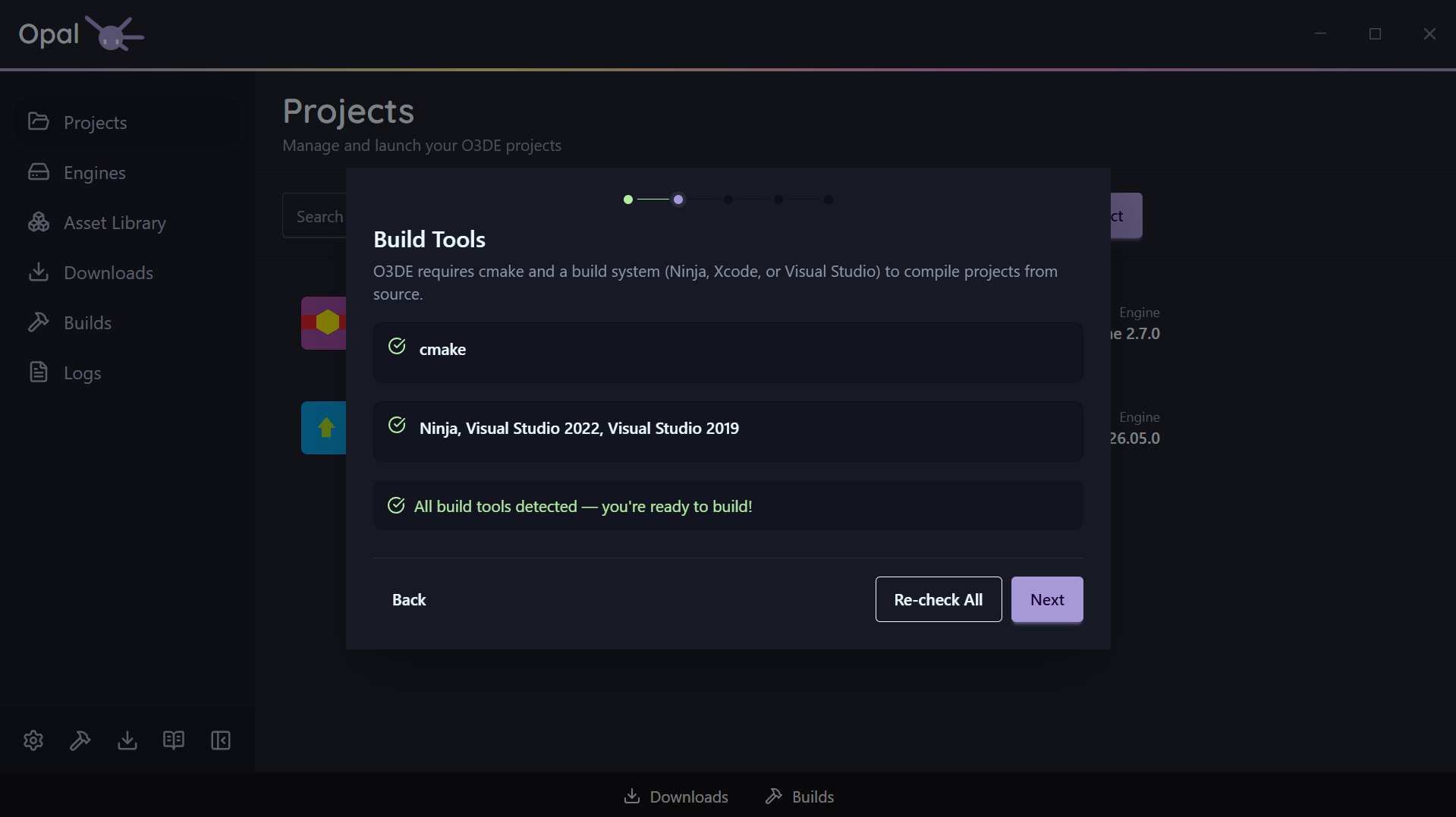
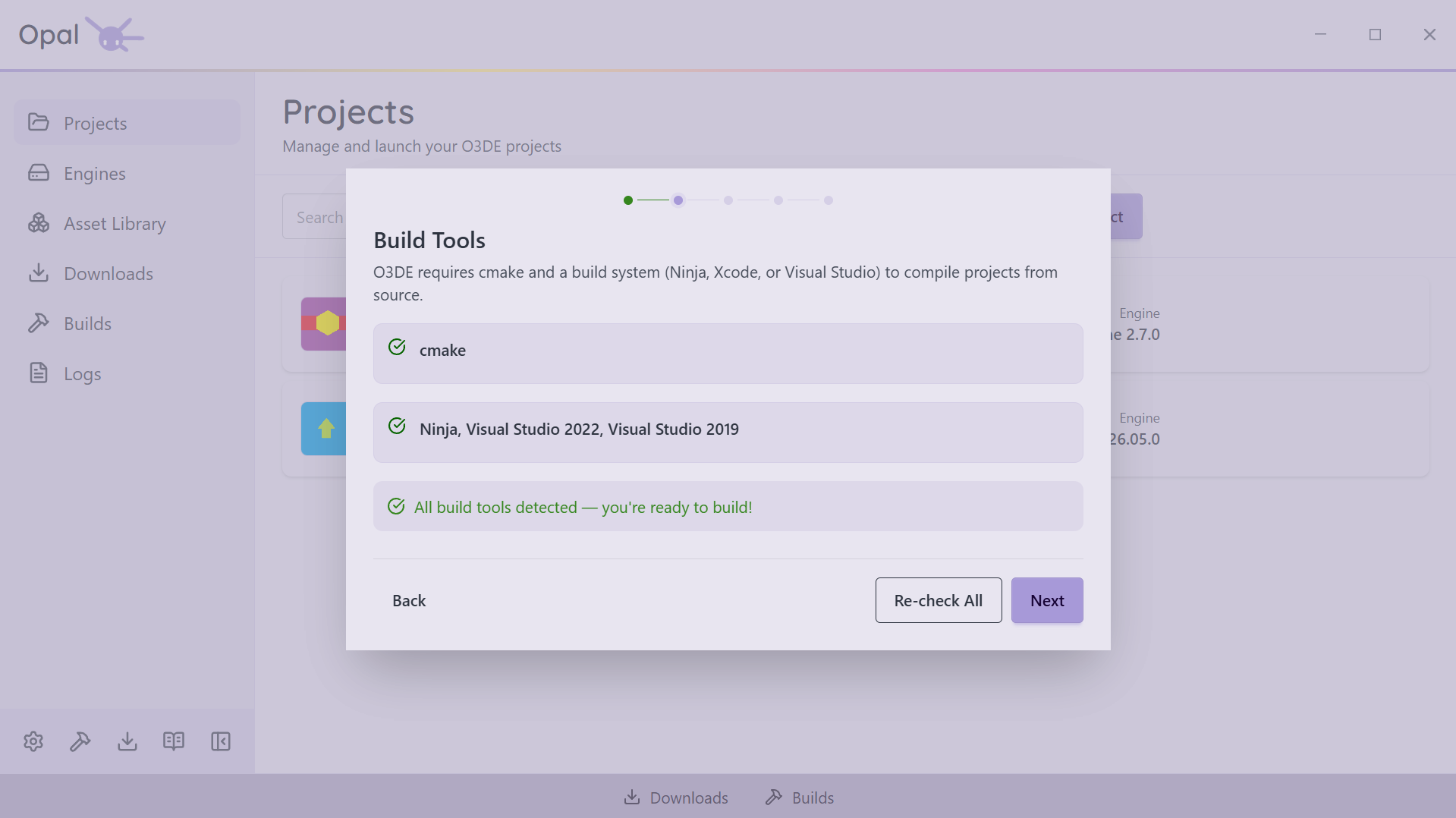
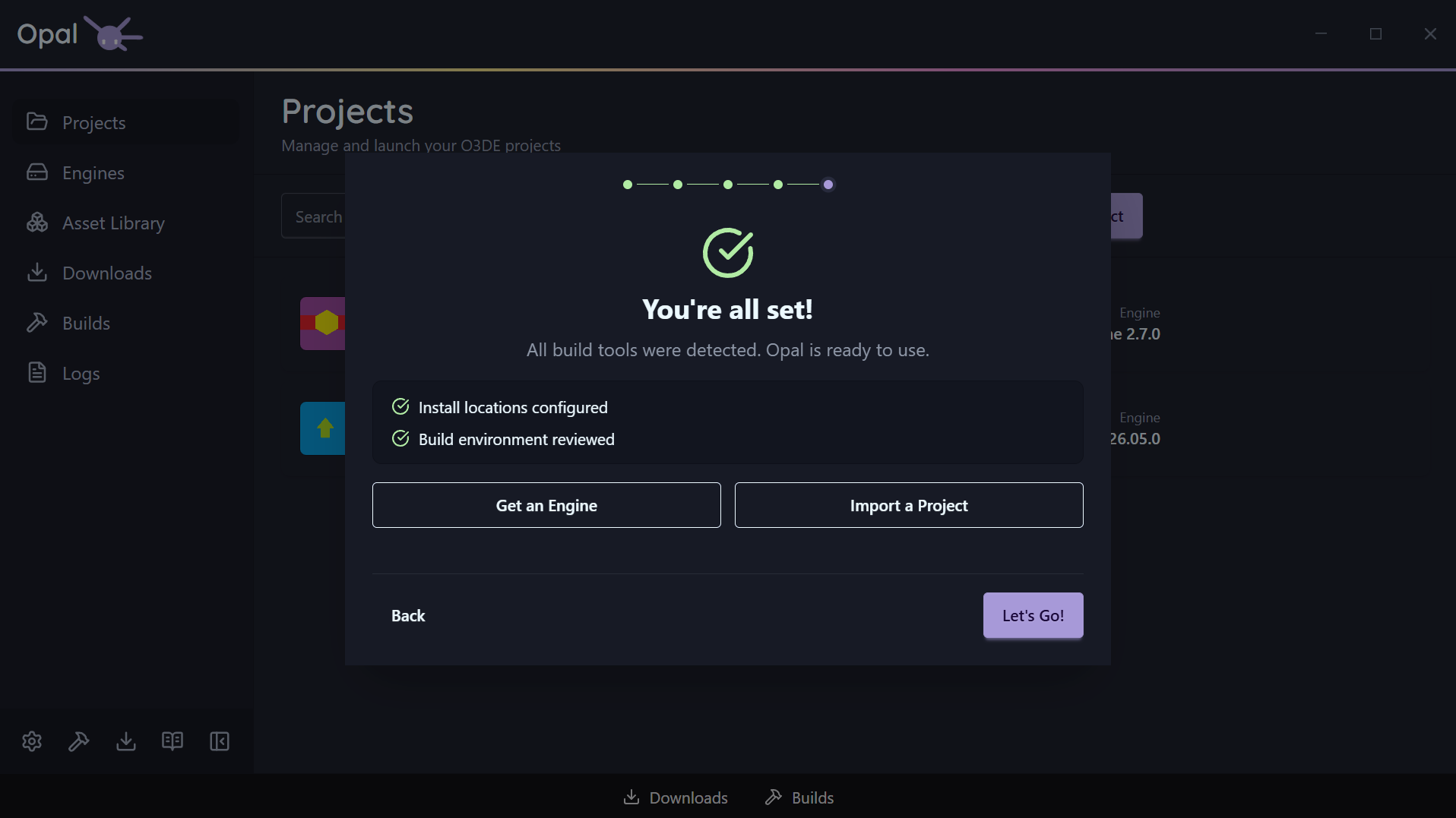
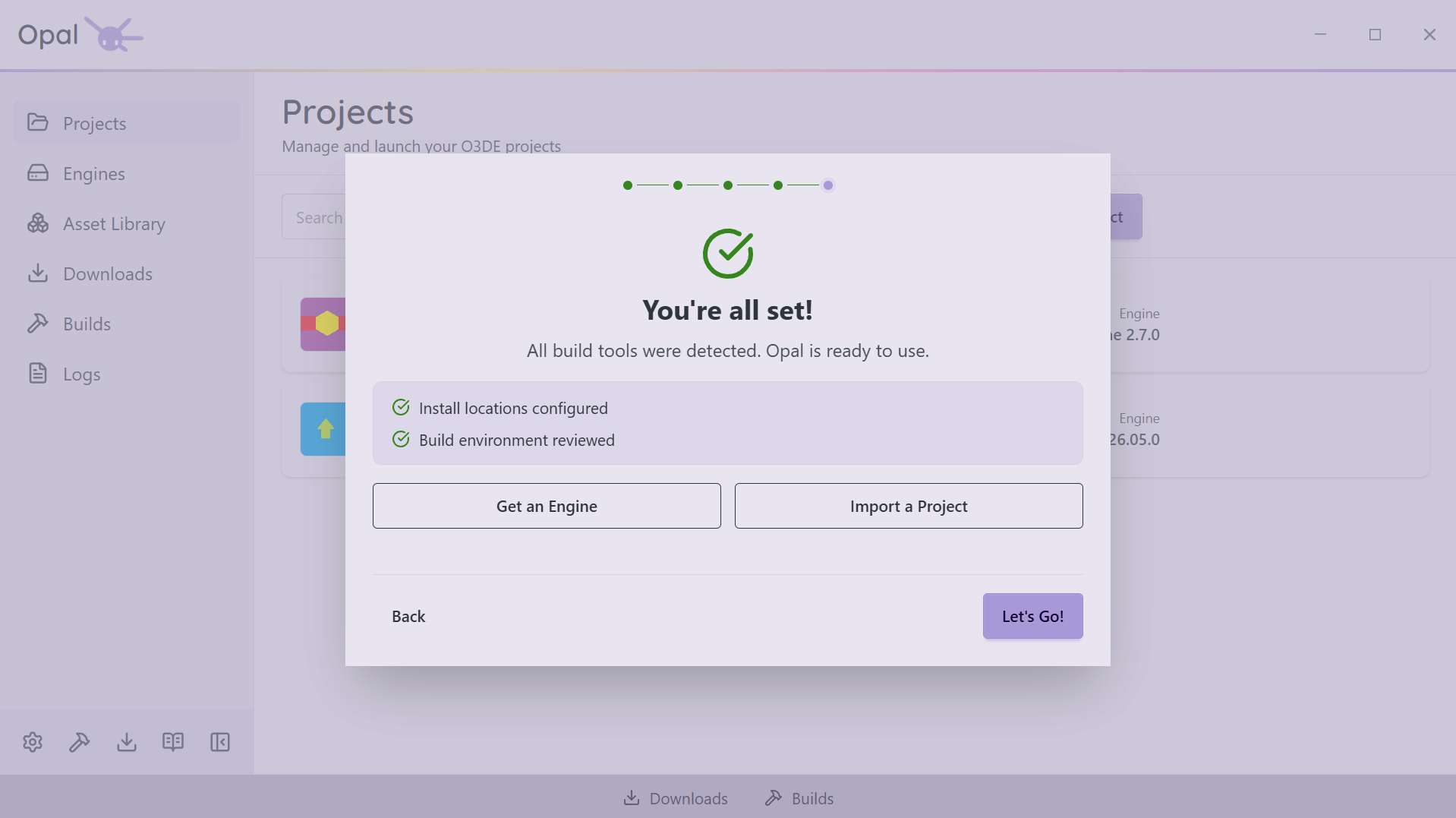
A first-launch wizard walks you through Welcome, Build Tools, Libraries, and Install Locations — detecting what you have and offering the exact per-platform install command for what you don't. Re-run it any time from Settings.
Build tools, detected
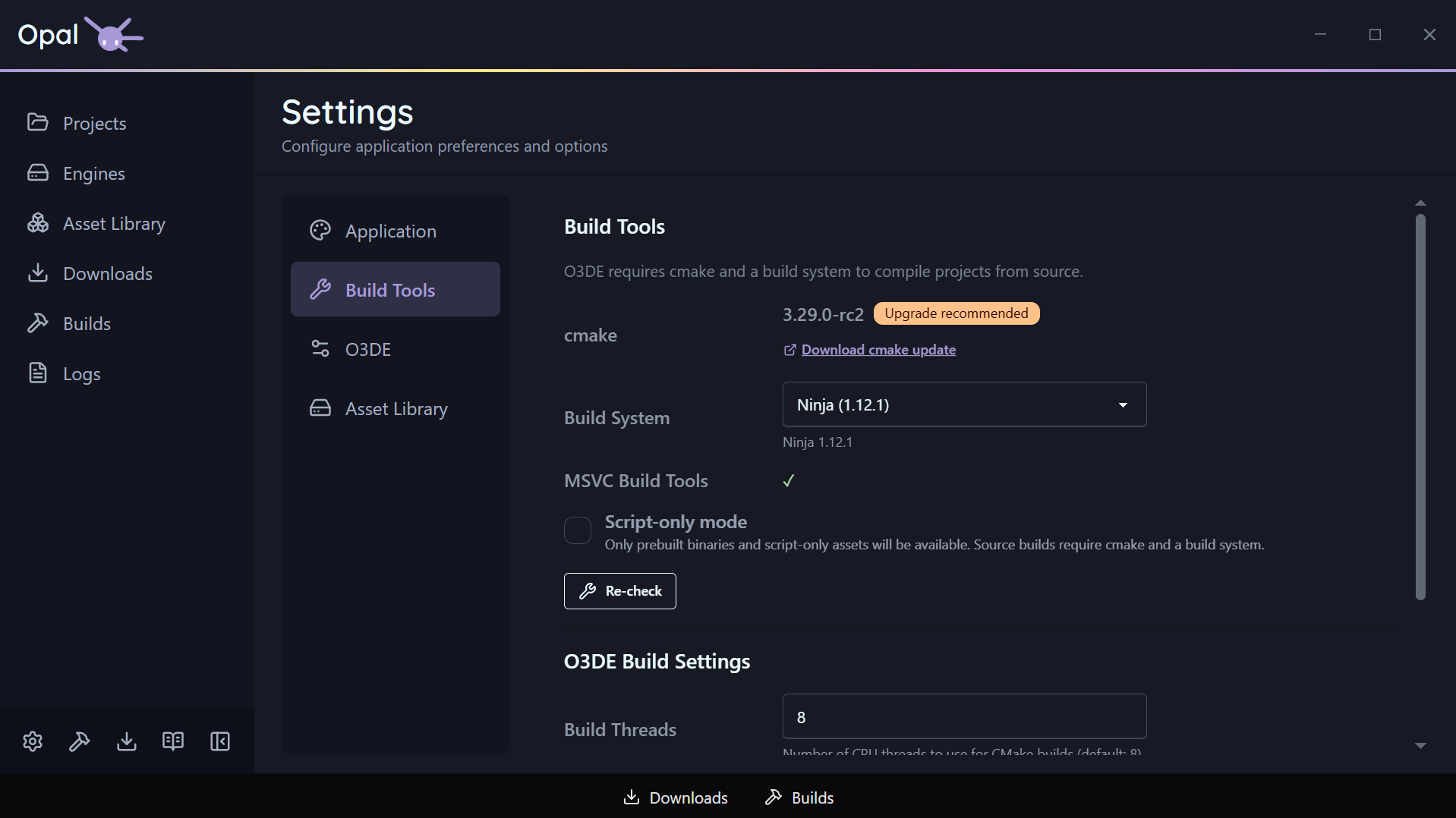
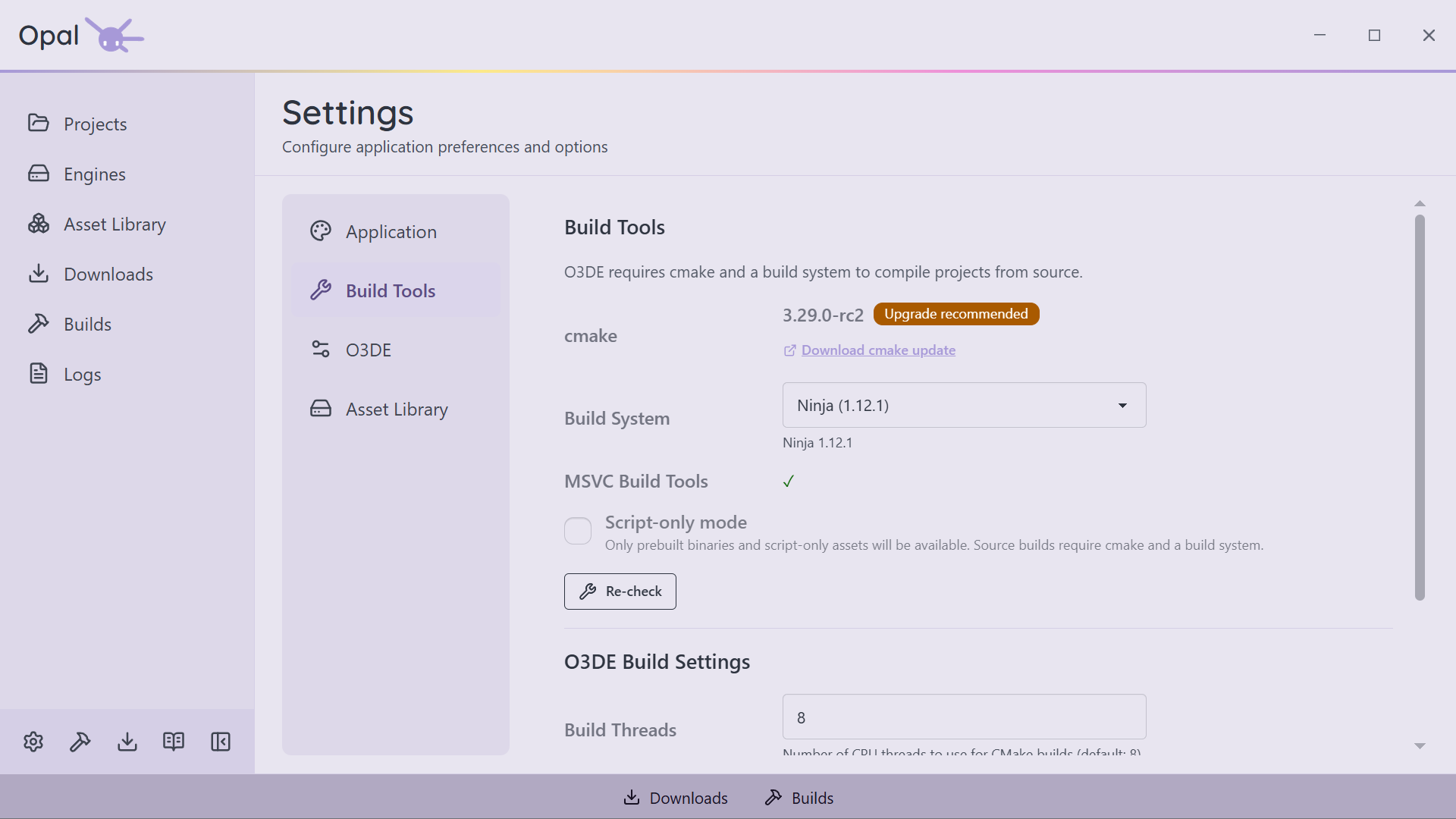
OPAL finds your CMake (and flags an out-of-date one), and detects available build systems — Ninja, Xcode, and Visual Studio 2019 through 2026. Choose your build tool, set extra CMake flags, and pick a build thread count.
Own your O3DE manifest
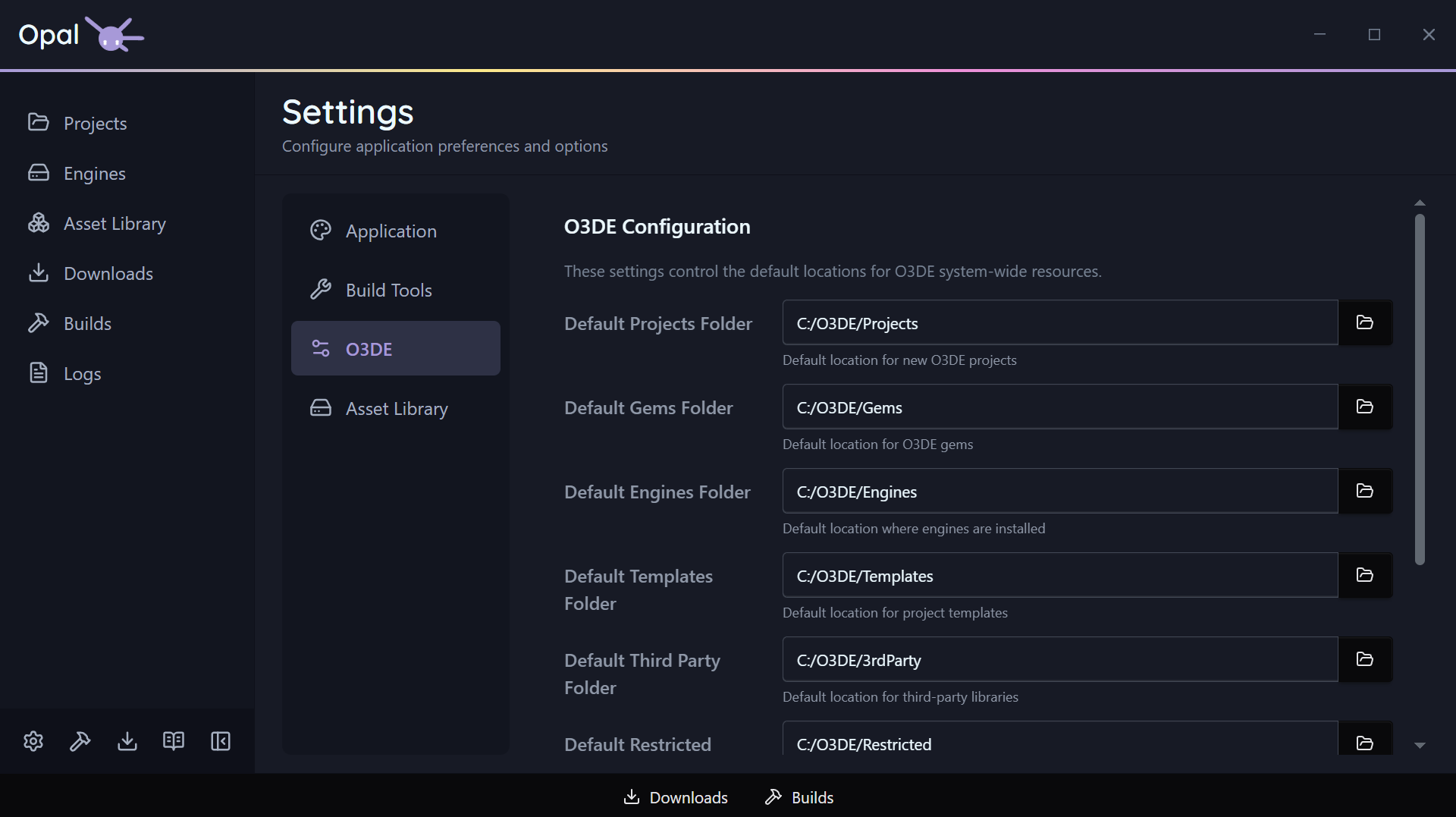
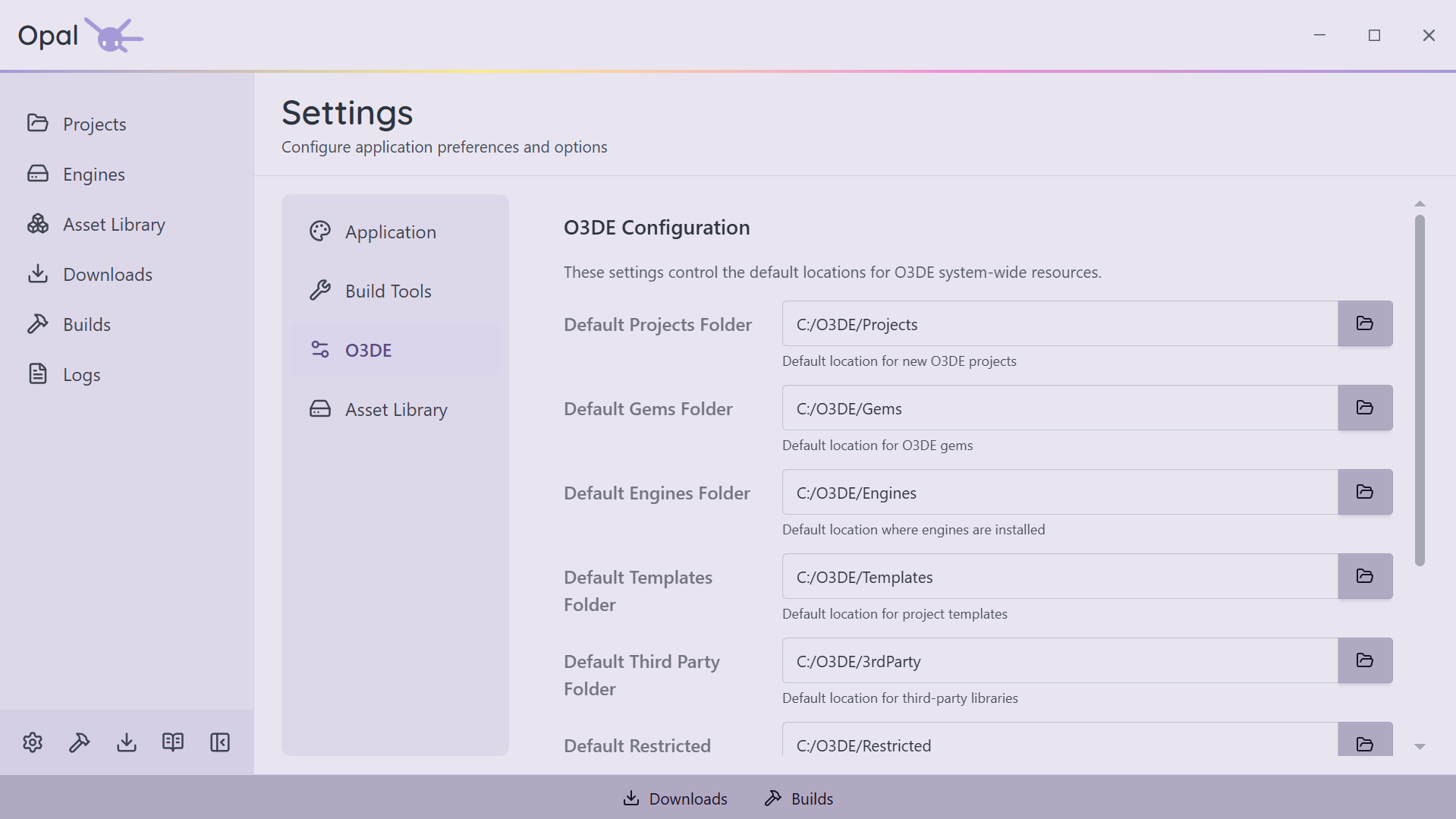
Read and write the O3DE manifest directly: default folders for projects, gems, templates, and third-party. Point OPAL's engine download location wherever you like — an external drive, a build cache, wherever suits.
Script-Only mode
Not compiling C++? Turn on Script-Only mode and OPAL hides source-build options across engines, downloads, and gem configuration — keeping the app focused on prebuilt, script-based work.
Looks and alerts, your way
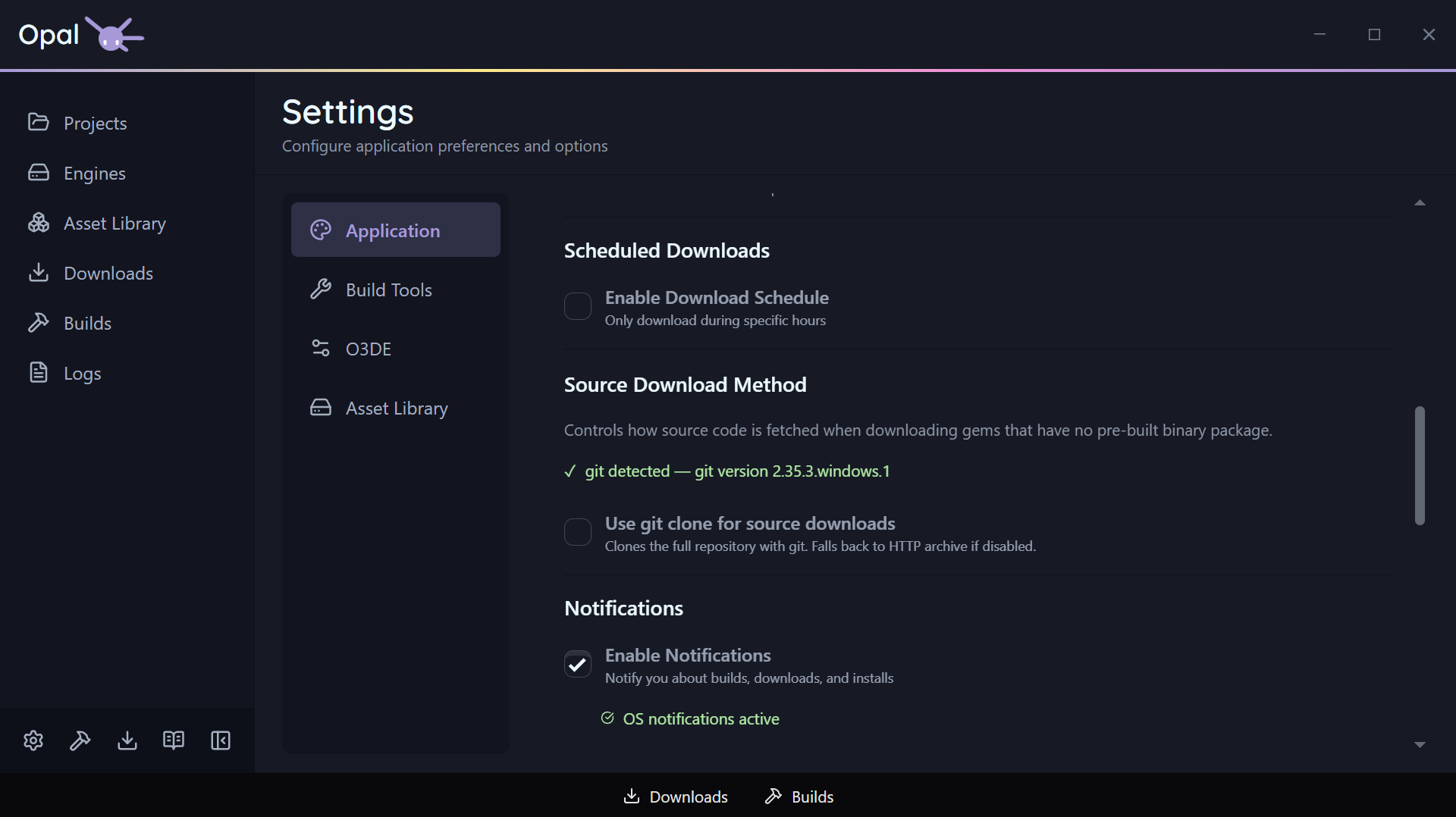
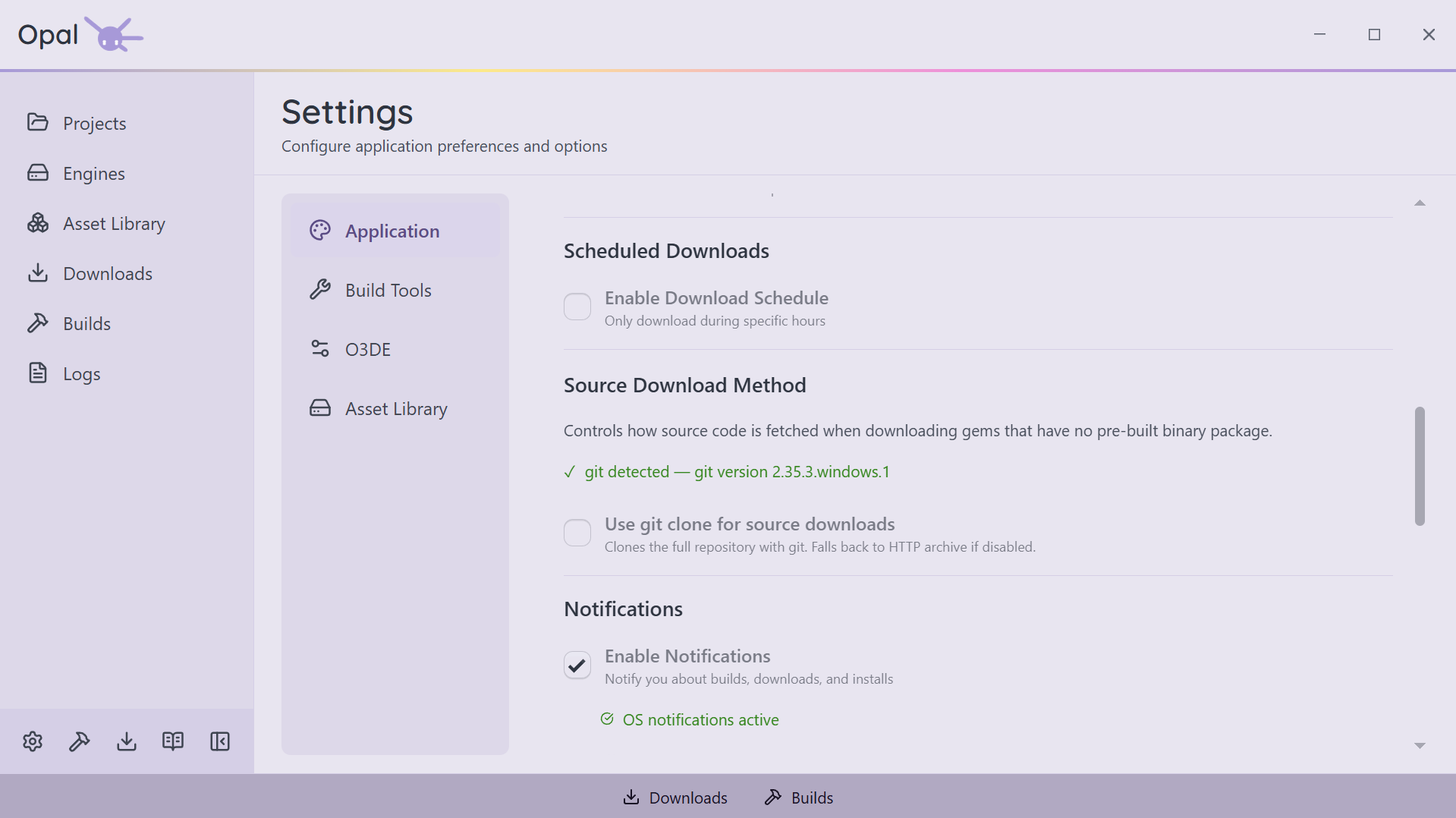
Light / dark / auto theme and app language. Window behaviour (minimize on close, minimize to tray) and open-on-startup. Native OS notifications with per-severity toggles for warnings, errors, successes, status, and debug.