O3DE
The O3DE manifest’s default folders, plus OPAL’s engine download location.
The O3DE tab reads and writes your O3DE manifest (o3de_manifest.json) directly. These aren’t OPAL-private settings — they’re the same defaults the O3DE tooling uses, so changes here are visible to the engine and the stock tools too.
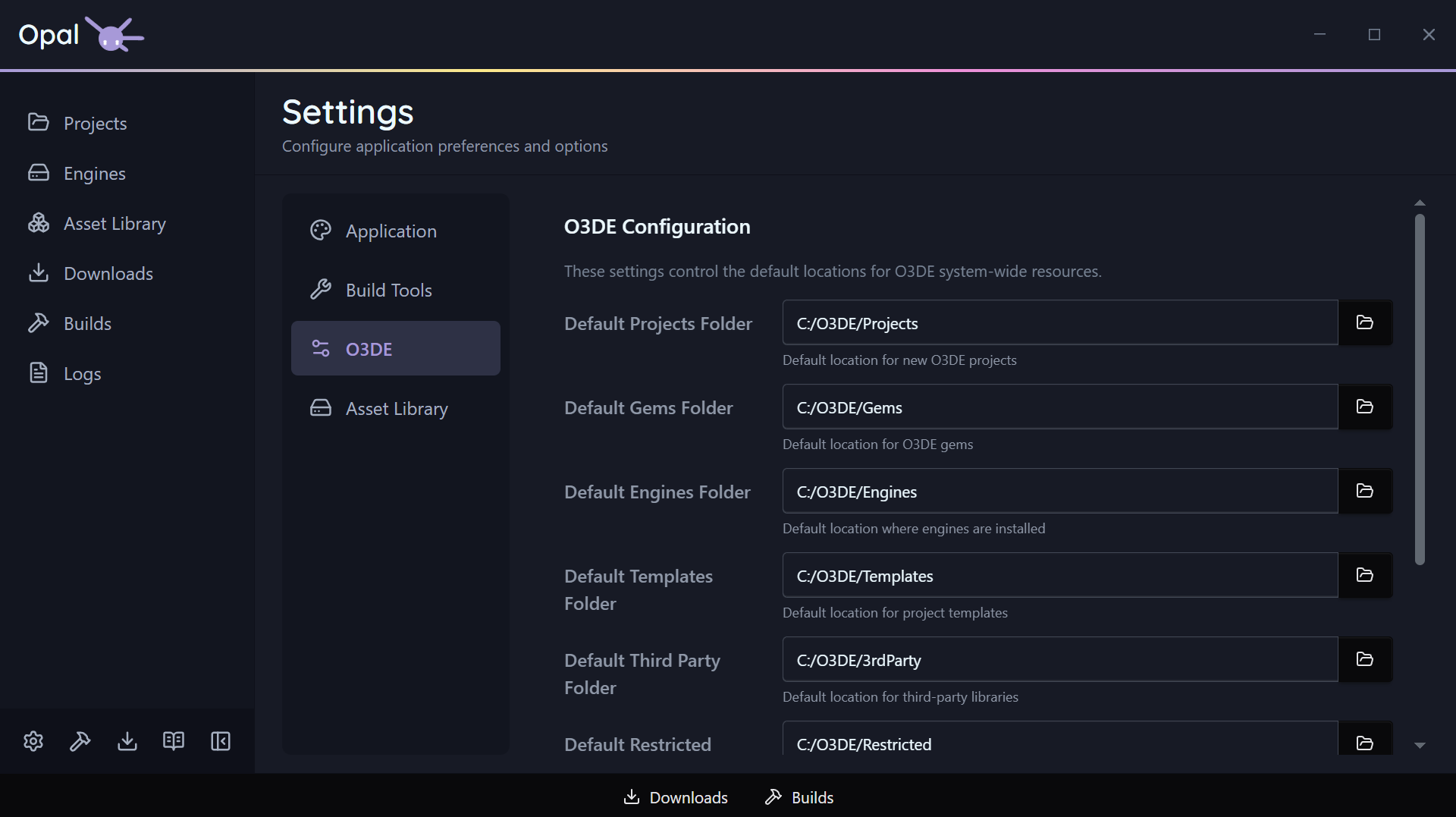
Manifest default folders
Each of these has a folder picker:
| Setting | What it is |
|---|---|
| Default projects folder | Where new projects are created by default |
| Default gems folder | Where gems are placed by default |
| Default templates folder | Where project/gem templates are looked up |
| Default third-party folder | O3DE’s third-party package location |
Engine download location
| Setting | Default | Notes |
|---|---|---|
| Engine download path | (manifest default) | Where engine installer files are saved during download, before install. When empty, OPAL uses the manifest’s default engines folder |
Point this at a fast or roomy drive if you download a lot of engines.