Build Tools
CMake and build-system detection, selected build tool, CMake flags, and thread count.
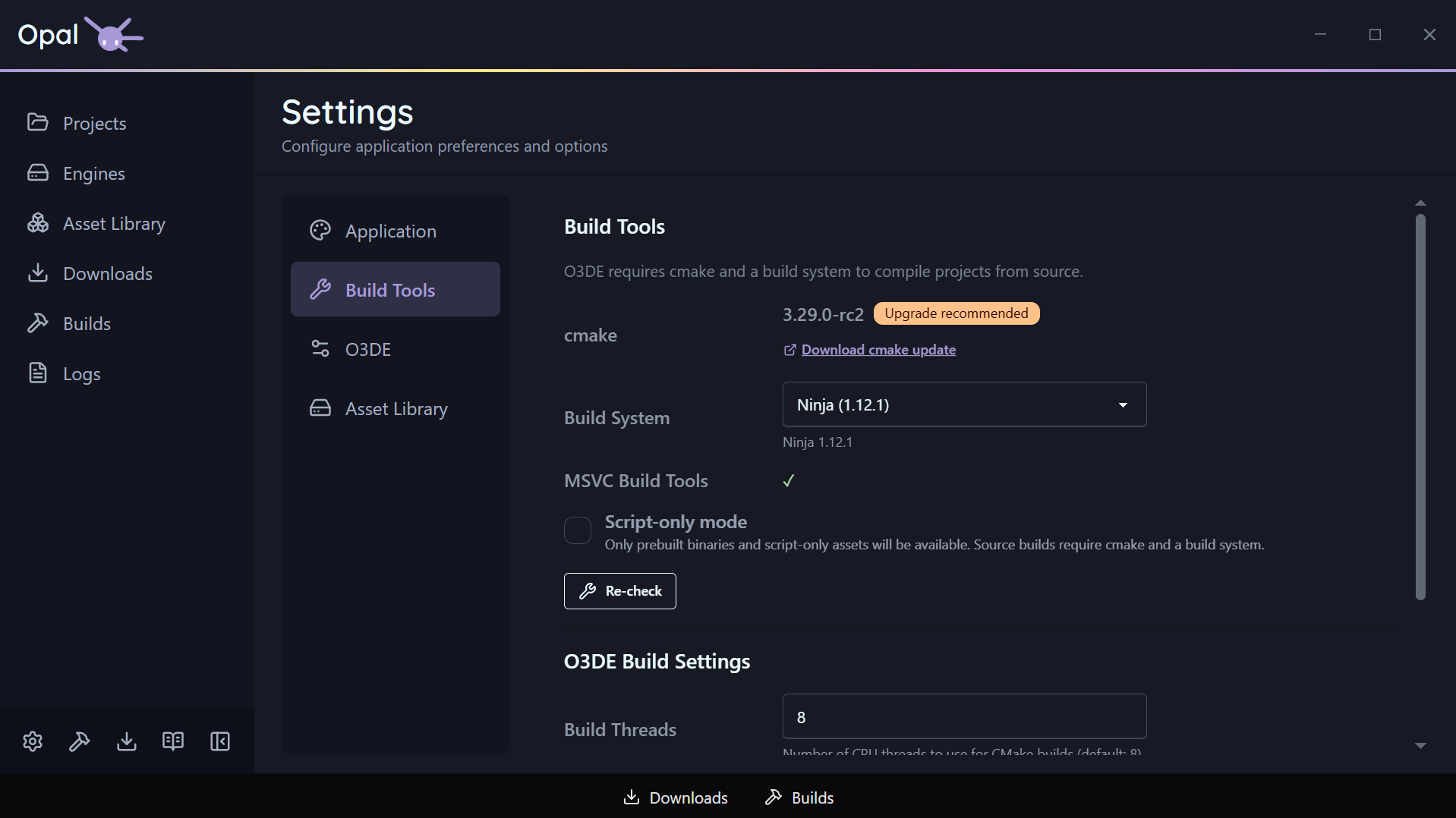
The Build Tools tab is where OPAL shows what it detected on your machine and lets you steer how builds run. A Recheck button re-runs detection at any time.
Detection
- CMake — OPAL reports the detected CMake and its version, and flags an out-of-date one with an upgrade recommendation and a link.
- Build systems — OPAL auto-detects the available build systems: Ninja, Xcode, and Visual Studio 2019 / 2022 / 2025 / 2026, as applicable to your platform.
Configuration
| Setting | Default | Notes |
|---|---|---|
| Selected build tool | Auto | The build system used after CMake configures; auto picks a sensible default |
| CMake flags | (none) | Extra space-separated arguments appended to the CMake configure for all projects |
| Build thread count | 8 | CPU threads for CMake builds; 0 = auto-detect |