Logs
O3DE scatters its logs across build folders, editor caches, and Asset Processor directories. When a build or launch fails, finding the right log is half the battle. OPAL’s Logs page collects them into one place.
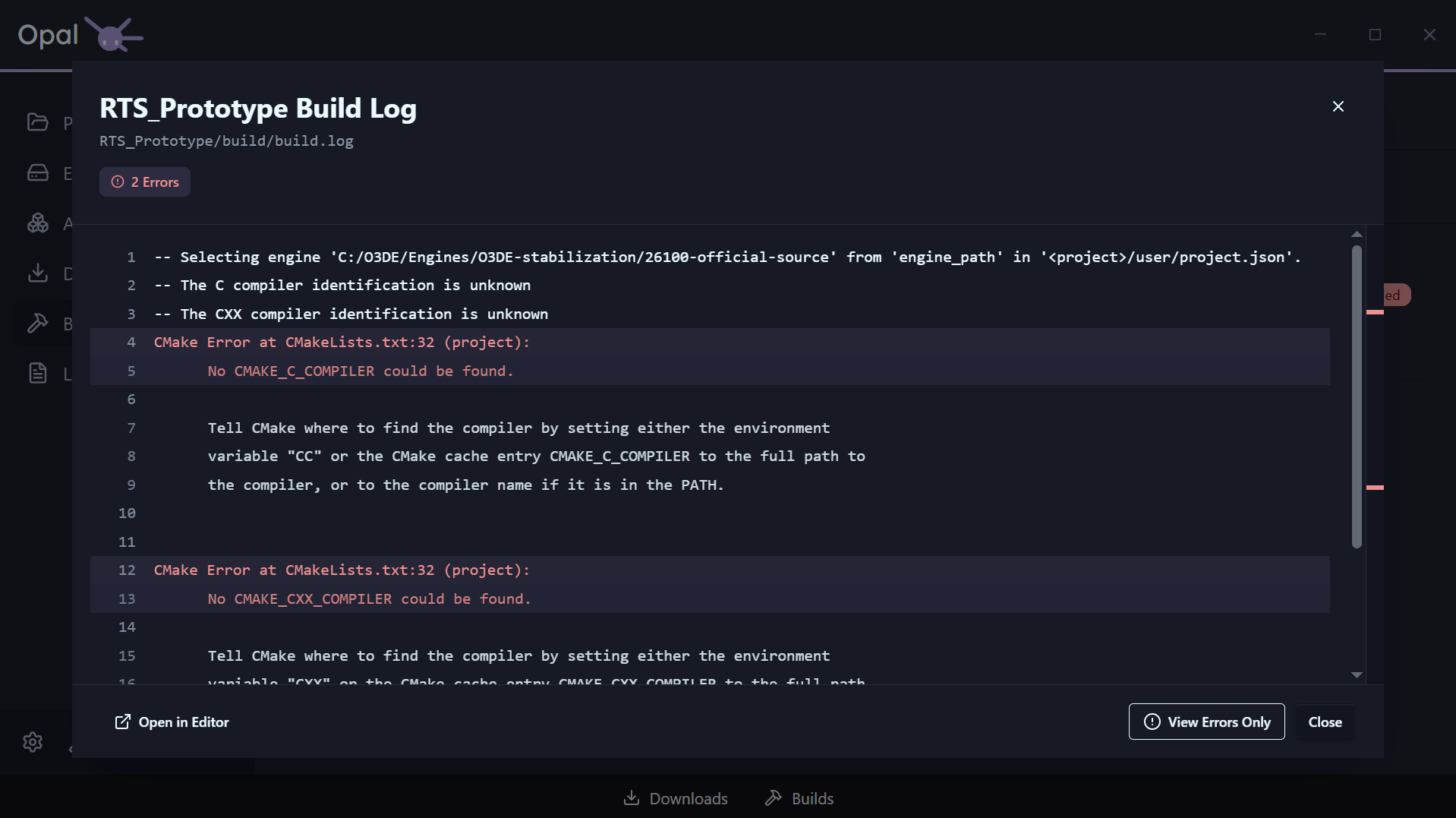
What the Logs page shows
The Logs page scans the known log locations for every registered project and engine and lists what it finds, so you can open the right log without hunting the file system. The logs it gathers include:
- Build logs and CMake configure/build output
- Project export logs
Editor.logandGame.logAssetProcessor.logandAssetBuilder.log- OPAL’s own Asset-Processor batch log
Logs from actions
Build, export, and launch actions stream their output into the same viewer as they run — so you can watch a build progress and read exactly where it failed. Beyond the Logs page, every project, engine, build, and export item has a View Log shortcut that opens the relevant log directly.
This is the “debug” step of the pipeline: when something goes wrong, you read the log — you don’t go looking for it.