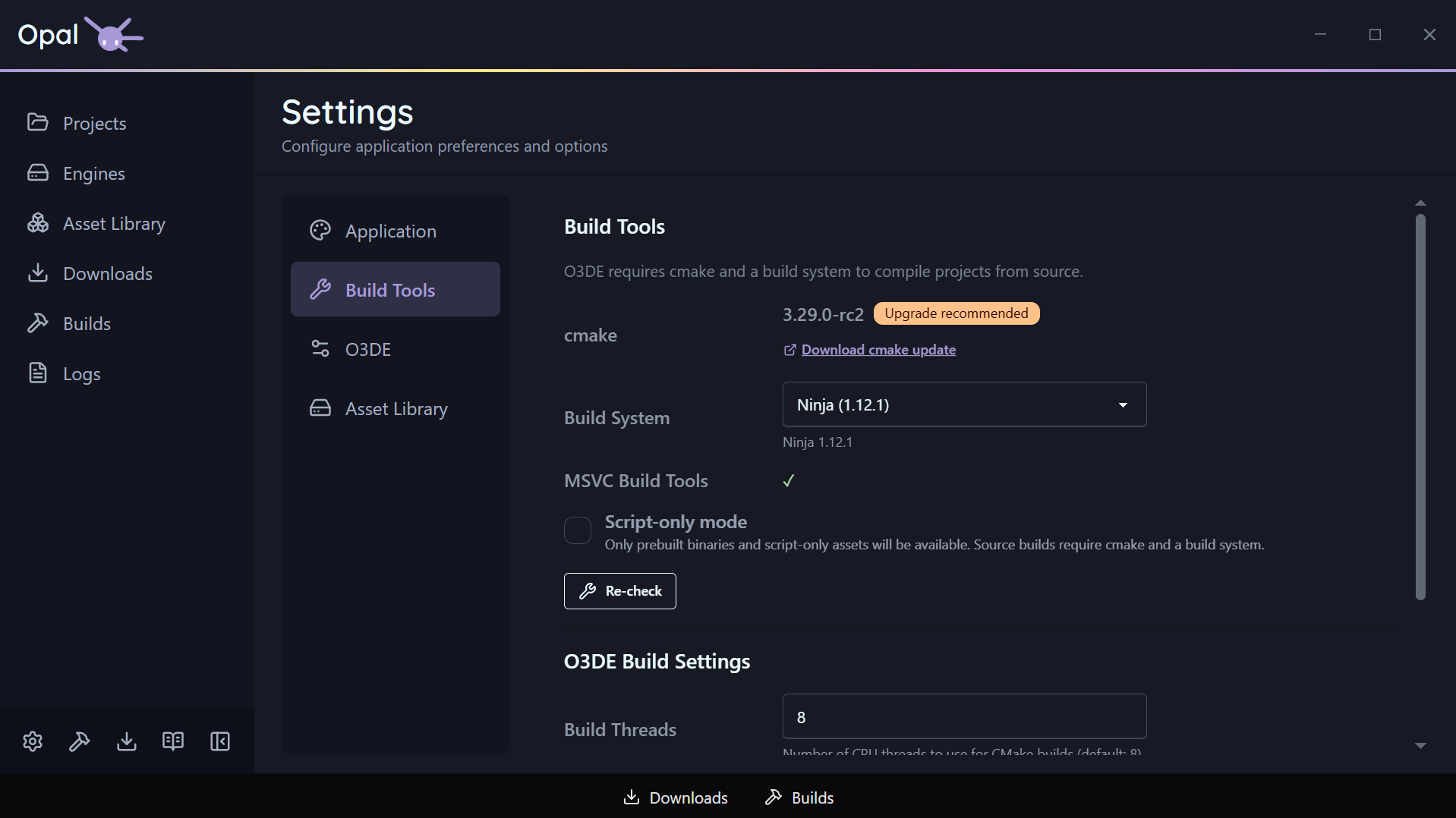
The Build Tools tab is where OPAL shows what it detected on your machine and lets you steer how builds run. A Recheck button re-runs detection at any time.
Detection
- CMake — OPAL reports the detected CMake and its version, and flags an out-of-date one with an upgrade recommendation and a link.
- Build systems — OPAL auto-detects the available build systems: Ninja, Xcode, and Visual Studio 2019 / 2022 / 2025 / 2026, as applicable to your platform.
Configuration
| Setting | Default | Notes |
|---|---|---|
| Selected build tool | Auto | The build system used after CMake configures; auto picks a sensible default |
| CMake flags | (none) | Extra space-separated arguments appended to the CMake configure for all projects |
| Build thread count | 8 | CPU threads for CMake builds; 0 = auto-detect |