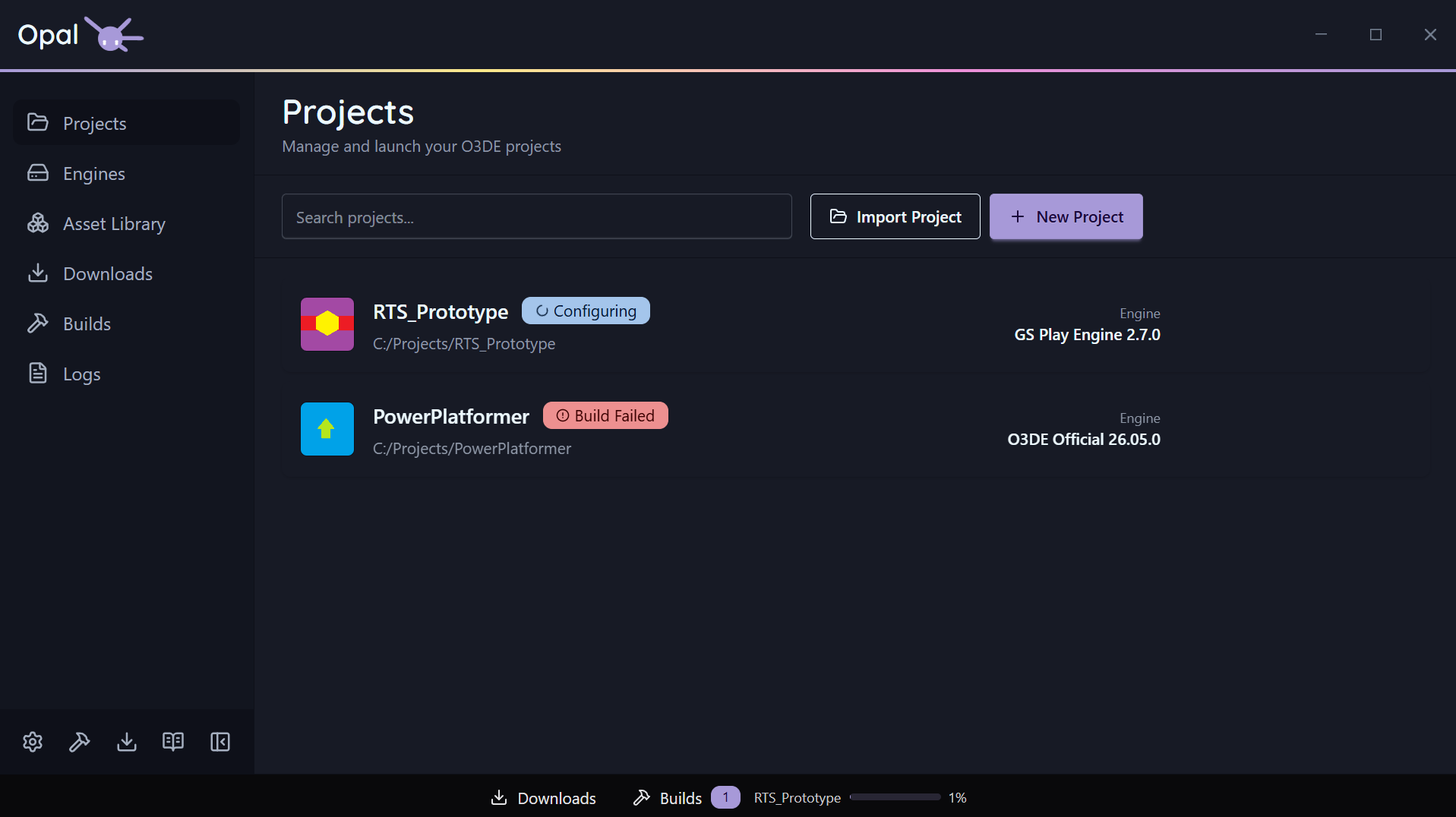
The status bar runs along the bottom of the OPAL window. It’s driven by a widget registry, so it shows compact, live indicators for background work without you needing to open a full page.
Widgets
Out of the box the status bar carries Downloads and Builds widgets. A widget can show an icon, label, count, and a progress bar, and can be aligned to the left, centre, or right of the bar. The default queue widgets are centre-aligned.
Drawers
Click a queue widget to open a drawer that slides up from the bottom, showing the live queue for that widget without leaving the page you’re on. From the drawer, a button jumps to the full Downloads or Builds page when you want the complete view and controls.