The Downloads queue handles engine installers, gems, and other assets. Each item shows its progress; a backend download manager does the actual work, so pausing, resuming, and resuming-after-a-crash all behave properly rather than silently restarting.
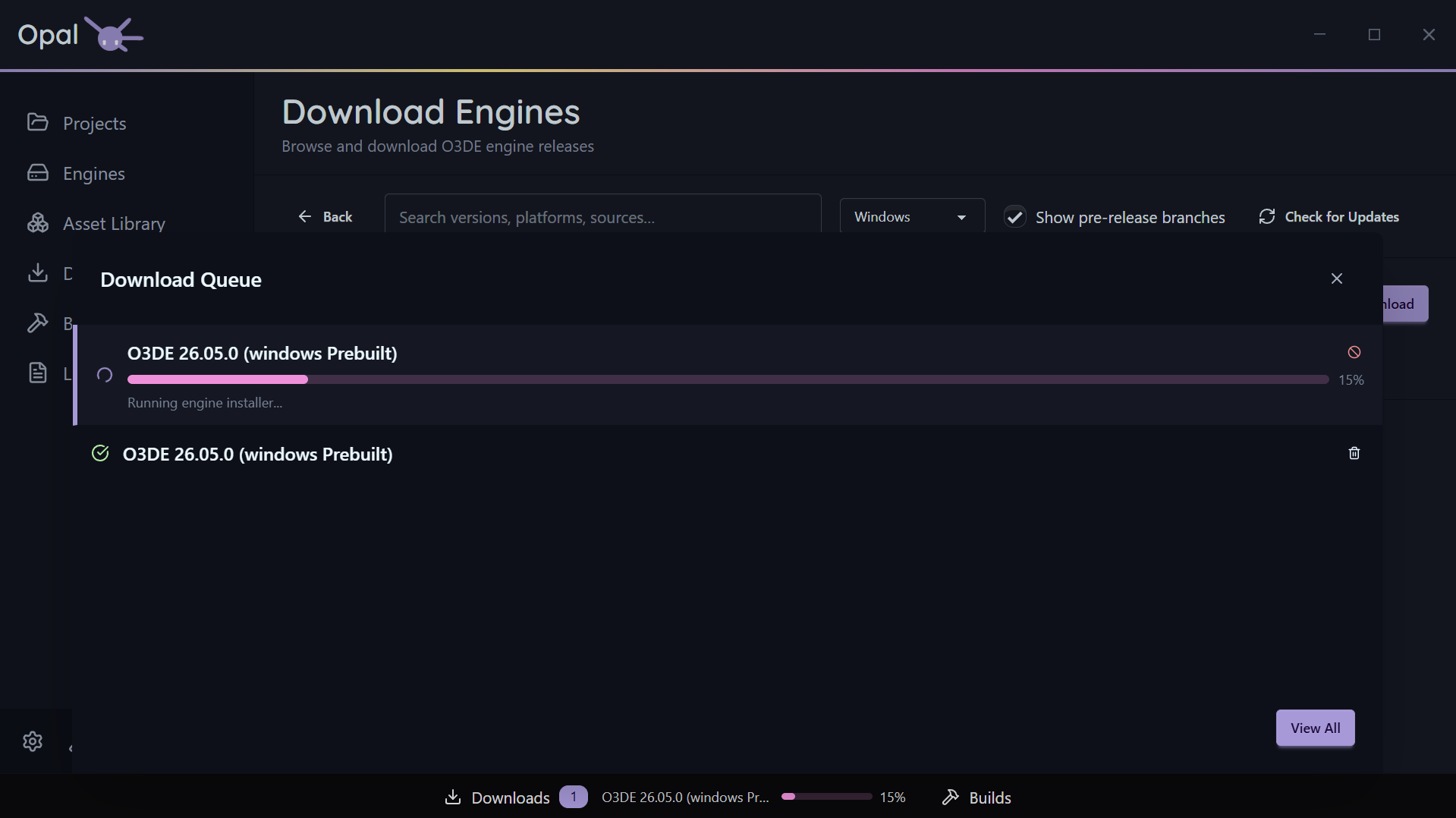
Per-item controls
- Pause / Resume an individual download.
- Cancel a download.
- Move to Top or drag to reorder the queue. OPAL is careful here: if a non-pausable active item is dragged down it snaps back, and if “move to top” has no pausable item to demote, OPAL tells you rather than doing nothing.
- Cancel & Requeue — offered for a non-pausable download that’s still running past a scheduled window’s close.
Whole-queue controls
- Pause All / Resume All toggles the entire download queue.
- Clear Completed clears finished items from the list.
Concurrency
Set how much runs at once in Settings:
- Max concurrent downloads — how many downloads run simultaneously (default 3; 0 = unlimited).
- Max connections per download — parallel connections for a single download (default 3, up to 16).
Speed limits
Enable a global download throttle and set the limit with a unit (Mb/s or Kb/s). Off by default — turn it on when OPAL is competing with a call or a metered connection.
Scheduled windows
Restrict downloads to a time window (for example 22:00–07:00). When the window closes, OPAL pauses the queue; when it opens, OPAL resumes automatically. Windows that cross midnight are handled correctly. Configure the window in Settings.
Credentials
If a download needs git authentication (for a gem source clone or LFS fetch), a secure credential prompt handles it. See Repositories & sources.