This page reproduces that document as a browsable reference, and is the Brand Guidelines referenced by section 7 of the End User Licence Agreement. If anything below and the PDF ever disagree, the PDF is authoritative — let us know so we can fix the page.
The short version
If you are reviewing, teaching, reporting on, or streaming OPAL, you already have permission — go ahead. You do not need our approval, and you may monetize it. The rules below matter when you deliberately use our logo or type treatment in your own promotional material.
Using the OPAL name
- Refer to the product as OPAL or OPAL Launcher.
- Do not use OPAL, or anything confusingly similar, as the name of your own product, service, app, or company.
- Do not incorporate OPAL into your own logo, wordmark, domain name, or social handle in a way that suggests it is ours or that we back it.
Accurate, factual references are always fine — “built with OPAL”, “OPAL tutorial”, “a review of OPAL”.
The brand, in one line
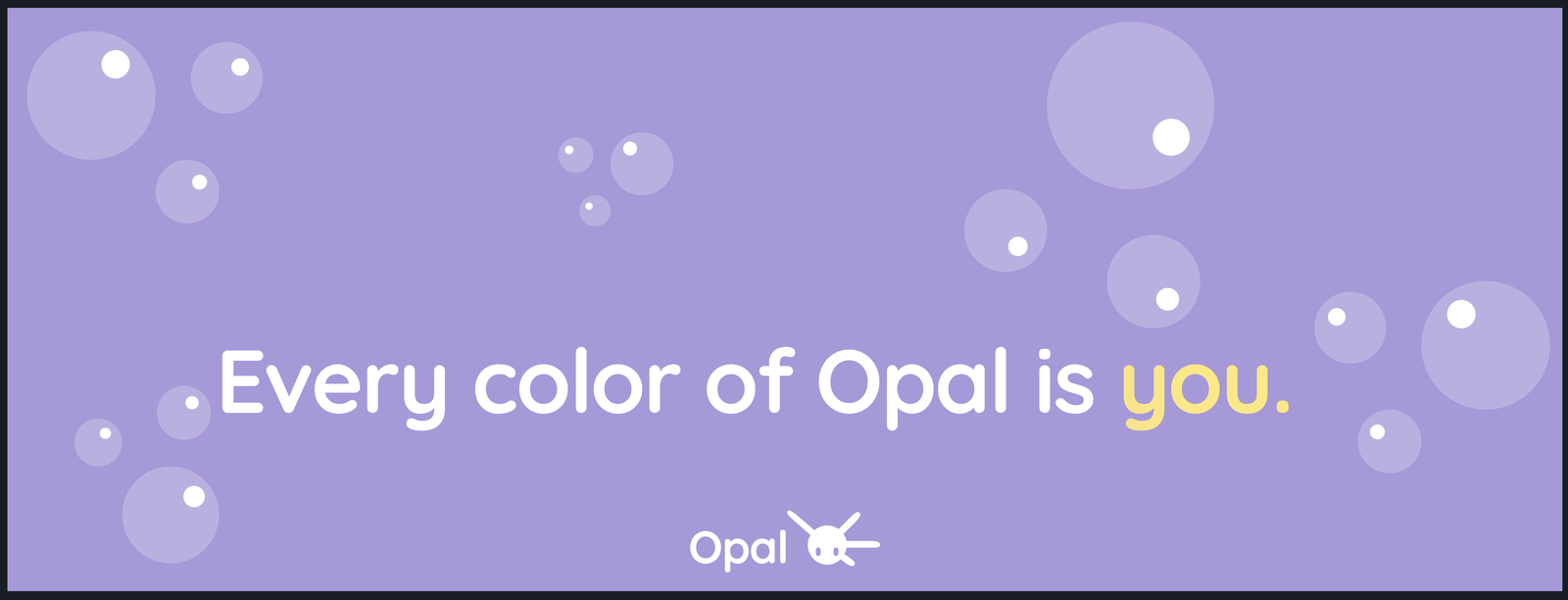
Every colour of OPAL is you.
The underlying meaning and core to the brand is:
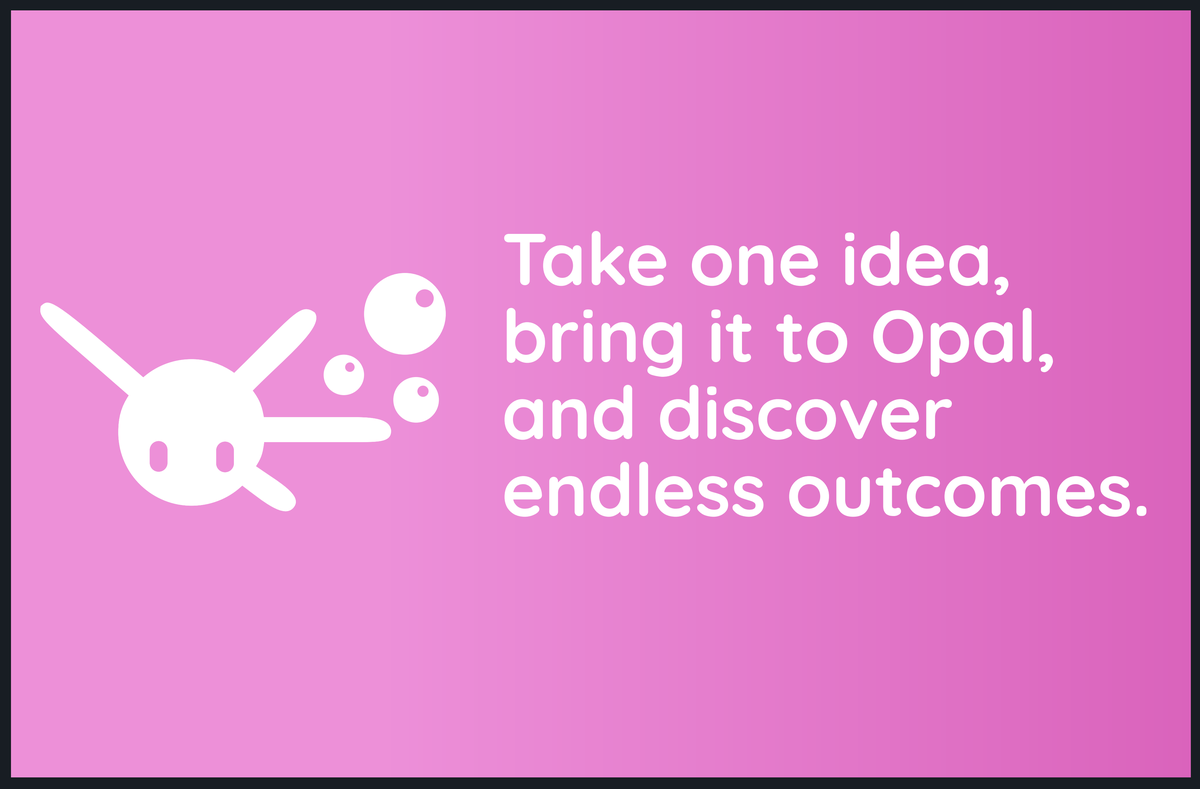
Opal is what you make of it. Start with an idea, bring it to Opal, and discover endless outcomes.
With opal stones, one light source splits into multiple, beautiful colours. Opal’s message is similar: one software, multiple projects; one application, countless assets and tools.
Additional Taglines
The brilliance is yours; OPAL makes sure it shines.
The one that’s with you from first engine to finished game.
Approved logo forms
The OPAL logo may be used in exactly three approved forms:
| Form | Use it when |
|---|---|
| Logo alone | The mark on its own, where OPAL is already named nearby |
| Logo and type pairing | The default lockup — mark plus wordmark, in the supplied proportions |
| Type alone | The standalone OPAL type treatment, where the mark would be too small to read |
Use the supplied artwork as-is. Do not rebuild, retrace, or approximate it.
The mark itself

The logo — nicknamed Pal — is a companion that visually embodies the values and intentions behind OPAL. It’s a reference to opal stones’ play-of-colour: when light hits an opal’s surface, it diffracts and splits into multiple pure spectral colours, because the stone’s body is made of silica spheres. One light source, many colours out — the same relationship OPAL has with what you build in it.
Logomark and wordmark
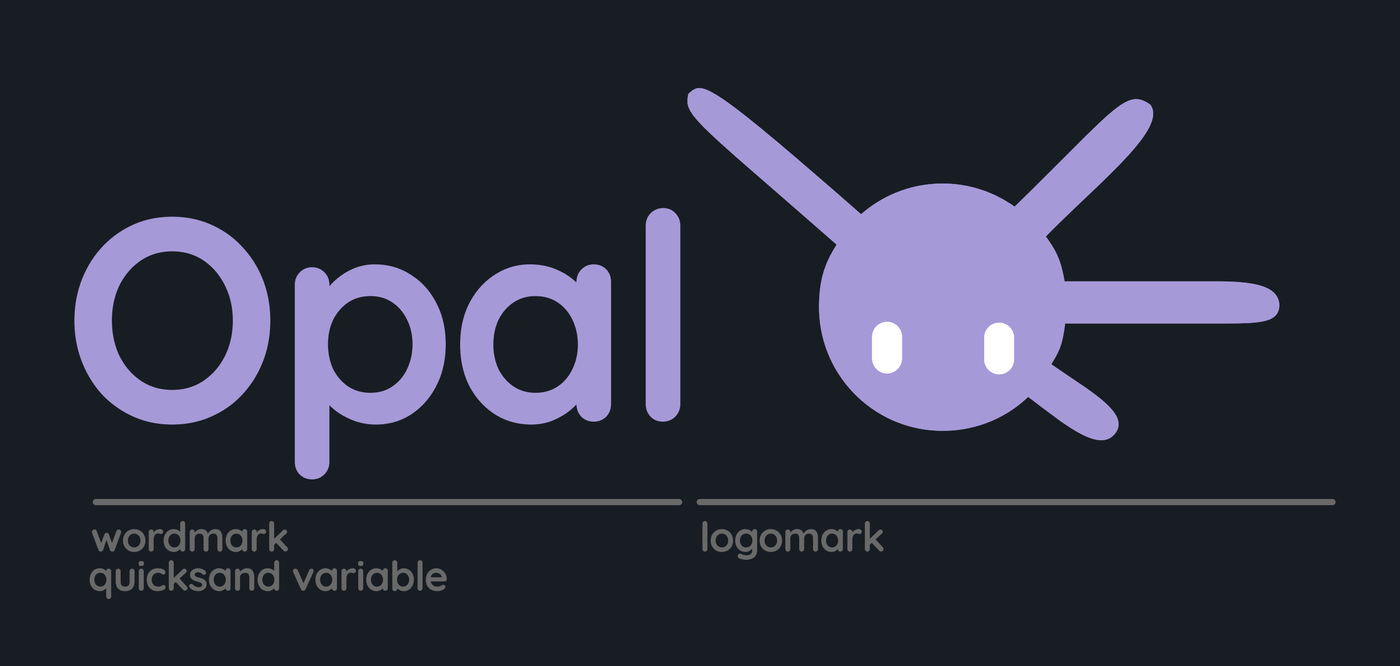
Correct application of the OPAL logo is required to retain brand integrity — colours, proportions, and position must be maintained. When the wordmark and logomark appear together, the wordmark always sits on the left-hand side of the logomark, in the supplied proportions, to keep the pairing balanced.
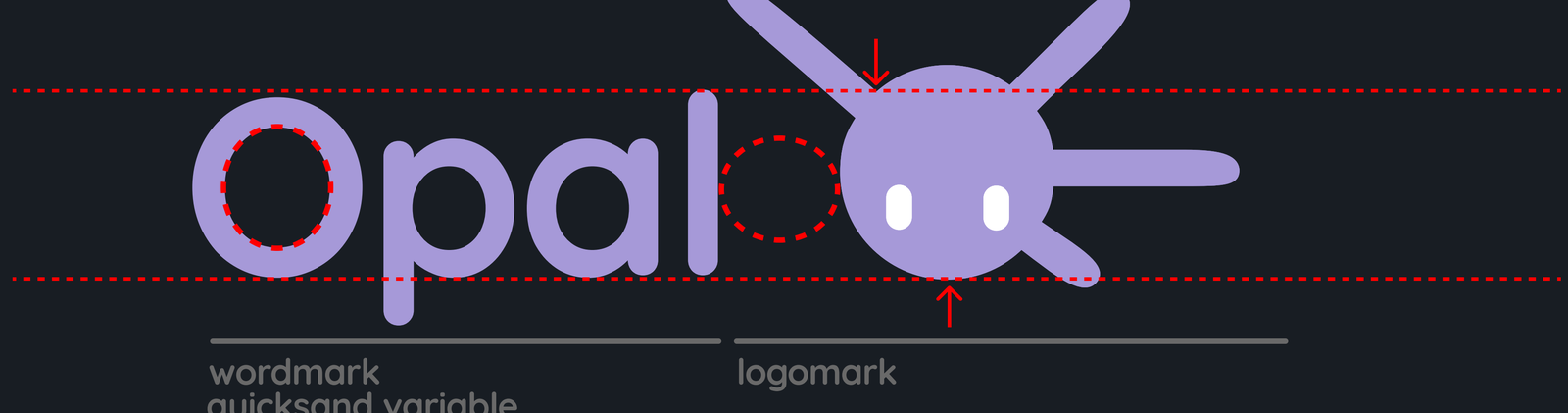
Alignment. The wordmark’s height lines up with the marks above — its baseline matches the bottom of Pal’s circular body, and its cap height matches the highest point where Pal’s body meets its leftmost ray.
Spacing. To get the gap between wordmark and logomark right, take the inside strokeline of the O in “Opal” and rotate it 90 degrees. That’s the breathing space to leave between the two elements.
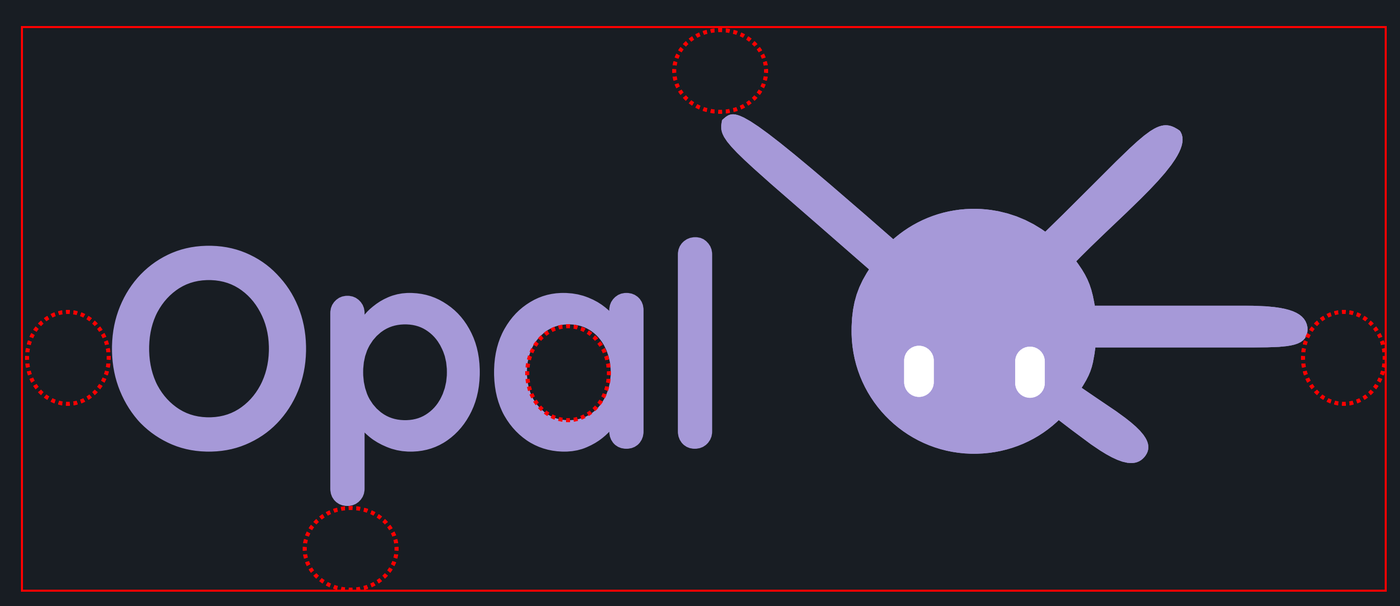
Clear space. The logo must always be surrounded by clear space based on the inside strokeline of the a in “Opal”. For the top and bottom margins, rotate that same strokeline 90 degrees.

Minimum size. To protect legibility, don’t run the logomark smaller than 16px in height for web or digital use.
Bubbles variant
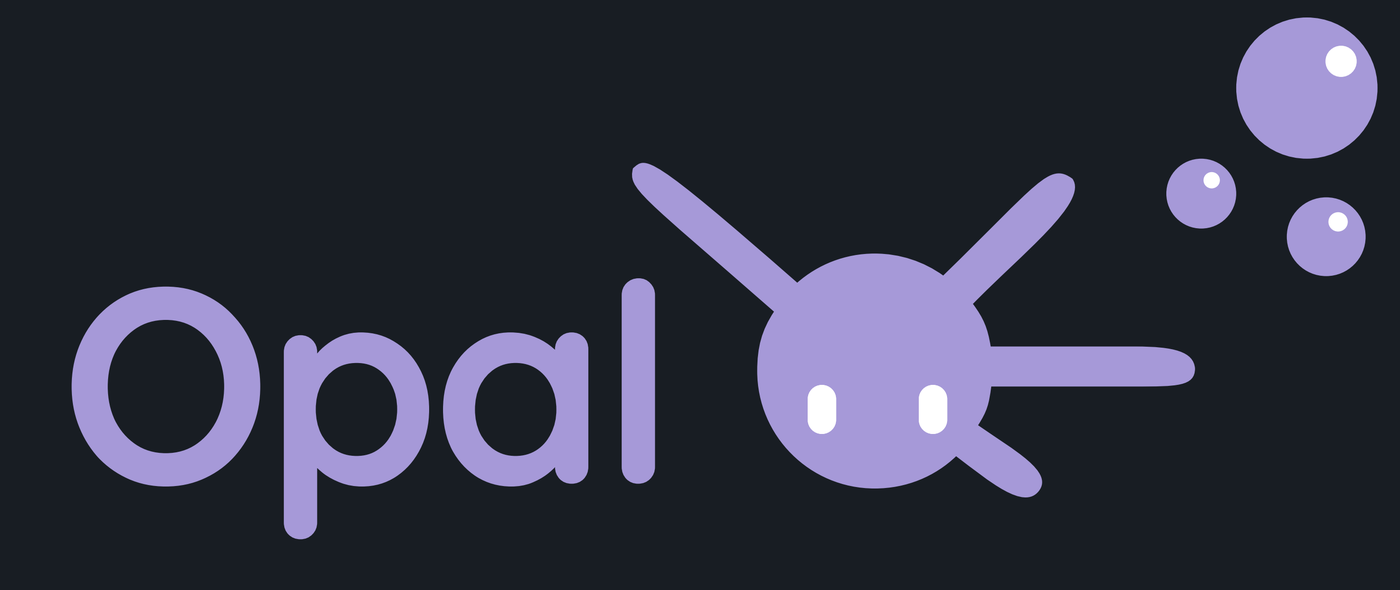
A bubbles variant exists for occasions where a bigger footprint is called for, or where the default lockup leaves awkward empty space. Because the mark’s rays give it a wide, uneven silhouette, the bubbles are there to fill that space back in for better balance — not as a decoration to add at will.
Colour and orientation options
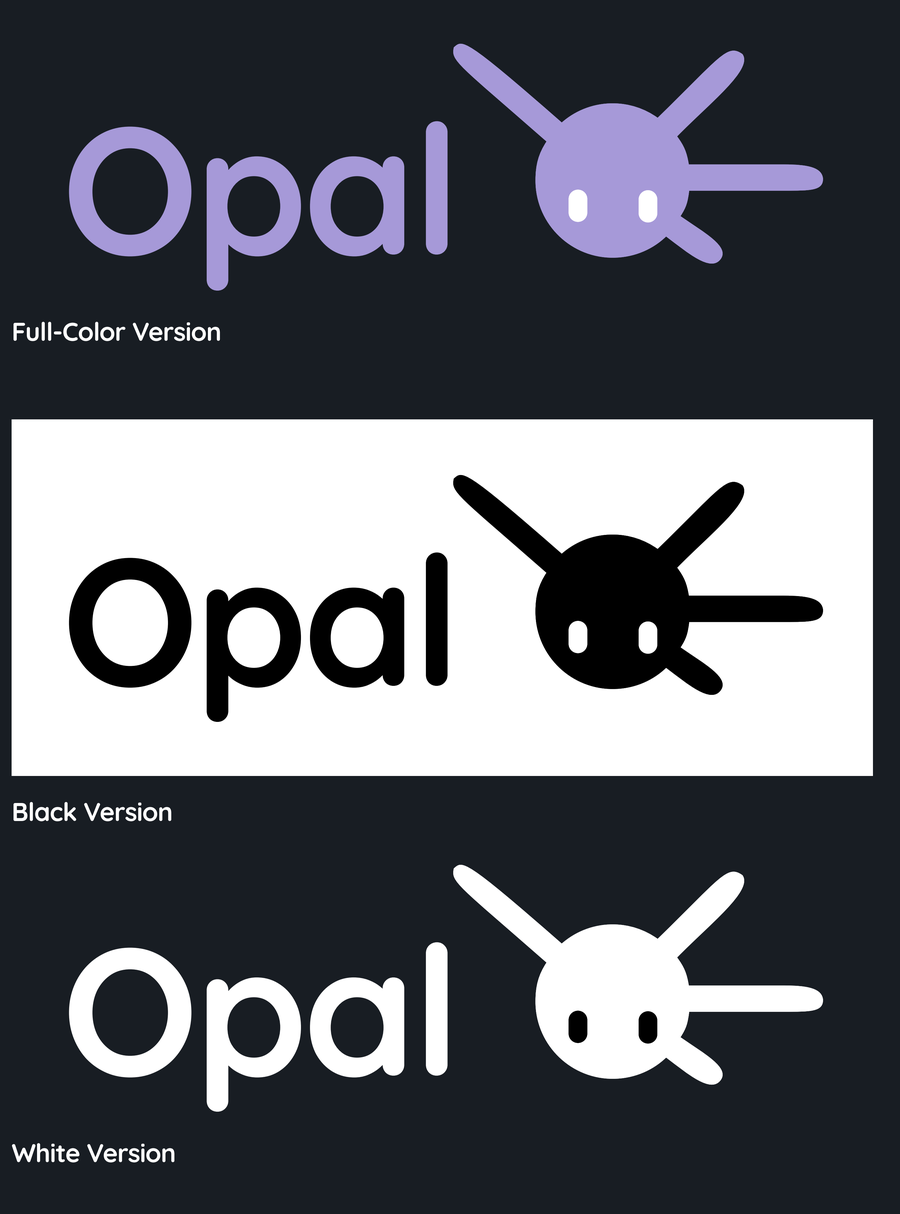
Every lockup — with or without bubbles — is available in full-colour, solid black, and solid white. Pick whichever keeps the mark legible against its background; the bubbles variant and the vertical lockup below both follow the same three-way split.
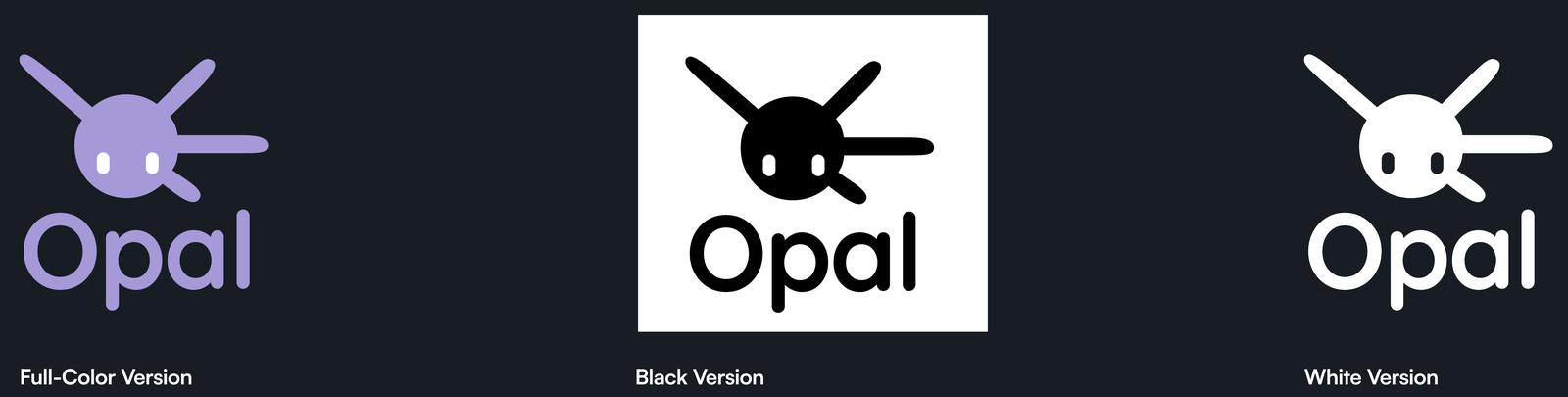
A vertical lockup — logomark stacked above the wordmark — is also approved, for square or narrow formats such as social avatars where the horizontal lockup won’t fit.
Colour variations
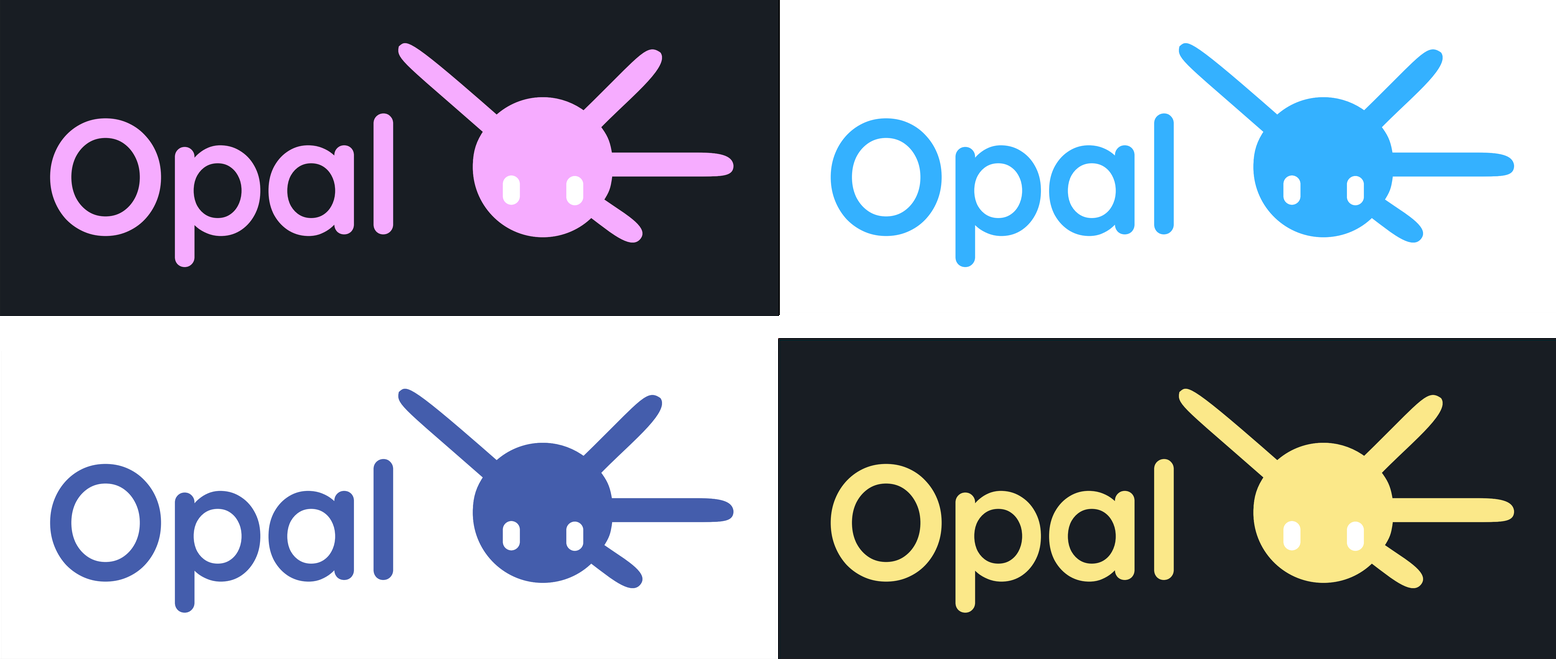
On occasions where the default violet isn’t being used, the logo may exist in these four colours instead, each paired with the background shown. These are the only secondary colours the logo is permitted to take — see Colour palette below for the values.
What you may not do with brand assets
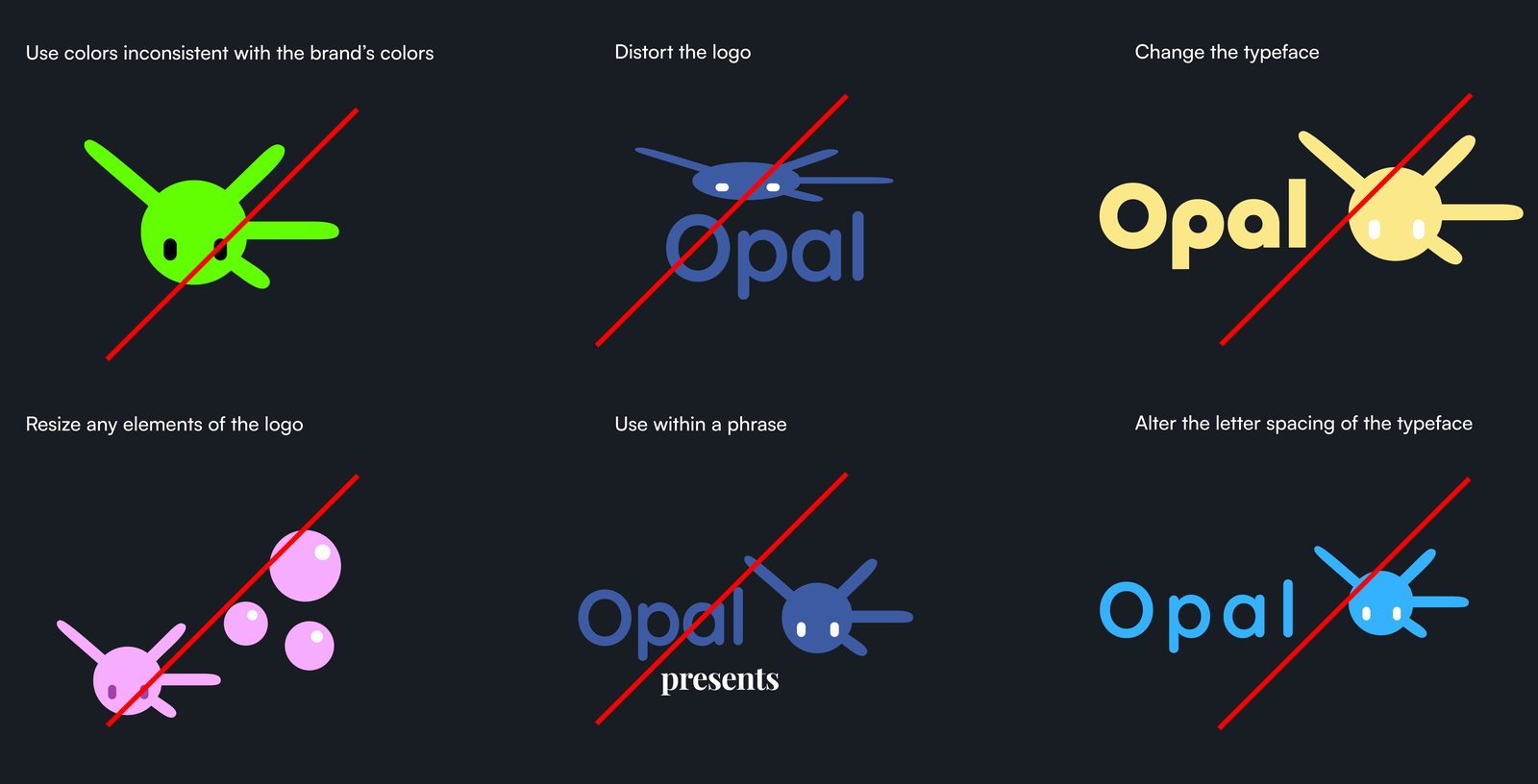
Per section 7(c) of the EULA, OPAL Brand Assets may not be:
- modified, distorted, stretched, rotated, or otherwise altered;
- recoloured outside the palette above, including tinting, gradients, or duotone treatments;
- animated, or given effects such as shadows, glows, or bevels;
- combined or locked up with another logo to form a new mark;
- set within a sentence, or have the wordmark’s letter spacing altered;
- used as the primary source identifier for your own product or service, without our written approval.
You also may not remove or obscure copyright, trademark, or attribution notices, and you may not state or imply that Genome Studios sponsors, endorses, certifies, or is affiliated with you or your work unless we’ve agreed to it in writing.
Colour palette
The violet used throughout the logo and bubbles is OPAL’s core colour, its default across every surface. Four colours make up the primary palette, each with a darker “high contrast” partner for use against light or busy backgrounds — and every one of the four is identical whether the surface around it is dark or light. What changes with theme is the contrast partner, not the brand colour itself.
Primary palette
| Colour | Hex | RGB | CMYK | |
|---|---|---|---|---|
| Violet | #A799D8 | 167, 153, 216 | 23, 29, 0, 15 | |
| Yellow | #FCE989 | 252, 233, 137 | 0, 8, 46, 1 | |
| Pink | #ED90D9 | 237, 144, 217 | 0, 39, 8, 7 | |
| Navy | #455DAC | 69, 93, 172 | 60, 46, 0, 33 |
Dark high-contrast palette
Used against light or busy backgrounds, and as the gradient’s far stop (see Gradients below). Gives the brand flexibility while keeping readability and visual consistency.
| Colour | Hex | RGB | CMYK | |
|---|---|---|---|---|
| D Violet | #7B6CBA | 123, 108, 186 | 34, 42, 0, 27 | |
| D Yellow | #F7D35C | 247, 211, 92 | 0, 15, 63, 3 | |
| D Pink | #DA63BC | 218, 99, 188 | 0, 15, 63, 3 | |
| D Navy | #273881 | 39, 56, 129 | 70, 57, 0, 49 |
Software styling legend
The neutral scale and status colours OPAL’s own interface is built from — five depths per background tint, for dark-mode software surfaces.
Purple background palette — High #8C92A9 · Mid #171A25 · Back #12151F · D Back #0E1019 · Footer #09090B
| Alert | Hex | D Alert | Hex | ||
|---|---|---|---|---|---|
| Blue | #A4C5EB | D Blue | #78A2D6 | ||
| Green | #B1EBA4 | D Green | #89D678 | ||
| Orange | #FCC289 | D Orange | #F79D5C | ||
| Red | #ED9090 | D Red | #DA6363 |
Gradients
Gradients appear frequently in OPAL’s own interface — most often as the fill on primary and secondary buttons. Each pairing below runs its base tone into its high-contrast partner.
| Gradient | 0% | 100% |
|---|---|---|
Violet #A799D8 | D Violet #7B6CBA | |
Pink #ED90D9 | D Pink #DA63BC | |
Yellow #FCE989 | D Yellow #F7D35C | |
Navy #455DAC | D Navy #273881 | |
Blue #A4C5EB | D Blue #78A2D6 | |
Green #B1EBA4 | D Green #89D678 | |
Orange #FCC289 | D Orange #F79D5C | |
Red #ED9090 | D Red #DA6363 |
Light-surface variants
The guidelines deck publishes a second, light-background version of every palette above. The four primaries (violet, yellow, pink, navy) don’t change — what changes is the high-contrast partner and the direction of the gradient, which now runs from the light tone into the base tone rather than base into dark.
Light high-contrast palette
| Colour | Hex | RGB | CMYK | |
|---|---|---|---|---|
| L Violet | #C1BAE3 | 193, 186, 227 | 15, 18, 0, 11 | |
| L Yellow | #FFEDB3 | 255, 237, 179 | 0, 7, 30, 0 | |
| L Pink | #F0B5E1 | 240, 181, 225 | 0, 25, 6, 6 | |
| L Navy | #9BA3C8 | 155, 163, 200 | 23, 19, 0, 22 |
Light software styling legend — Purple background: High #EEECF4 · Mid #E8E5F0 · Back #DDD8E9 · D Back #D5CFE6 · Footer #8C859C.
Light alert palette — Blue #A4C5EB · Green #B1EBA4 · Orange #FCC289 · Red #ED9090, contrasted against L Blue #BFD5EF, L Green #C8EFBF, L Orange #FFD2B1, L Red #F1B5B5.
Light gradients — the same eight pairings as above, reversed: L Violet #C1BAE3 → Violet #A799D8; L Pink #F0B5E1 → Pink #ED90D9; L Yellow #FFEDB3 → Yellow #FCE989; L Navy #9BA3C8 → Navy #455DAC; L Blue #BFD5EF → Blue #A4C5EB; L Green #C8EFBF → Green #B1EBA4; L Orange #FFD2B1 → Orange #FCC289; L Red #F1B5B5 → Red #ED9090.
Do not recolour the logo into any of the software-styling or alert colours above — those are interface tones, not logo colours. The logo is restricted to the primary palette and the colour variations shown earlier.
Typography
Primary — Quicksand Variable. An elegant, smooth, edgeless typeface that pairs with the OPAL logo and its overall visual language. Reserved for the wordmark and all headlines. Source
Every colour of OPAL is you.
Secondary — Arial. Used for body copy, labels, paragraphs, and UI/interface text such as navigation and button text. It complements the primary typeface while keeping long-form text readable across digital applications.
Lorem ipsum dolor sit amet, consectetur adipiscing elit, sed do eiusmod tempor incididunt ut labore et dolore magna aliqua.
| Role | Typeface | Use |
|---|---|---|
| Primary headline | Quicksand Variable, Bold | The wordmark, and every bold, attention-grabbing headline |
| Secondary headline | Quicksand Variable, Medium | Smaller headlines |
| Body / paragraphs / UI text | Arial, Regular | Body copy, labels, paragraphs, button text |
Headline line height. Short copy set in Quicksand Bold should run 105-110% line height. Longer copy set in Quicksand Medium should run a slightly looser 110-115%. Tighter than that starts to feel cramped.
Composition. Two rules the deck calls out specifically:
- When text is the primary content of a visual, keep it centre-aligned.
- Give the logo and any accompanying text proper breathing room — don’t crowd the mark against copy.
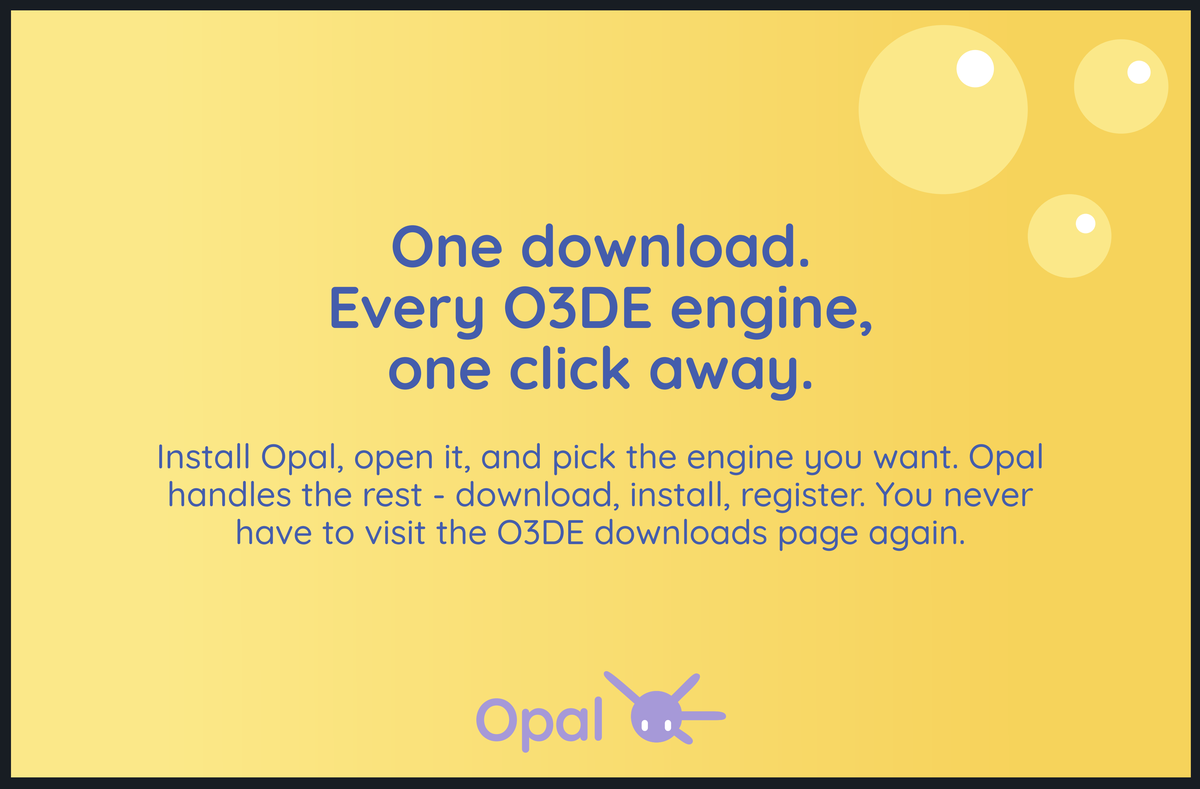
Brand use examples
A few applications from the guidelines deck, shown as reference for tone and layout rather than as templates to copy directly.
Screenshots, video, and streams
You may capture, publish, and monetize screenshots and recordings of OPAL’s interface. No approval needed, and no special treatment required — screenshots of the software as it actually looks are not restricted by the logo rules above.
Two asks, both practical rather than legal: show a current version where you can, and if you’re demonstrating something that has since changed, say which version you captured.
OPAL and O3DE are different things
OPAL is an independent, third-party launcher for O3DE. It is not an official O3DE product, and it is not affiliated with, sponsored by, or endorsed by the Open 3D Foundation, the Linux Foundation, or the O3DE project. Please don’t describe it as official, bundled, or endorsed.
Open 3D Engine, O3DE, and related names and logos are trademarks of their respective owners, and nothing here grants any right to use them.
Requesting assets or approval
For raw logo files in a format not shown here, a co-branding or partnership arrangement, or written approval for a use the rules above don’t cover — get in touch.
Related
- End User Licence Agreement — section 7 governs media and branding
- Press — fact sheet and boilerplate
- Licence Notice — the plain-language summary